
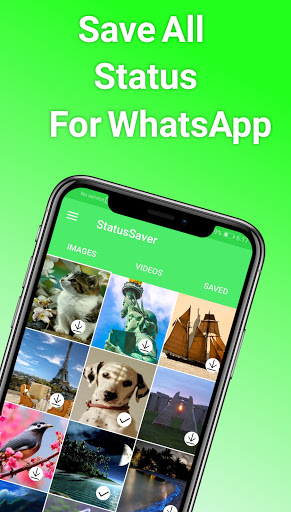
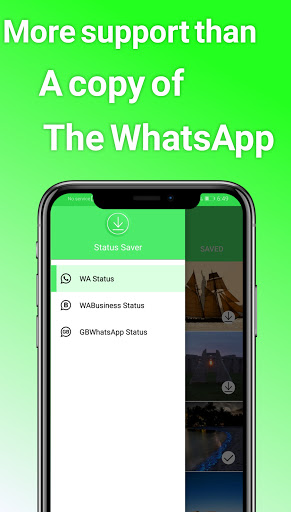
WhatsApp için Durum Tasarrufu
Nasıl Kullanılır? Aşağıdaki adımları takip etmek çok kolaydır
1. WhatsApp
2. Durum bölümüne gidin.Durum
4. Uygulamayı açın
5. İndirme simgesine tıklayın
1.Karanlık Durum
2.Sadece kullanımı kolaydır.Basit ve kolay bir arayüz.
4.S * 'dan * WhatsApp
* WhatsApp için WhatsApp
* WhatsApp GB
5.AUTO SAVUNMA DURUMU (Deneysel)
Sürüm: 2.2.1
- The application face has changed
- Application performance has been improved better
- Add an option to "change the language" from within the application
The dark theme was added and improved
- Change the shape of the settings page




9Apps 4.9