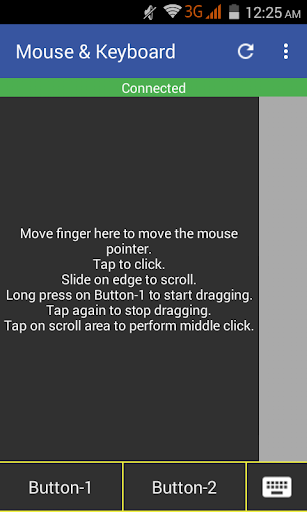
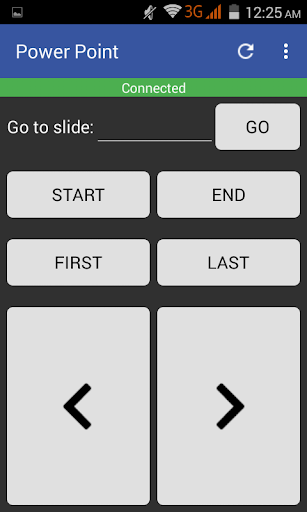
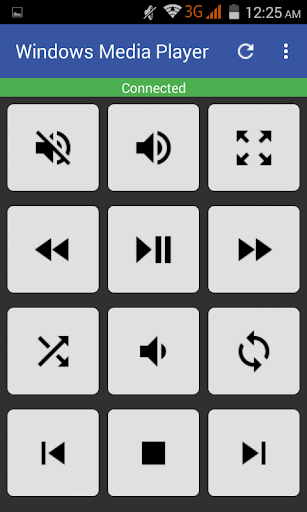
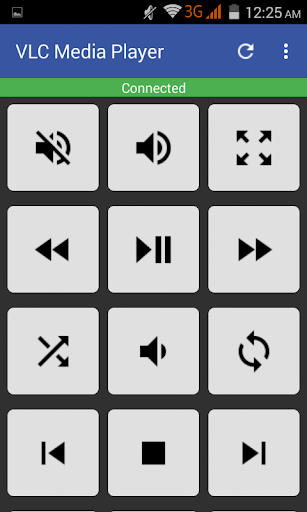
A simple app for controlling your computer applications with your smartphone. Use it to give great PowerPoint presentations or control your media player without getting off your chair! No Wi-Fi? No problem! It also works on Wi-Fi hotspot!
Server Application for Windows (Requires java runtime environment 1.6 or later):
https://drive.google.com/open?id=0B4bqpcPcfBafQjZXUkhpWHBNQ0U
Barcode Scanner app by zxing is required to use the barcode scanning feature.
The app can be downloaded from the link provided below:
https://play.google.com/store/apps/details?id=com.google.zxing.client.android
Key Features:
- Easy setup
- Intuitive User Interface
- Works over Wi-Fi
- Works over Wi-Fi hotspot
Available Remotes:
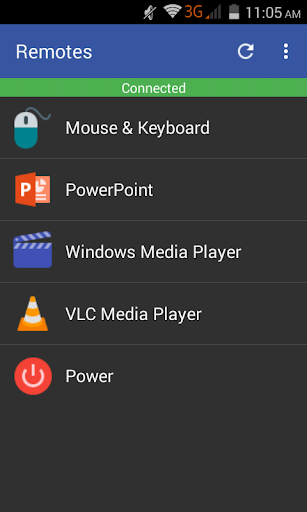
- Mouse and Keyboard
- PowerPoint
- Windows Media Player
- VLC media player
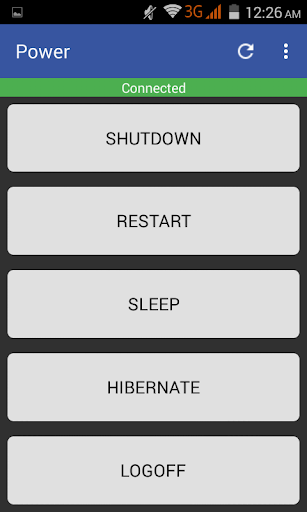
- Power
How to use:
- Download and install the server in your computer.
- Install app on your smartphone.
- Make sure your phone and computer are connected to same network.
- Open the server and start it by clicking on the play button.
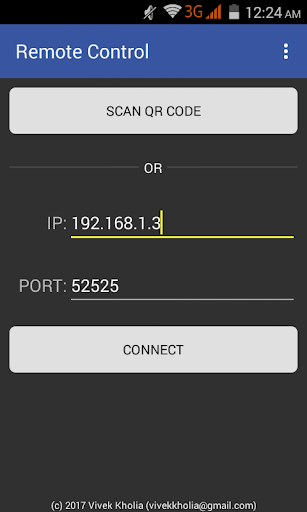
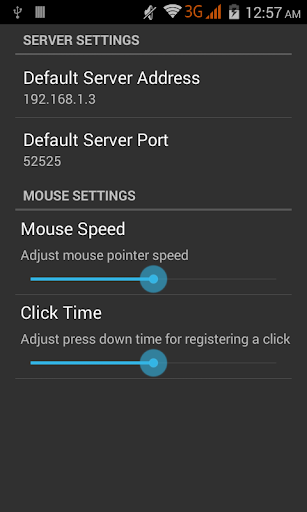
- Open the app and scan the barcode on the server or manually enter the server address and tap the connect button in the app.
- On successful connection the status bar on the app will turn green.
- Use the remotes to control your PC!
- In case you lose connection while operating there is a refresh button on the top right corner on the app screen. Tapping it will retry to connect the server on the same address.
Permissions:
- full network access
- view network connections
- view Wi-Fi connections
Fixed minor bugs.
Added link to download the server software from app.
Added help section.


9Apps 4.9