sentry parental control on 9Apps
Free download latest sentry parental control for Android here and enjoy it with your phone. Below you can download a list of top and latest apps related to sentry parental control . 9APPS is a fast, safe app store. With 9APPS, you can save a lot of time on searching and downloading apps.
#1 Sentry Parental Control
Rating:
 3.9
|
Version: 2.6.5.usab
|
Size: 3.4MB
3.9
|
Version: 2.6.5.usab
|
Size: 3.4MB
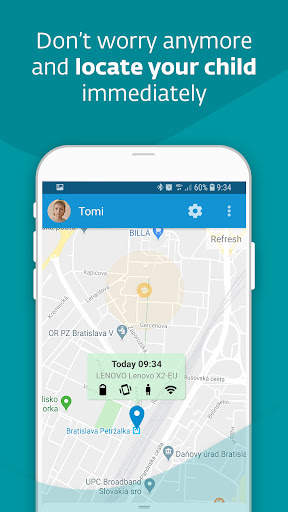
This is the best Parental Control app for parents and children using Android devices!
Sentry has developed a number of proprietary automated tools to help parents protect their children from the dangers of unsupervised usage of smartphones by monitoring the content and your child’s activities.
Sentry’s sophisticated algorithms enable continuous monitoring over your child’s mobile. The content that Sentry analysis comes from various sources such as your child's Facebook Messenger, Whatsapp, Snapchat, Instagram, Twitter and others. Parents are notified only when suspicious content or behavior is detected, thus keeping child’s privacy and maintaining a healthy parent/child relationship.
Our parental monitoring solution is firstly installed on the parent’s device, which is then followed by instructions on then how to install Sentry on your child’s device. It is your responsibility as a parent to tell your child about the installation of the app on his device.
Parent will be notified of the following events:
- Suspicious images received or taken by the child’s device
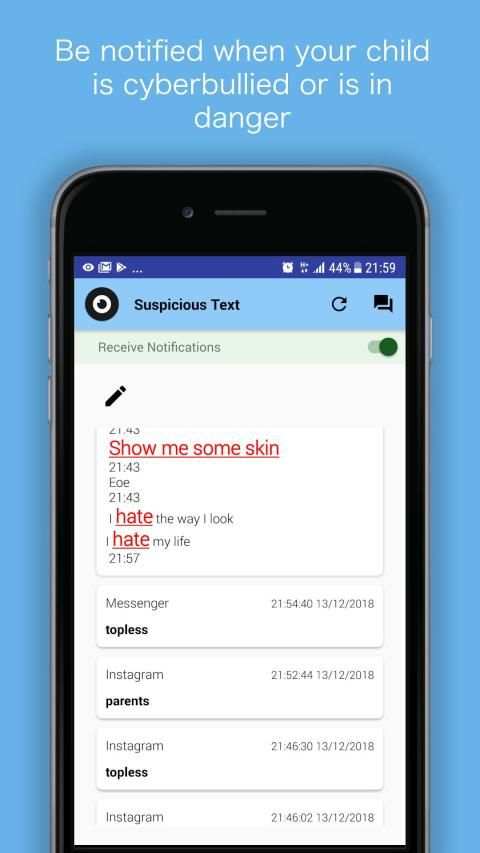
- Inappropriate and malicious text (cyberbullying and suicide warnings)
- Child’s location
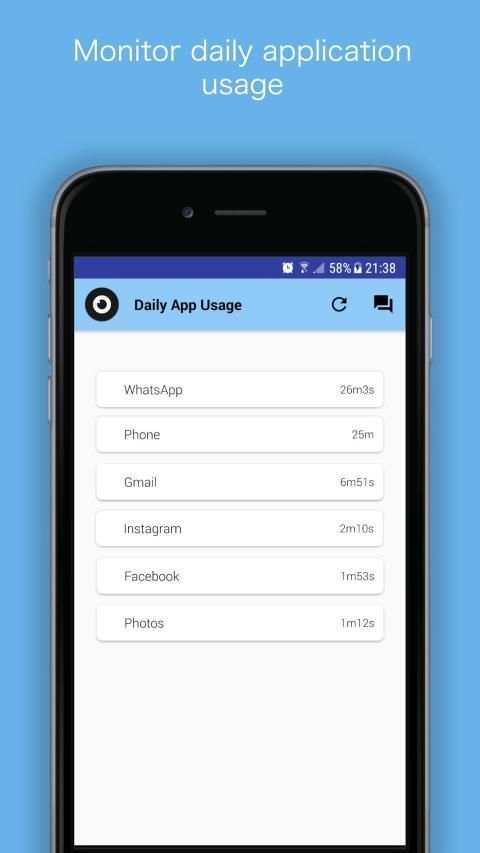
- Apps usage
- Battery status
- Child’s device volume (Silent/Vibrate/Normal)
- You can turn on the child’s device volume remotely, in order to reach him
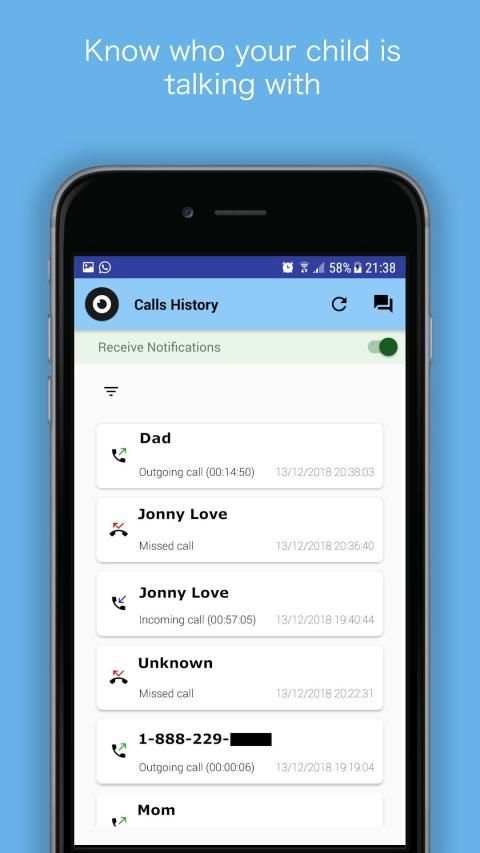
- Calls history
- Browsing history
We appreciate your feedback and would love to hear from you on how the experience was… And don’t forget to share with other friends and families.
coffee icon:
Icons made by
Freepik
from
www.flaticon.com
is licensed by
CC 3.0 BY
sleepy boy:
Icons made by
Smashicons
from
www.flaticon.com
is licensed by
CC 3.0 BY
happy:
Icons made by
Vectors Market
from
www.flaticon.com
is licensed by
CC 3.0 BY
...
👉 For More Detail of Sentry Parental Control
#2 Parental Control
Rating:
4.5
|
Version: 1.0.0
|
Size: 17.5MB
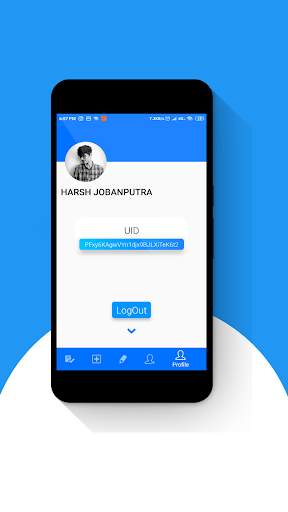
Parental Control is all about assigning tasks by mentor to their follower.
The app has a very beautiful and interactive User Interface which users will enjoy to use. The app has got some awesome animations in their components.
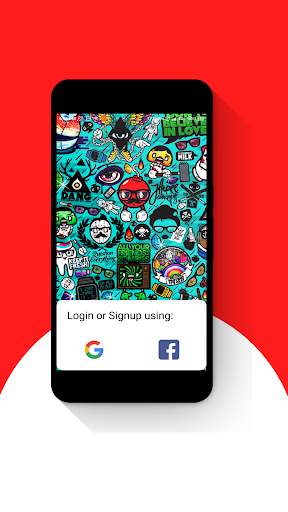
Users can Login or Signup into their account by using their Google or Facebook account.(Google recommended!)
You can use this app in 3 different ways!
1) For Teachers and
Students: Teachers can assign their tasks such as homework or any assignment so that their students can follow them in their flow.
2) Between Friends: A person can remind their friend so that they don't forget any task.
3) Parent and their Child: The parents can assign their work or can give them notes about anything.
I hope you love the app.
About me:
Facebook: https://www.facebook.com/harsh.jobanputra.2201
Instagram: https://www.instagram.com/itz_hj/
Linkedin: https://www.linkedin.com/in/harsh-jobanputra-0b1020179
Github: https://github.com/harsh2201
More about me on: http://www.harshjobanputra.ml
...
👉 For More Detail of Parental Control
#3 ESET Parental Control
Rating:
3.8
|
Version: 5.2.1.0
|
Size: 17.8MB
We know how hard it is to set boundaries for your kids on the internet. Our goal is to give you the confidence that they are protected while using smartphones and tablets.
1. Given the opportunity, most kids would be glued to their phones at every waking hour. With App Guard, you can set up the daily limit for gaming and limit playtime at night or during school hours. It automatically controls apps and games and allows kids to use only the age-appropriate ones.
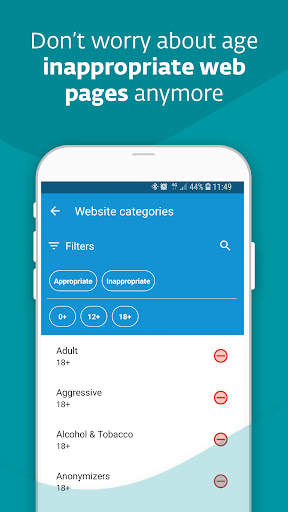
2. When kids are online, they can come across web pages with fake news or violent or adult content. Web Guard ensures your kids’ internet safety by keeping them away from inappropriate pages.
3. If your child didn’t come from school yet and doesn’t pick up the phone, Child Locator locates your child’s phone’s current location. Additionally, Geofencing allows you to get the notification if your child enters or steps out of the default area on the map.
4. Do you worry about your child’s phone’s battery dying and not being able to contact them? Set up Battery Protector that will limit playing games if the battery level drops below the default level.
5. Does your child have a crucial task to finish, and you are afraid they will play on their phone instead? Use Instant Block for a temporary ban on games and entertainment. If your child has some free time, you can also temporarily suspend the time limit rule through Vacation Mode.
6. Are the rules too strict? Has a newly installed app been blocked? Children can ask for an exception, and parents can instantly approve or deny requests.
7. Do you want to change the rules settings? Sign in to my.eset.com on a PC or mobile phone and change them remotely. If you, as a parent, also use an android smartphone, install our app on your phone in parent mode, and you will receive instant notifications.
8. Can’t reach your kid via phone? Check the Devices section to see if they have turned off the sound or are offline.
9. Do you have kids who have more smartphones or tablets? One license can cover multiple devices, so your whole family is protected.
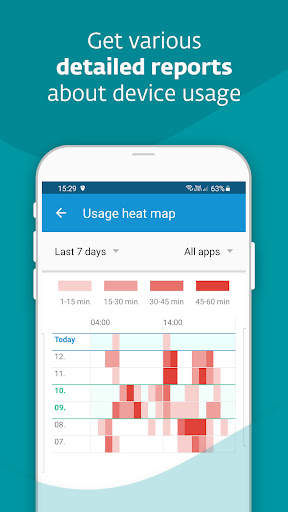
10. Do you want to know your kid’s interests and how long they have spent using their phone? Reports will give you the detailed information.
11. Language barrier? Don’t worry, our app communicates with kids in 30 languages.
PERMISSIONS
This app uses the Device Administrator permission. We can ensure that:
- Your children cannot uninstall ESET Parental Control without your knowledge.
This app uses Accessibility services. ESET will be able to:
- Anonymously protect your children against inappropriate online content.
- Measure the amount of time your children spend playing games or using apps.
Find more information about permissions requested by ESET Parental Control here: https://support.eset.com/kb5555
WHY IS THE APP RATING LOW?
Please note that children can rate our app too, and not all of them are happy that it can filter content that might be intriguing for them but is wholly inappropriate.
HOW TO CONTACT US
If you are experiencing any issues with our app, have an idea for how it could be improved, or want to compliment us, contact us at play@eset.com.
...
👉 For More Detail of ESET Parental Control
#4 TigerMom - Parental Control
Rating:
4.2
|
Version: 1.1.7
|
Size: 11.0MB
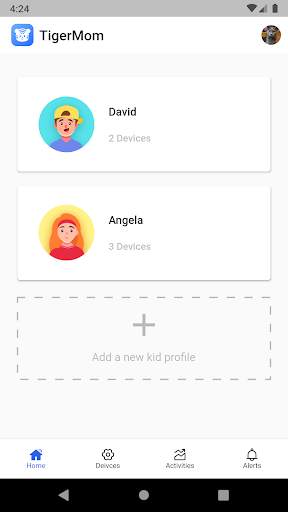
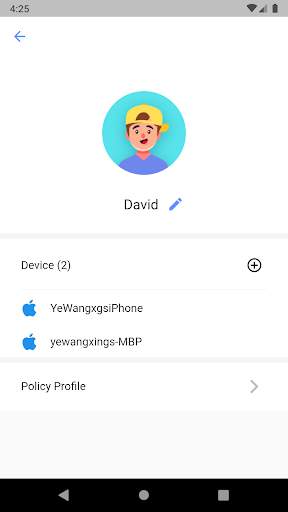
TigerMom is a parental control solution by providing safe internet browsing for families with children. It helps parents manage children's devices with content filtering, website restrictions and online screen time monitor.
TigerMom has the following features.
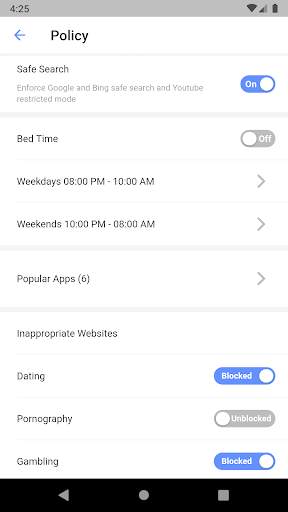
- Safer Online Search
Filter objectionable content from search results of common services such as Google, Bing, and Youtube.
- Block Websites
Shield children from exposure to pornography, gambling, drugs, crime and violence related content.
- Screen time monitoring and limits
a) Monitor usage of online games, video streaming, social media, shopping apps etc
b) Control access with time limits
- Easy Setup
Plug the TigerMom box into your wifi router and manage all your children's devices with just a few simple steps in this app.
If you have any questions, or want to provide feedback, please contact our Support Team:
olivia@tigermom.io
https://www.tigermom.io
...
👉 For More Detail of TigerMom - Parental Control
#5 Parental Control Browser
Rating:
3.8
|
Version: 2.6
|
Size: 3.3MB
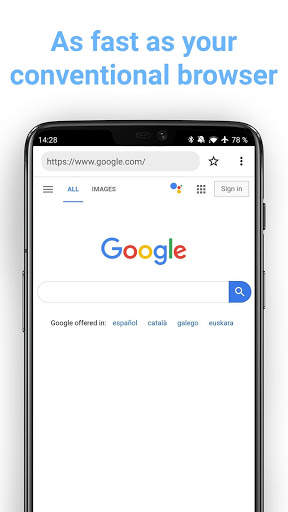
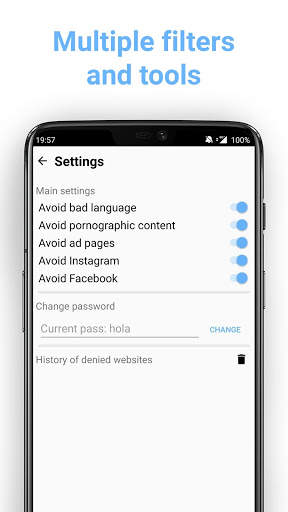
Keep your loved ones away from sensitive content while surfing the Internet. Turn ON multiple filters, set active hours and protect them from internet hazards.
Have total control over what your children are browsing online, prevention is better than cure.
Parental Control Browser crawls entire webs in order to encounter words that match up with the filters and doesn't allow the user to navigate that page.
...
👉 For More Detail of Parental Control Browser