likee.app on 9Apps
Free download latest likee.app for Android here and enjoy it with your phone. Below you can download a list of top and latest apps related to likee.app . 9APPS is a fast, safe app store. With 9APPS, you can save a lot of time on searching and downloading apps.
#1 LikeApp
Rating:
 4.7
|
Version: 0.61.0.0
|
Size: 6.1MB
4.7
|
Version: 0.61.0.0
|
Size: 6.1MB
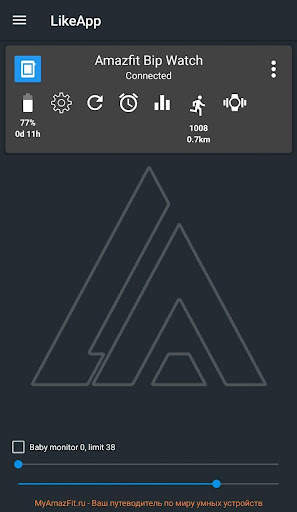
LikeApp is a clone of the GadgetBridge app with advanced features.
The application corresponds to the source: https://github.com/ulm-su/LikeApp.git
Installation procedure for elf-apps on Amazfit Bip watch:
1. Install the LikeApp + application on your phone, then LikeApp .
2. In the LikeApp application, connect to the watch.
3. In the LikeApp + application, configure the firmware: Zip firmware install settings -> Check the box Overpricing firmware versions (this is necessary so that the Zepp application does not updated the firmware)
4. In the application LikeApp + select the firmware: OTA watch update from likeapp.org -> Firmware 1.1.5.36 (BipOS 0.5.4) ... (firmware data with all elf-applications will be loaded) -> NEXT -> INSTALL (for each firmware component, except for dials. You can install dials, if you need them like it)
5. Using LikeApp +, you can delete unnecessary elf-applications before clicking on the NEXT button.
Attention!
The application has been tested only with Amazfit Bip watches, so the description of the application will be appropriate only for working with Amazfit Bip watches.
LikeApp is an extension of the GadgetBridge app with the following changes:
- improved procedure for connecting to the watch via Bluetooth;
- Added the ability to flash files from a ZIP archive *;
- Added the ability to flash files over the air (OTA technology) *;
- Added the ability to transmit weather forecast clocks (Russian, English, Spanish, Polish, Italian are supported);
- Added the ability to automatically update A-GPS data (once a day) *;
- Added the ability to control the phone using the clock *;
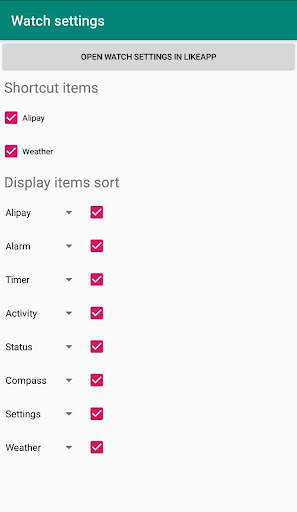
- Added the ability to sort menu items in watch *;
- Added the ability to swap the shortcuts Weather and Alipay *;
- Added progress bar of the firmware process;
- The resource size limit is 843776 bytes (824 KB);
- Added the ability to warn the user about exceeding the maximum size of the firmware file;
- Added the ability to display atmospheric pressure in hPa;
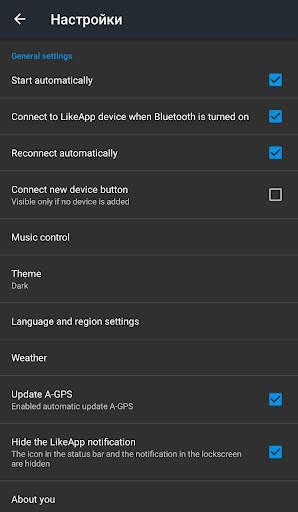
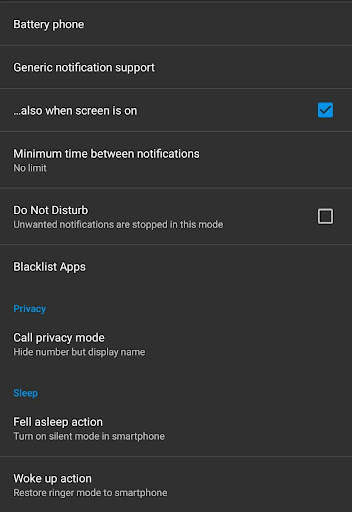
- Added the ability to automatically turn off the sound in the phone when the watch goes into sleep mode;
- Added the ability to automatically turn on the sound in the phone when the clock exits sleep mode;
- Improved sending notifications in hours;
- Added the ability to receive a notification on the watch about the need to charge the phone (with battery remaining 1 2 3 5 15 25 50%);
- Added the ability to receive a notification on the watch that the phone is charging (when the charge reaches 80 100%);
- improved localization for the Russian language;
- Added the ability to use a bunch of phone-hours as a "baby monitor";
- Added the ability to automatically launch the selected music player;
- Added the ability to enable / disable music control using the clock;
- Added the ability to answer an incoming call using the mechanical button of the clock, with the ability to set up speakerphone (unfortunately, it doesn’t work on phones with MIUI);
- Added the ability to display the name of the contact on the watch in capital letters, during an incoming call;
- added the ability to check the charge of the clock before performing the firmware procedure;
- Added the ability to send the last missed notification in hours;
- Added the ability to display the elapsed time from the date of the last charge of the clock.
- Added the ability to display the number of steps taken;
- Added the ability to display the distance traveled, in kilometers;
- Added the ability to convert Cyrillic characters to Latin.
* Features are available when using the LikeApp+ application, which must be installed with the LikeApp application.
Install LikeApp+ link: https://play.google.com/store/apps/details?id=org.likeapp.action
...
👉 For More Detail of LikeApp
#2 LikerApp
Rating:
3.0
|
Version: 23.1.36
|
Size: 12.9MB
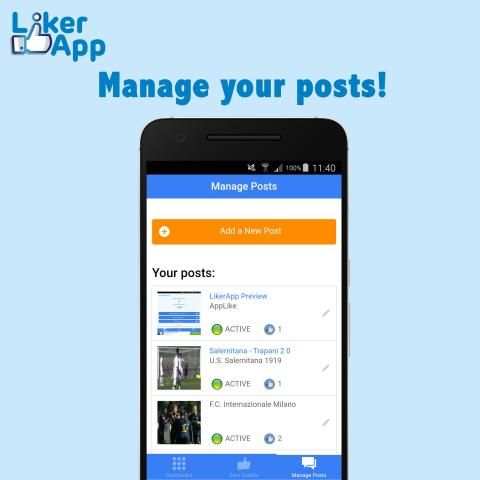
LikerApp is a new kind of social app, you can upload your photos and allow people to like them in LikerApp.
Upload more photos to get more likes by going to the profile page tap the photo you want to upload and get more likes on.
By liking and uploading more photos, your user ranking will increase pushing you above other users.
You will see a global user score on your profile page, this is how you compete with other users. Get more likes with LikerApp to boost your profile.
All users are ranked in the scoreboard, and you have to fight to get to the top.
...
👉 For More Detail of LikerApp
#3 Liker App
Rating:
3.0
|
Version: 1.8
|
Size: 4.6MB
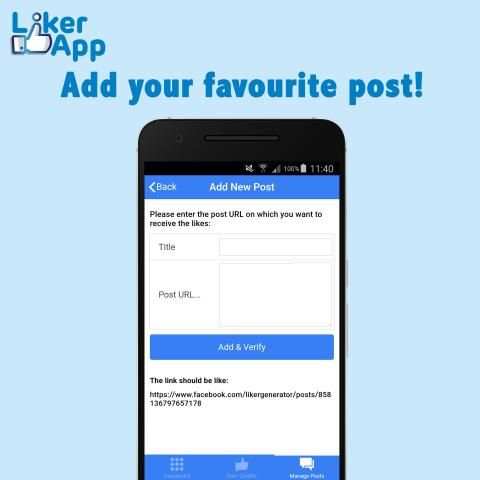
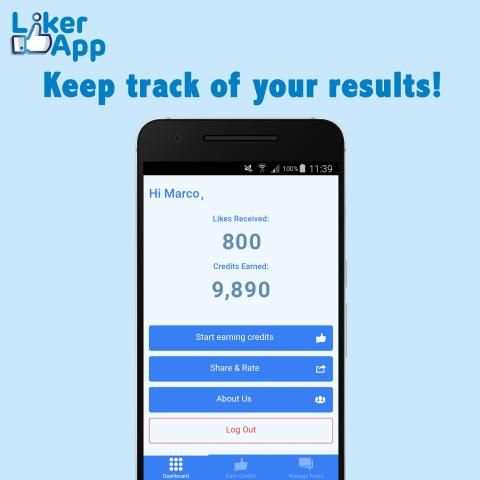
Liker offers you a very simple and intuitive graphics. With the Dashboard, you can keep track of the number of "likes" received and, through the dedicated section.
Get more likes for your websites or like other people pages.
Exchange likes with other people
...
👉 For More Detail of Liker App
#4 LikeApp
Rating:
4.5
|
Version: 2.11.8
|
Size: 1.2MB
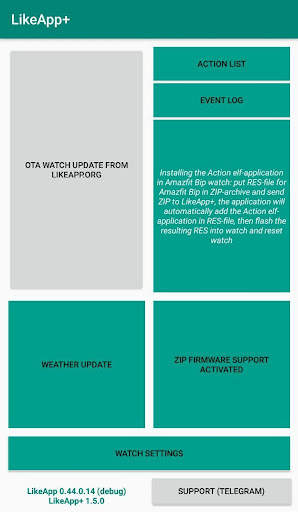
LikeApp is a companion application of LikeApp to provide the following watch Huami Amazfit Bip features:
- flashing the watch by air (OTA technology);
- flash the clock from the ZIP archive;
- automatically update the weather in watch;
- automatically update A-GPS data with the weather (once a day);
- control the phone / tablet using the watch.
A description of how to control your phone / tablet using the watch.
The application receives a command from the watch (via data transfer via the LikeApp application) and executes the received command in accordance with the settings specified by the user in this application.
In particular, the application can perform such actions as sending SMS, calling by phone number.
The application supports the management of the following actions:
1. Call the specified number.
2. Call the number of the last incoming call.
3. Call the number of the last outgoing call.
4. Send SMS to the specified number.
5. Send SMS to the last incoming call number.
6. Control the sound volume.
7. Turn on camera.
8. Turn on/off microphone recording.
9. Run the selected application.
10. Show the selected image on the phone screen (can be used for quick access to bar and QR codes when paying in the store).
11. Control the media player (start / stop playback, switch tracks, fast forward / rewind).
12. Send to selected application action Intent.
13. Send webhook.
How to use the Action application:
1. The application screen displays a set of 4 buttons.
2. When you click on the button, the name of the button is sent to LikeApp .
3. LikeApp will automatically display a window in which you need to select 4. the action for the programmable button and click Save.
4. If you press the programmable button again, LikeApp will perform the previously configured action.
5. You can switch to another set of 4 programmable buttons. To do this, swipe up or down.
6. The name of the button can be edited. To do this, swipe left (or right) and stop on the selected button. After that, the text line editor window will be displayed.
7. After entering the line, press the clock button. The string will be saved and the image selection window for the programmable button will open.
8. After selecting an image, press the clock button. In this case, the image and the entered text will be displayed on the programmable button.
Line Editor Features:
- clear the text line - swipe left on the line of text on the left side of the line;
- delete the last character - swipe left on the line of text on the right side of the line;
- choose a different set of letters - swipe left / right on the set of letters;
- choose a different layout - swipe up / down a set of letters.
complete the entry - press the watch button.
Options for selecting an image:
- select the next image - swipe up;
- select the previous image - swipe up;
- complete input - press the watch button.
Warning!
During the update of the elf-application Action, the phone must have Internet access!
Warning!
To control your phone using the Huami Amazfit Bip, you need to do the following:
1) connect the watch to the LikeApp application installed on the phone / tablet (the LikeApp application is available at https://play.google.com/store/apps/details?id=org.likeapp.likeapp);
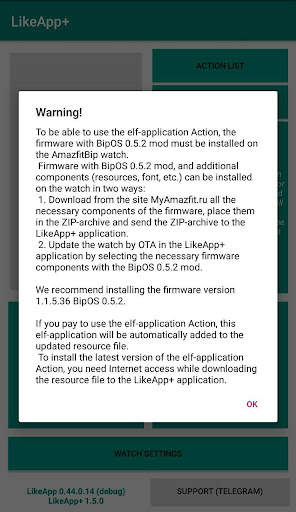
2) install on the watch a modified BipOS firmware version no lower than 0.5.2 (for 1.1.2.05, 1.1.5.12 or 1.1.5.36) (the current BipOS firmware version is available on the website: https://myamazfit.ru/threads/bip-mnvolkov-bipos.1010);
3) install the elf application “Action” in the watch (this application installs “LikeApp ” automatically during the firmware file clock on the watch).
...
👉 For More Detail of LikeApp
#5 LIKEAPP: Talk with People
Rating:
4.0
|
Version: 1.7
|
Size: 7.6MB
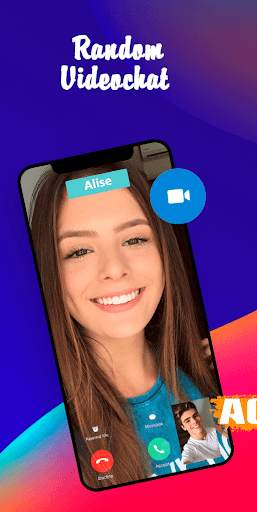
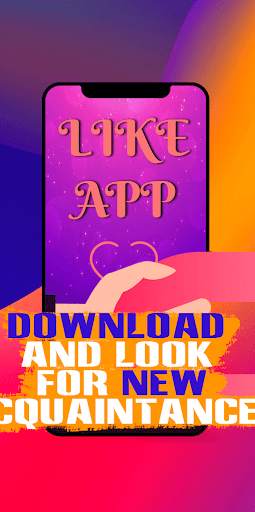
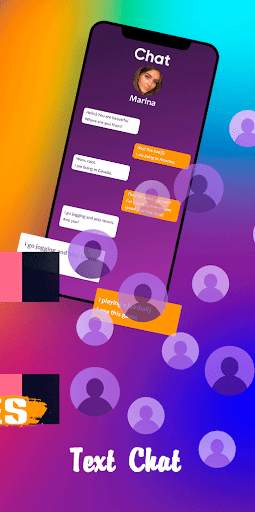
Welcome in our brand-new project LIKEAPP: Talk with People. When you alone - just open our app and find new video meetings. It's easy to find online friends. Download now and find new acquaintances.
...
👉 For More Detail of LIKEAPP: Talk with People