

STEPS:
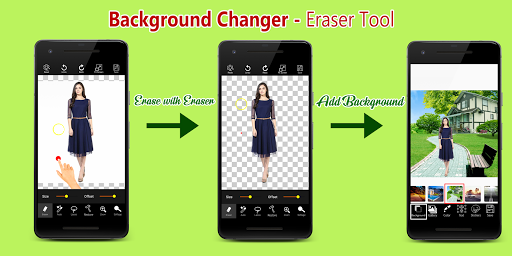
✔Select any photo / picture from Gallery (or) Take a picture using Camera.
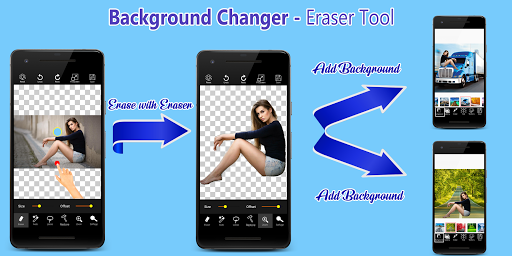
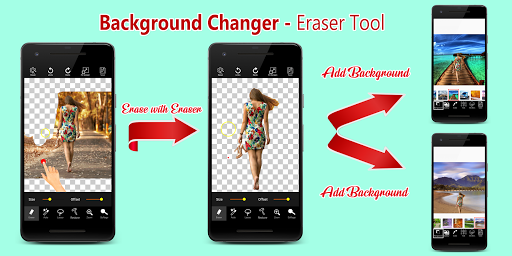
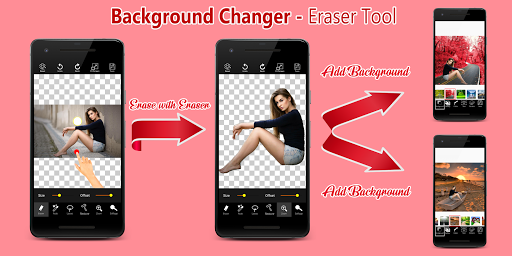
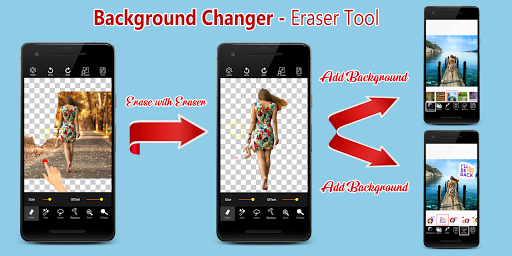
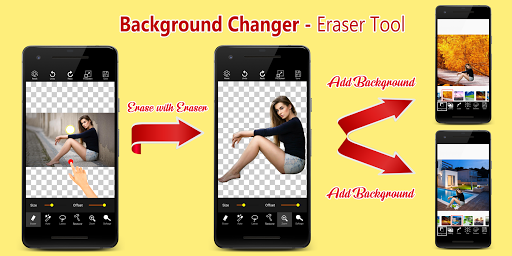
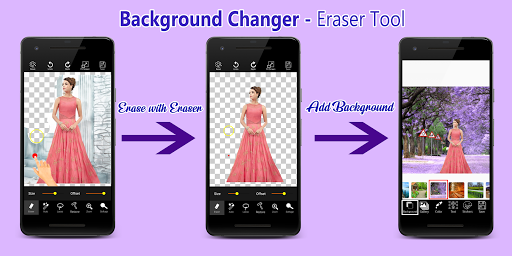
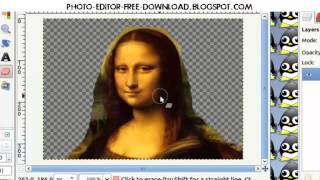
✔Eraser tool will remove photo background and remove unwanted objects and replace it with beautiful background.
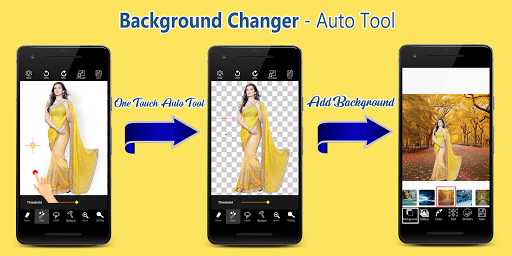
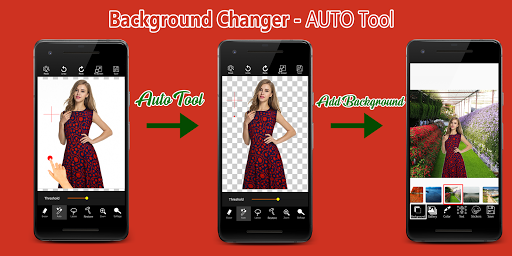
✔Auto tool will remove photo background automatically. Very easy automatic photo background eraser that Cuts your unwanted background objects easily.
✔Beautiful Background images are available.
✔Share saved pics via other social networks.
✔Saved Photos are placed in a folder called “My Album”
Key Features:
●
Background eraser is a free app to erase the backgrounds of your photos.
With the magic background eraser, just choose the area that you wish to remove, and instantly delete it.
●
Background Remover - Photo Background remover provides high quality background pictures with amazing editing tools including 3D Background photos, filters, fonts & Stickers.
●
Background Remover App contains 40 backgrounds.
●
PHOTO BACKGROUND CHANGER: Simple and easy photo background changer. We can apply nature photo in background.
●
Saved Photos are placed in a folder called “My Album”.
●
Share your saved pictures via social networks.
●
Cut Paste Photo Editor app is very simple to use.
●
Background Eraser App does not require internet connection.
●
Background Changer App is completely free download
How to use Tools and its features:
Auto Erase
- One Touch Background Removal
Manual Eraser
- Finger Rub Background Removal
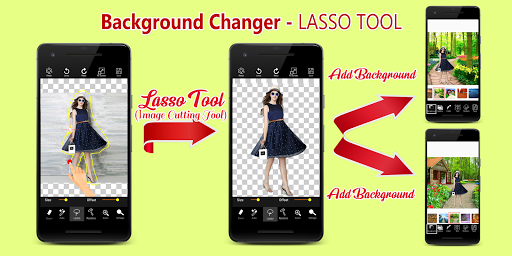
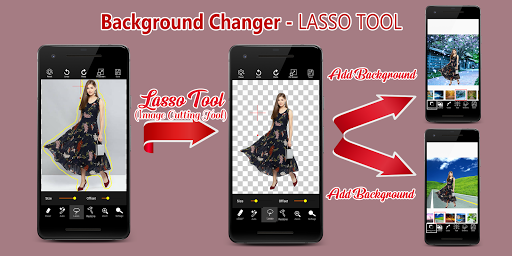
Lasso Eraser
(Cut Photos In OR Cut Photos Out
-- Image Cutting tool)
- Area Selection Background Removal
Restore
- Finger Rub Background Retrieval
Undo, Redo & Zoom
- For accurate result
Save & Share
- Save on SD Card and Share on Social Media Networks




9Apps 4.9














