

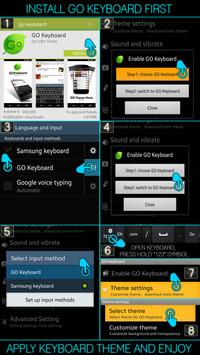
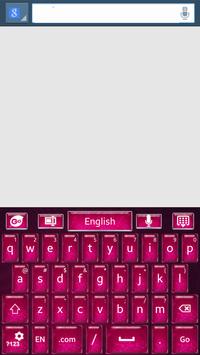
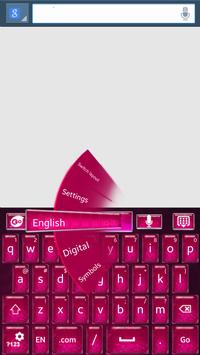
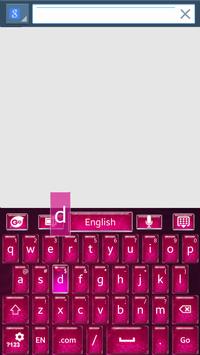
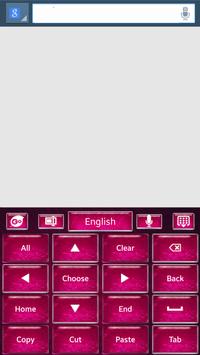
★INSTALL GO KEYBOARD FIRST, READ BELOW★
★ Activating Go Keyboard ★
1) Open Go Keyboard App: Click Step1 > Check Go Keyboard “press ok” > Next to the Checked Go Keyboard is a “Settings symbol” click that. > Click Step2 > Select input: Go Keyboard.
★Applying the Theme★
1) Open Go Keyboard App:
click theme settings > click select theme > click “on the name of this theme from the list” > Apply!






9Apps 4.9













