


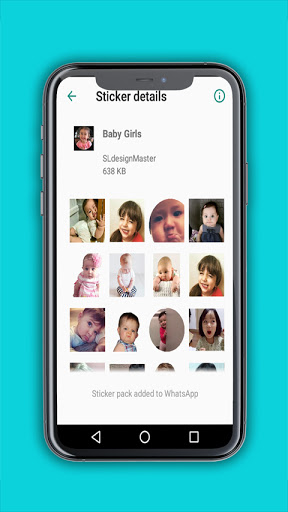
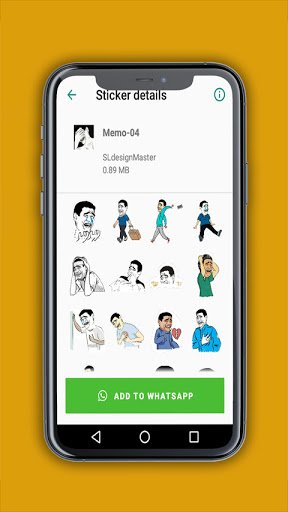
Using Hi Sticker APK for free WhatsApp stickers
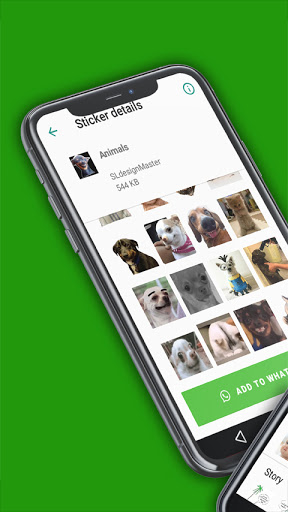
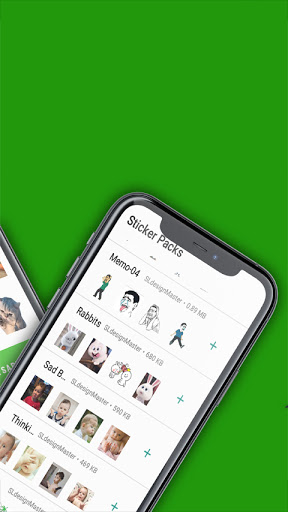
1. Open Hi Sticker and click on any WhatsApp stickers for chat.
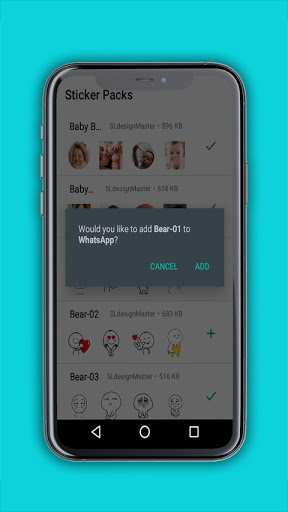
2. Click on Add to WhatsApp button if you like the sticker pack
3. Open WhatsApp, go to stickers and click on the new icon of the WhatsApp sticker pack that you added.
4. Click on any of the WhatsApp stickers to send it in the WhatsApp Chat
YouTube
: https://youtu.be/kLVfthVDQl8




9Apps 4.9














