
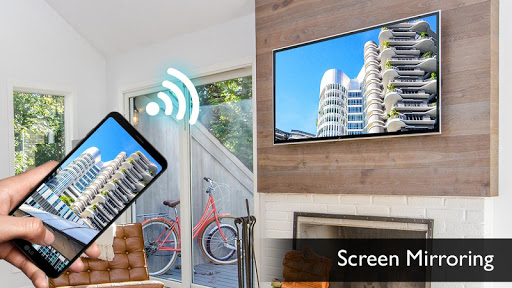
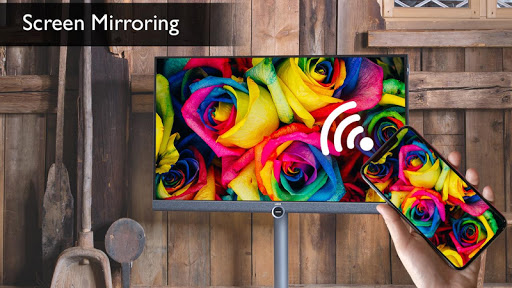
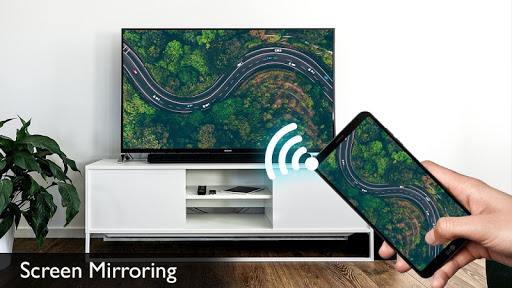
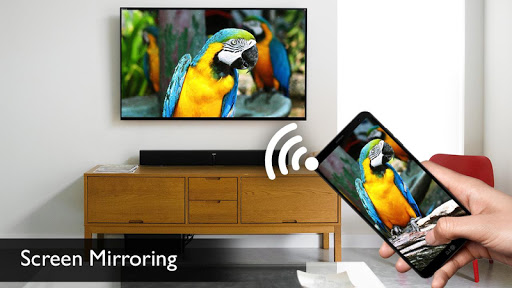
Screen Mirroring with TV App will assist you to scan and mirror your android phone or tab's screen on smart TV/Display or Wireless dongles or adapters.
Screen Mirroring for Android to smart TV - Cast screen assistant and Mirror tv - Phone mirroring app with web browsers to watch the movie and play games.
You can share your screen "live" just like a dual screen to any device or pc on the same network through media player, web browser, Chromecast, and UPnP / DLNA devices (Smart TV or other compatible devices).
All Screen Mirroring App for Android to mirror smart TV screen mobile screen, widget & shortcut assistant.Allshare mirror screencasting without Wifi for smart tv such as Samsung, LG, Panasonic, Toshiba & Roku using only dongles or adapters. Enjoy streaming cast video & TV and all the series of local cast.
Screen Mirroring: Connect Mobile to TV Able to play videos, music, photos, etc in my smartphone with any devices (smartphone, smart TV, laptop, tablet, etc.) at anywhere.
With the all-new Smart View app, you can enjoy your personalized Smart Hub experience on your smartphone or tablet with all the benefits of touch. Browse across your favorite live TV and streaming apps more.
How to use?
Firstly, App open then click on wi-fi display you will go on cast screen directly.
Enable the TV Miracast.
Tap on start WIFI of the application.
Miracast application should be enabled.
========= Disclaimer ================
• root access required to change resolution/DPI, disable backlight/vibration, enable desktop-only mode in Chrome
• "connect and disconnect from Wi-Fi", "view Wi-Fi connections" - required for profiles to enable Wi-Fi
• "access Bluetooth settings", "pair with Bluetooth devices" - required for profiles to enable Bluetooth
• "run at startup" - required to show SecondScreen profile notification after a (soft/hard) reboot
• required to refresh the user interface after a resolution/DPI change.




9Apps 4.9














