
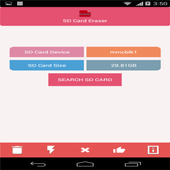
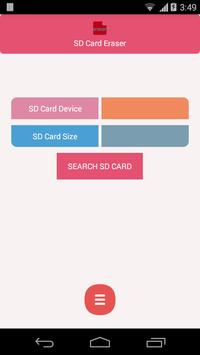
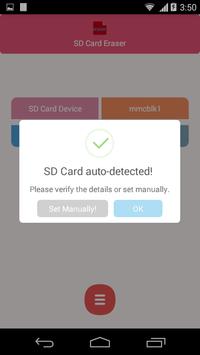
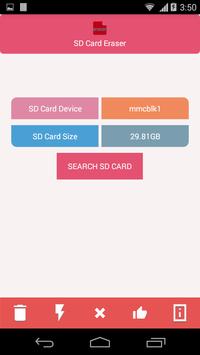
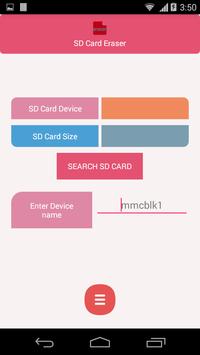
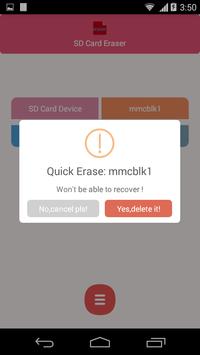
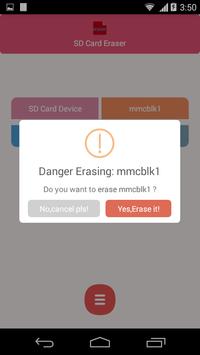
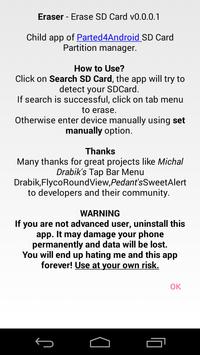
You need root permission to perform erase or wipe-out SD Card. Beware, all SD Card data will be lost.
◘ Requirements:
•
root permission with SuperSu app.
•
Unmounted SD Card (Settings->Storage->Unmount SDCard)
Upcoming new app:
•
Space Machine
- Turn Your SDCard into Portable OS!
◘ Free Features:
•
Ad free
- No ads, I hate them too!
•
Quick Erase SD Card and its contents.
•
Deep Erase SD Card and its contents.
◘
Quick Erase vs Deep Erase
•
Quick Erase will remove all partition details. It will take couple of seconds to complete.
Any forensic recovery tool can still access your data.
•
Deep Erase will take few minutes depending on your SD Card size. This will overwrite SD Card
data, thus recovery
using forensic tools is very
very difficult or impossible.
◘ ◘ ◘ Warning ◘ ◘ ◘
•
If you are not advanced user, please don't install this app. It may damage your phone permanently and data will be lost. You will end up with hating me and this app forever. Use at your own risk.
◘ Download policy:
•
Please remember this app works only with root permission/rooted phones. If you don't know about rooted apps, then most likely this app will not work on your mobile.
Please save your bandwidth :-)
◘ Status :
•
This app is heavily under development, tested only with Android Kitkat. Please provide your support with valuable feedback or bug reports.
v 0.0.0.4:
- Systemless root support.
- Minor fix for Deep erase
v 0.0.0.3:
- Fix size issue with manual entry.
Added Deep Erase format notification bar.




9Apps 4.9













