

*** Als u een tablet / telefoonapparaat hebt, kunt u op uw pc tekenen met VirtualTablet! ***
*** Als u Galaxy Note Series met S-PEN hebt, kunt u tekenen met drukgevoeligheid! ** *
*** Extra serverprogramma (kan worden gedownload van http://www.sunnysidesoft.com/virtualtablet) moet op uw pc worden uitgevoerd (ondersteuning van Windows & Mac) om deze app te gebruiken ***
** VirtualTablet Lite-versie met advertentie is ook verkrijgbaar in de winkel **
** U kunt de volledige versie van VirtualTablet kopen zonder advertentie in de winkel **
Draai uw tablet-apparaat in Wireless Digitizer!
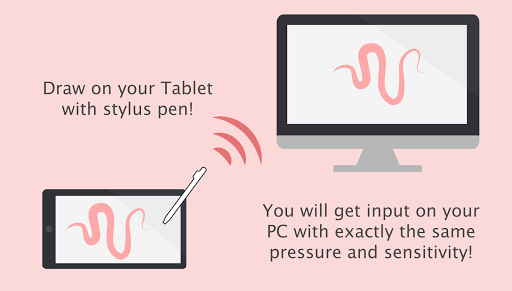
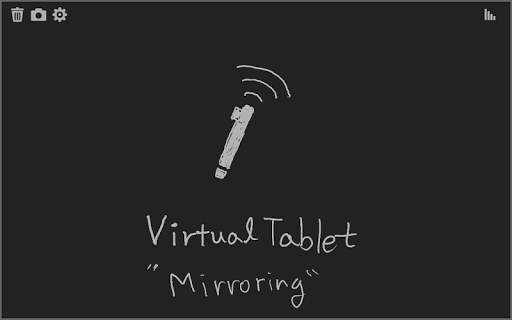
Voer deze app op het tablet-apparaat met stylus-penondersteuning. Als het VirtualTablet-serverprogramma op uw pc wordt uitgevoerd, kunt u uw invoer naadloos overdragen op uw pc zoals u echte Digitizer H / W gebruikt. U kunt het VirtualTablet-serverprogramma gratis downloaden van http://www.sunnysidesoft.com/virtualtablet
U hoeft geen echte digitizer (zoals Wacom-tablet) voor uw desktop meer te kopen.
Als u met uw stylus-pen wilt tekenen, download nu VirtualTablet!
Draai je tablet-apparaat in coole draadloze digitizer met deze app.
[Detail Functies]
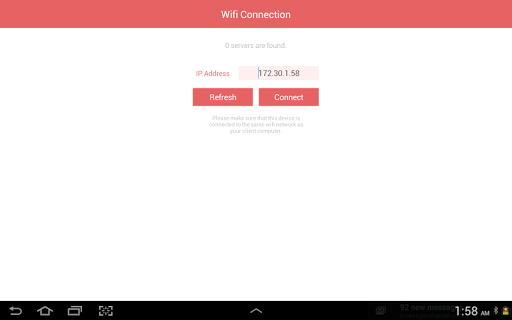
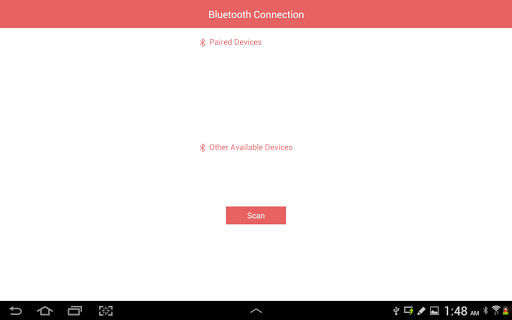
- USB & Bluetooth & WiFi-verbindingsmodus
- Links / rechtshandige modus
- Tabletgrootte Aanpassing
- Ondersteuning van alle invoermodus van S-Pen zoals Stylus. (In-Bereik Movie Movement, Barrel-knop, Wisker Tip, en enz.)
- Ondersteuningstekening met vinger of capacitieve stylus ook.
- Automatische Server Discovery in hetzelfde WiFi-netwerk.
[dingen die je kunt doen met deze app]
- Teken met je stylus pen op canvas van grafische applicaties op je pc. Geniet van tekenen met penseelhulpmiddelen met je stylus! (Werkt goed met Adobe Photoshop, Illustrator, Animate, Sketchbook Pro en enz.).
- Remote bedien je pc met stylus pen of vinger (hetzelfde als op afstandelijke muis).
- Maak een hand schrijven annotatie op je pc PDF-viewer.




9Apps 4.9















