
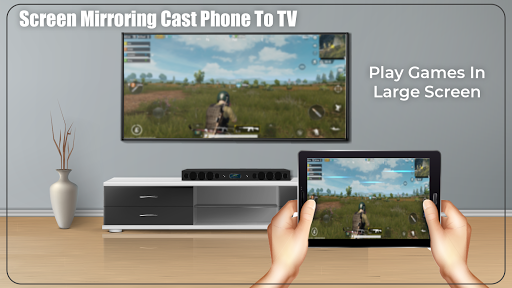
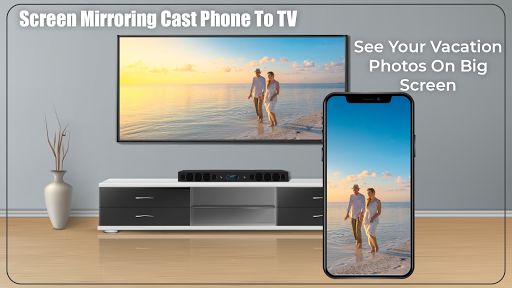
Now you can Connect Your phone screen with your TV and Enjoy Unlimited
Screen Mirroring-Cast Phone To TV
App will assist you how you can connect your phone With TV,Search For available nearby TV which is connected with same wifi.
This App guide you to mirror your phone with your smart tv easily.
This app working fully on wifi functionality.
1) Your TV should support Wireless Display.
2) Your TV must be connected with wifi network like your phone connected.
3) Your Phone version must be android 4.2 and above.
4) Download and run Screen Mirroring-Cast Phone To TV App.
Now How to use?
Step-1 open App then click on wi-fi display you will go on cast screen directly.
Step-2 Enable the TV Miracast.
Step-3 Tap on start WIFI of the application.
Step-4 Miracast application should be enabled.
Both will connect automatically to each other than you can see same mobile screen show on Smart TV.
Screen Mirroring-Cast Phone To TV: Screen Mirroring sharing with web browsers screen Mirroring to play games. Screen drawing while mirroring. Mirroring, screen sharing with media players. to make powerful presentation for work, education, or gaming screen cast is used.
The Screen Mirroring assistant or Smart View feature is compatible with the Almost android smart mobile phone.
If you like our work then please don't forget to share with in your friend circle to make this app more successful and for any Query you can contact us on
Your Reply matter a lot so don't forget to write comment also.
Thank You :)





9Apps 4.9













