

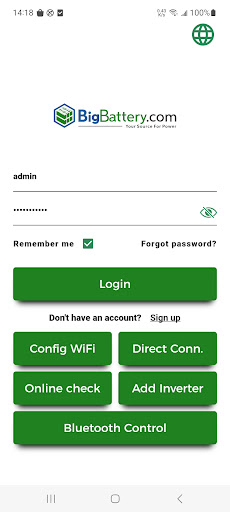
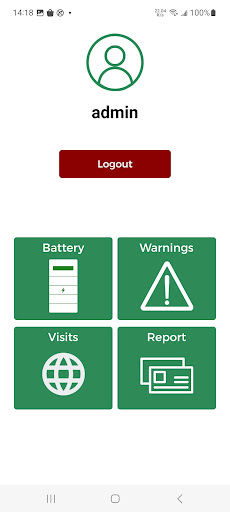
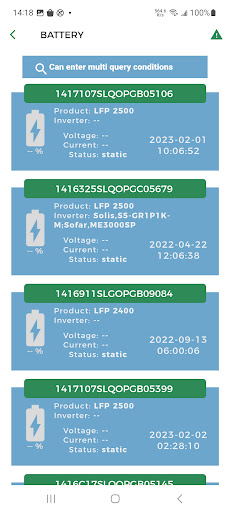
1. Registreer het apparaat en vul de klantinformatie in door de streepjescode te scannen;
2. Display de apparatenpositie -informatie op de kaart;
3.Bserve Single Device Real Time Operation Situation;
4. Upgrade apparaatversie op afstand : Als een prompt om apparaatsoftwareversie bij te werken, is het niet voor uw app, alleen het apparaat;
5.Upgrade apparaatversie lokaal: ukan uw apparaat upgraden via onze mobiele app;
6. Configure Apparaatparameters lokaal of op afstand: u kunt uw apparaatparameters configureren door onze mobiele app;
7. View realtime apparaatinformatie lokaalof op afstand: u kunt de realtime werking van uw apparaat volgen door onze mobiele app;
8. Config Device WiFi: Voordat u een configuratieapparaat wifi kunt configureren, bevestig u uw telefoon met een WLAN dat wordt gegenereerd door apparaat zoals & quot; Usr-wifi232 **** & quot;, Zoek vervolgens op welke SSID u wilt dat het apparaat verbinding maakt.
1.Register the device and fill in the customer information by scanning the bar code;
2.Display the devices position information in the map;
3.Observe single device real time operation situation;
4.Upgrade Device Version Remotely:if a prompt to update device software version, it's not for your app, just the device;
5.Upgrade Device Version Locally: you can upgrade your device by our mobile app;







9Apps 4.9













