

1. Uw Android-telefoon moet minimaal Android Lollipop-versie hebben.
2.Als u uw opgenomen video in de galerij niet kunt vinden, opent u de map / SDCard / Recorded_videos in de app File Manager.
3.Druk op de knop "Home" nadat u op de knop "Start opname" klikt.
4.Als u de video in de genoemde map niet kunt zien, start u de telefoon opnieuw op. "
Screen Recorder lite is the application used to record the activities in your phone. This app consumes very less memory in your device.
1.Your android phone should have minimum of Android Lollipop version.
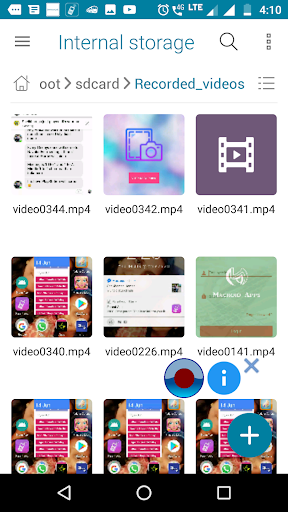
2.If you can't find your recorded video in the gallery, open the /sdcard/Recorded_videos folder in File manager app.
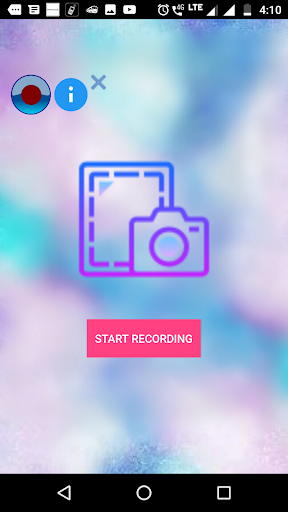
3.Press "Home" button after clicking "START RECORDING" button.
4. If you are unable to see the video in the mentioned folder please restart the phone.




9Apps 4.9














