


** ၎င်းသည်အမြန်နှုန်း system info Pro, တူညီသောလုပ်ဆောင်နိုင်စွမ်း, တူညီသောလုပ်ဆောင်နိုင်မှု, အရွယ်အစားနှင့်သေးငယ်သောအရွယ်အစား **
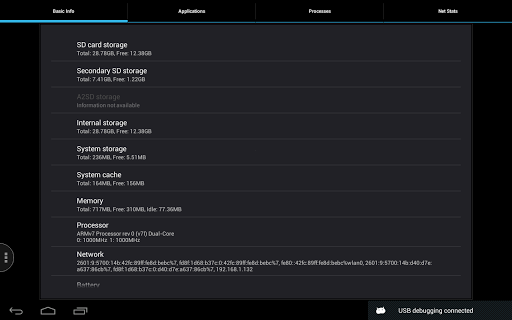
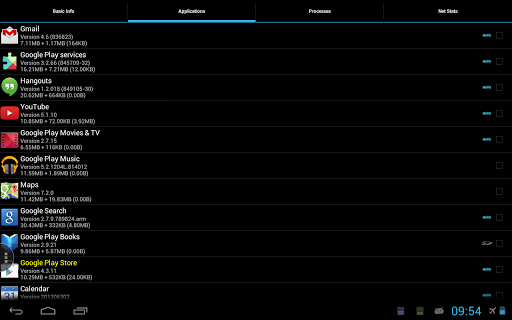
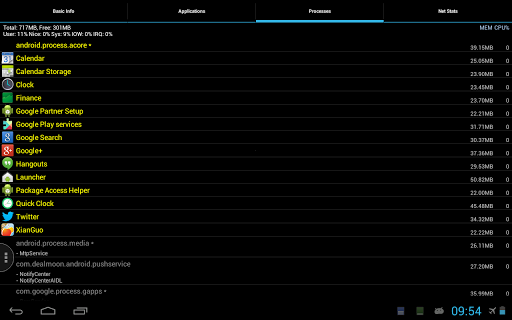
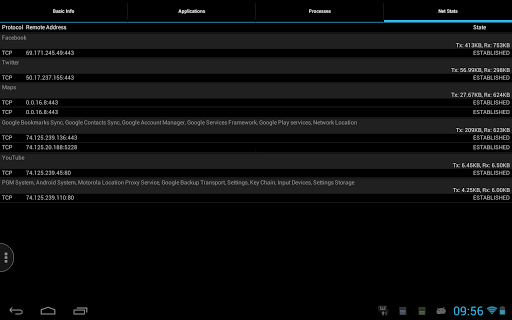
သင်၏ Android Platform အတွက်အခြေခံအချက်အလက်များကိုအမြန်ဝင်ရောက်ခြင်းသည် CPU, Memory, SD အတွက်အခြေခံအချက်အလက်များကိုအမြန်ဝင်ရောက်ခြင်း ကဒ်, လည်ပတ်နေသောလုပ်ငန်းစဉ်များ, ကွန်ယက်ပြည်နယ်များနှင့် install လုပ်ထားသော application များ။
* Live CPU / MEW Uskage Monitor
Live 2G / 3G / Wi-Fi travice travel monitor
3G / Wi-Fi travice travice အသေးစိတ်ကြည့်ရှုသူ, E.g. သိုလှောင်ခြင်း / မှတ်ဉာဏ် / processor / sensor / network
one-click cache core
* application development deter
* အဆင့်မြင့် System Properties Viewer, E.g. System / Phone / Screen / OpenGL / Build & Runtime Settings> Tag နှင့် Backup / Restore Support Support Support Support
Enhanced Network Connection နှင့် Traffic Viewer
အသိပေးချက် area ရိယာ၌ဘက်ထရီအခြေအနေ။
** 'Selection History' function ကိုသာ **
"သင်လိုချင်သောဘာသာစကားအထောက်အပံ့ကိုထည့်သွင်းရန်နှင့်၎င်းကိုထိရောက်စေရန် app language setting ကိုပြောင်းလဲရန်သေချာပါစေ။
** If you do NOT have root access for your device, there's NO need to update, functions are the same as the old version **
--------
* Support using root to get process list for Oreo and Pie.
* Note the new version uses the new material style notification icons as per Google Play's requirement. There is a "Use Legacy Icons" option to enforce using old icons, but it's tested only on certain new Samsung models, and may not work for all devices, please only try when the new icons have issues.






9Apps 4.9













