
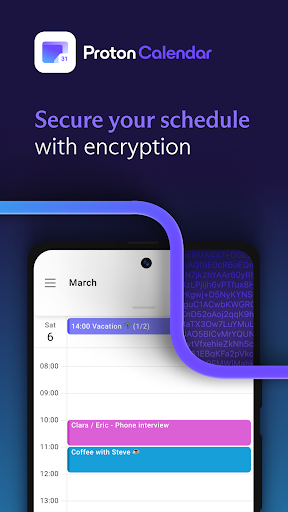
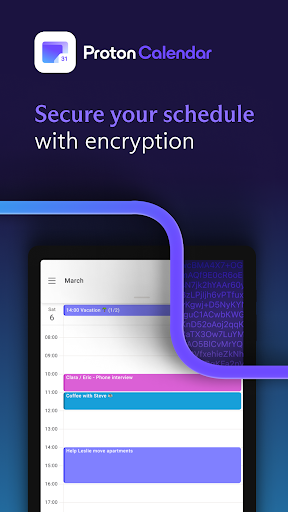
Proton ပြက္ခဒိန်သည်အသုံးပြုရလွယ်ကူသောစီစဉ်သူနှင့်သင်၏အချိန်ဇယားသီးသန့်သီးသန့်ပုဂ္ဂလိကပိုင်
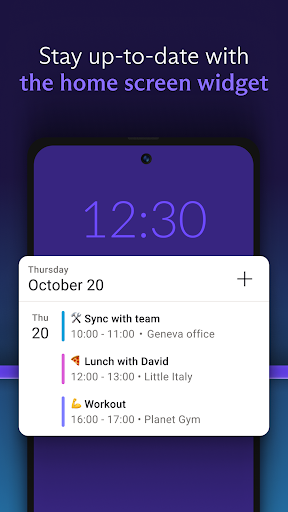
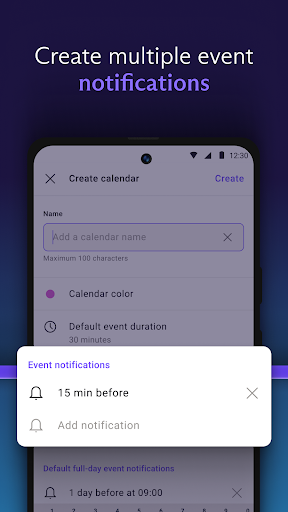
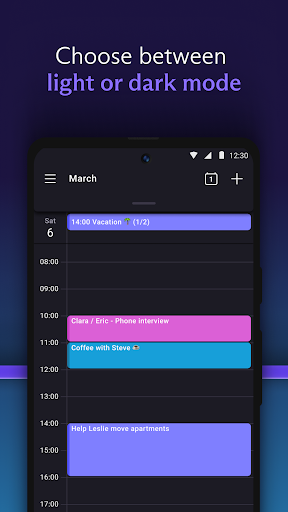
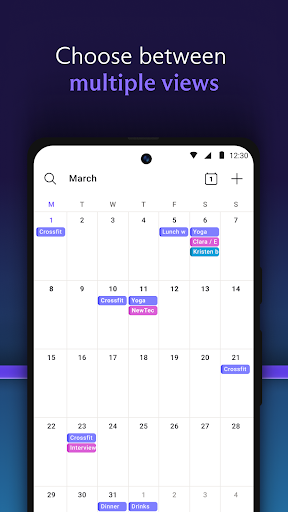
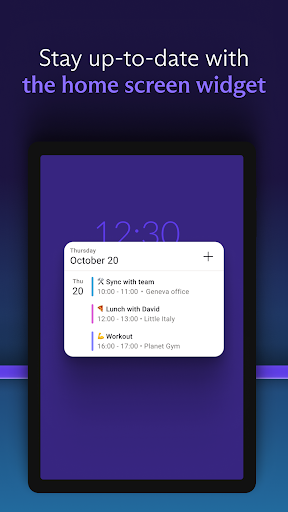
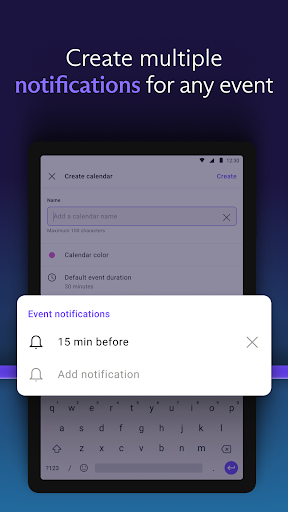
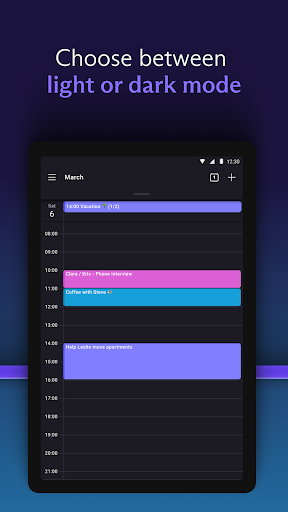
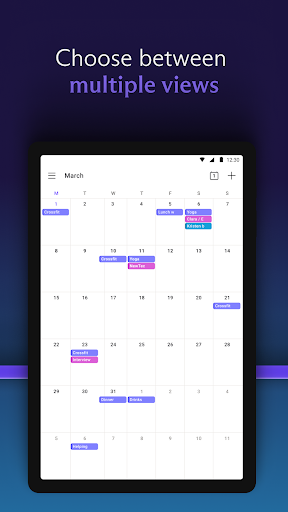
will, အပတ်စဉ်, လစဉ်, နှစ်စဉ်, သင်၏အစီအစဉ်ကို Proton ပြက္ခဒိန်ဝစ်ဂျက်နှင့်အတူ Home Screen မှကြည့်ရှုပါ။ ✓သည်မည်သည့်အဖြစ်အပျက်အတွက်မဆိုအတွက်သတိပေးချက်များကိုသတိပြုခြင်းများပြုလုပ်ရန်သတိပေးချက်များကိုကြည့်ရှုခြင်းဖြင့်နေ့စဉ်စီစဉ်ခြင်းသို့မဟုတ်လစဉ်စီစဉ်သူအဖြစ်ရွေးချယ်ခြင်း Dark Mode သို့မဟုတ် Light Mode
ပုဂ္ဂလိကပြက္ခဒိန်
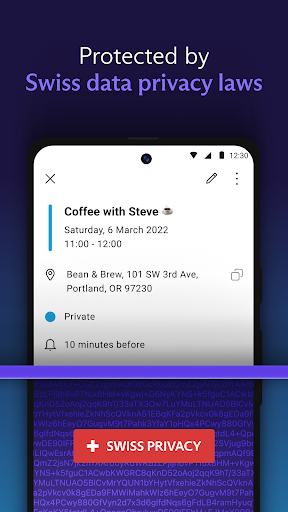
tracker များနှင့်တတိယပါတီများနှင့်အတူအချက်အလက်များမျှဝေခြင်းမရှိပါ
✓ Ent-end encryption - proton ပြက္ခဒိန်အသုံးပြုသူများအကြားအပြည့်အဝစာဝှက်ထားတဲ့ဒေတာဖလှယ်မှု
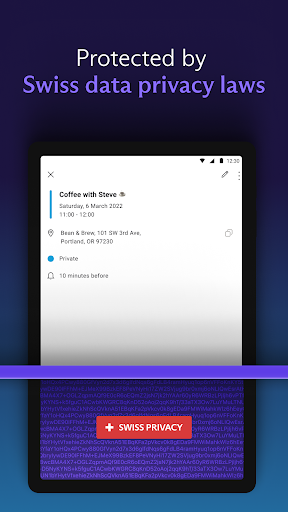
BR> SWITZERS SWITZZERLAN တွင်အခြေပြုပြီးကမ္ဘာ့အကောင်းဆုံး Privacy Law အချို့ကကာကွယ်ထားသည်
သင်ပြုလုပ်ရန်သင်စီစဉ်ထားသည့်အရာနှင့်မည်သည့်နေရာတွင်ရှိသနည်း, မည်သည့်နေရာတွင်ရှိသနည်း။ Gizmodo
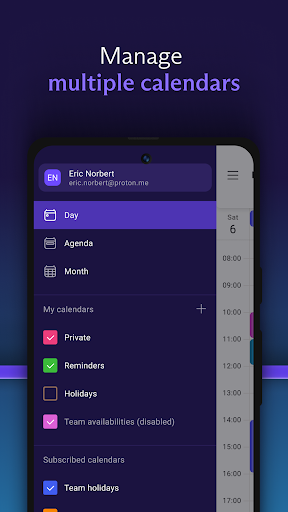
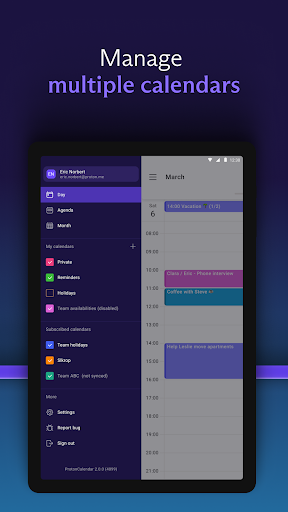
- The calendars grouping in the sidebar and settings have been updated into the following two sections:
◦ My calendar: contains all the personal calendars you own.
◦ Other calendars: contains your subscribed calendars and the calendars shared with you.
- You can now delete your subscribed calendars and leave your shared calendars from the app.






9Apps 4.9













