
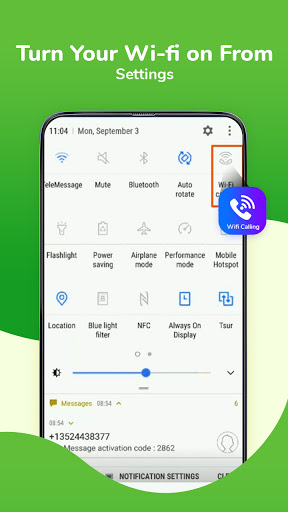
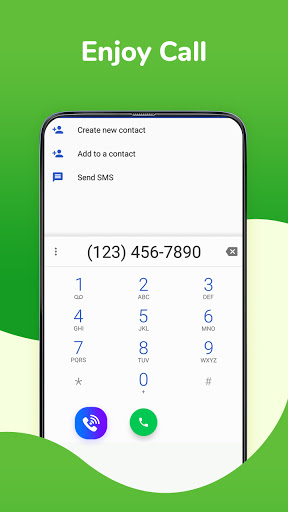
Wifi Calling: Free Voice Calls is the app by which users can find Settings from where they can enable WIFI Calling feature which can do free voice calls over the internet using WiFi and without any cost of carrier charge like cost per minute.
WiFi Calling
No cell phone data plan? No problem. You can use AirTalk to make free calls with WiFi unlimitedly.
🌐No Phone Bills
- Free Call via Wifi or 3G/4G/LITE network, you don't get hit with expensive service charges. And best of all, you can pay as you go - there are no minimums, contracts or worries.
💎Clear & Stable Calling
- dial away and make a high quality free phone call with clear voice that is crystal clear, just like making phone calls from a landline!
Today, there are more and more people using VOIP to make international calls!
🔒Privacy Protection
- Do you want an anonymous free call and don't want others to know your personal number?
AirTalk won't show your real personal number as Caller ID during the call if u want to hide it. what’s more ,it’s 100% free.
IS IT REALLY FREE?
No monthly fees! It is completely free!
How to use the Wifi Calling?
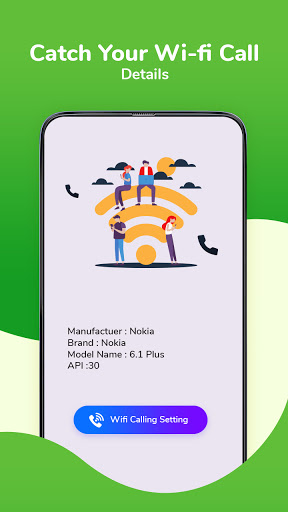
1.Start the app and click "Wifi Calling Settings"!!
2.Click "WLAN calling"!!
3.Click "ENABLE" WLAN calling!!
4.Click "WLAN preferred"!!
5."Wifi Calling" is enabled!!
All of T-Mobile phones offer Wi-Fi calling built-in. As for Sprint, Wi-Fi calling is available on a number of iPhone models that run iOS 9.1 or higher. Several Android devices have the service as well, but you'll need to check through your phone's Settings menu to see if you have it.!!




9Apps 4.9












