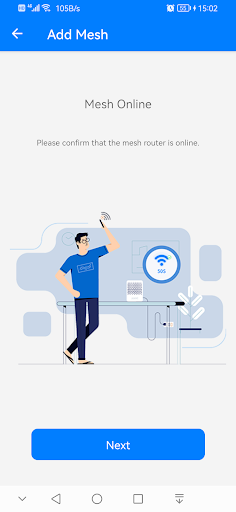
အင်္ဂါရပ်များ
---
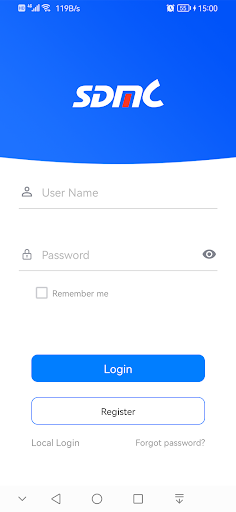
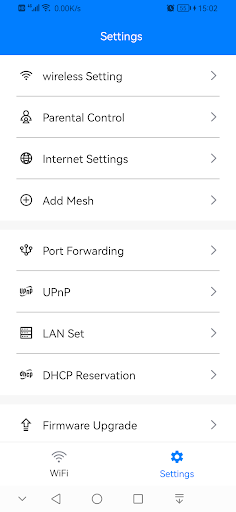
1 ။သင်၏ login ID ဖြင့်သင်၏ router ကိုအဝေးမှသို့မဟုတ်ဒေသတွင်းကိုအဝေးမှစီမံနိုင်သည်။ 2 ။Support Router ချိန်ညှိချက်များသည်ကွန်ပျူတာကိုလုံးဝအစားထိုးသည်။
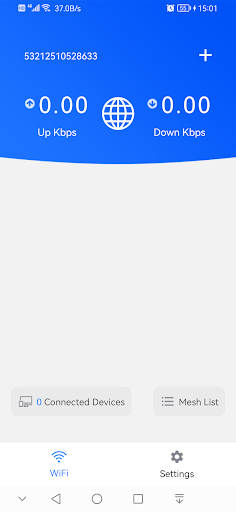
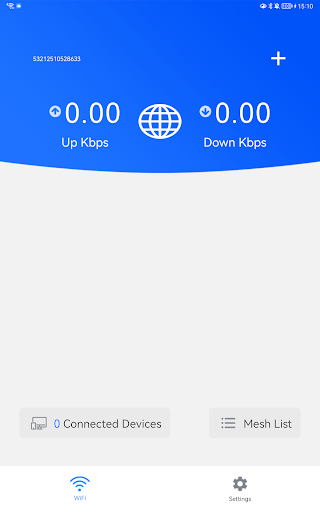
3 ။Router status ကိုအချိန်မှန်အတွက်ကြည့်ပါ။
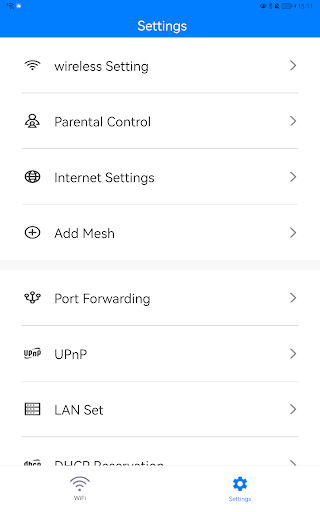
4 ။ချိတ်ဆက်ထားသောကိရိယာများကိုစီမံခန့်ခွဲခြင်း, ပံ့ပိုးပေးသော and ည့်သည်ကွန်ယက်နှင့်မိဘထိန်းချုပ်မှုကိုစီမံခြင်းနှင့်အွန်လိုင်းအခြေအနေနှင့် bandwidth ကန့်သတ်ချက်ကိုသတ်မှတ်ပါ။
Release Note:
1.Added device management feature to cloud login.
2.Fixed the issue of unsynchronized response when switching parental control buttons.
3.Fixed the issue where parental control modifications were not successful when the lock screen was enabled in the cloud login scenario.
4.Fixed the issue of abnormal display of the blacklist button.


9Apps 4.9