
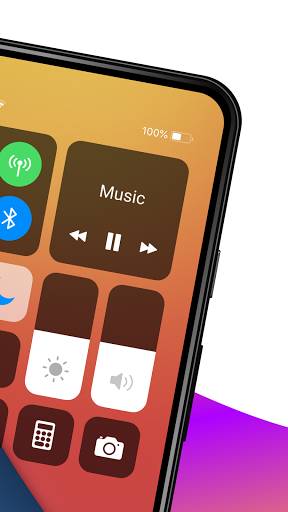
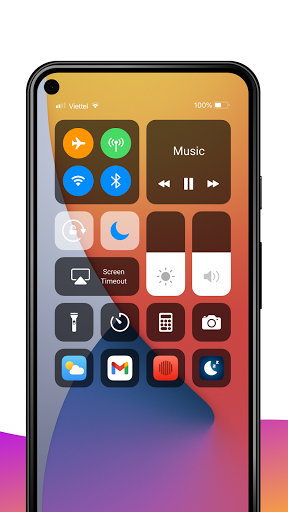
Control Center iOS 14 - မျက်နှာပြင် Recorder
သည် screen recorder
iPhr
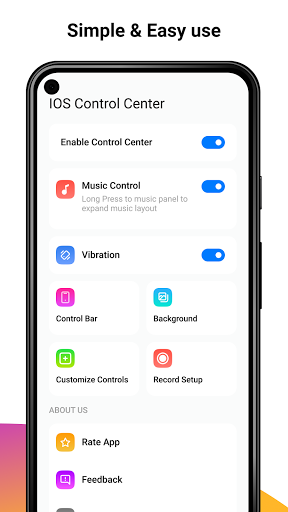
) > Settings:
မျက်နှာပြင် Recorder:
မျက်နှာပြင် Recorder: သင်၏ဖုန်းတွင်မည်သည့်အရေးယူမှုကိုမဆိုမှတ်တမ်းတင်ခြင်း (android 5.0 ကို Support)
Airplane mode ကိုအသုံးပြုပါ။ Bluetooth
Bluetooth
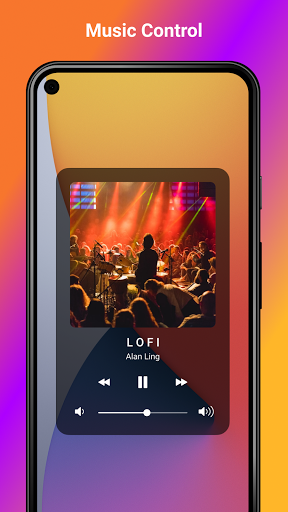
> Music Controller
အသံတိတ်, တုန်ခါခြင်းနှင့်အသံ
Shustbr>
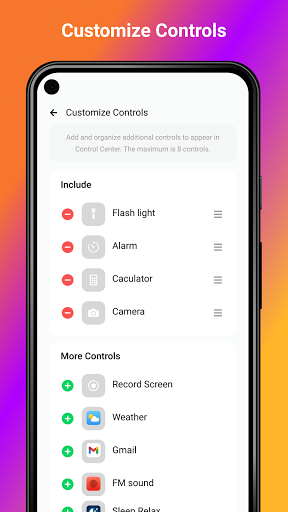
မျက်နှာပြင်လှည့ ်. screen, calculator, calculator, နှိုးစက်, နှိုးစက်, နှိုးစက်, နှိုးစက်, Control Continity တွင်လျှောက်လွှာ
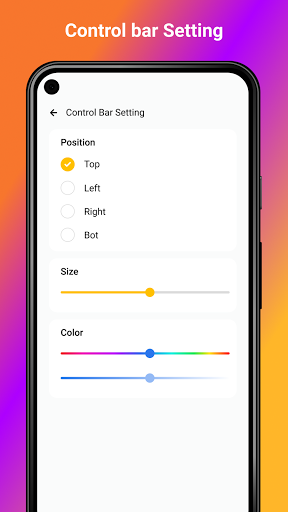
Edge ကိုရွေးချယ်ပါ။ ထိပ်တန်းအစွန်းမှ Open Control Center သို့ပွတ်ဆွဲပါ။
ရွေးချယ်ထားသည့်အောက်ခြေအစွန်းမှ Open Control Center သို့ရွေးချယ်ပါ။
ညာဘက်မှညာဘက်အစွန်းသို့ပွတ်ဆွဲပါ။ Open Control စင်တာဖွင့်လှစ်ရန်ဘယ်ဘက်အစွန်း။
Een Recorder ပြီ
သင်အနေအထား, အရွယ်အစား, အရောင်ကဲ့သို့သောစတိုင်များကိုစိတ်ကြိုက်ပြုလုပ်နိုင်သည်။
> " Record Screen
" b> " Control Center
Control bar ကို swiping လုပ်ခြင်းဖြင့် Control Center
Open Control Center
ကိုဖွင့်ပါ။
Control Bar ကိုနှိပ်ပါ။
နှိပ်ပါ မျက်နှာပြင်၏အောက်ခြေတွင်မျက်နှာပြင် recorder
။
3,2,1 နှင့်အတူဖေါ်ပြခြင်းအရေအတွက်ကိုရေတွက်။
သင်၏စံချိန်တင်မျက်နှာပြင်ကိုနှစ်သက်ပါ။
Burdish Control Control Center:
screen ကို iOS14 ကဲ့သို့နောက်ကွယ်တွင်
မျက်နှာပြင် blur ။
ဒီအက်ပလီကေးရှင်းကိုအသုံးပြုခွင့်) >
အသုံးပြုမှုအတွက် Control Center Center iOS 14 - မျက်နှာပြင် Recorder
screen recorder for iphone
video recorder for iphone
control center ios 13
control center ios 14




9Apps 4.9













