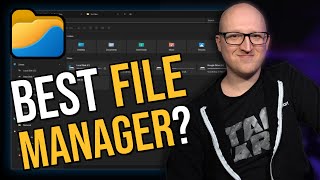

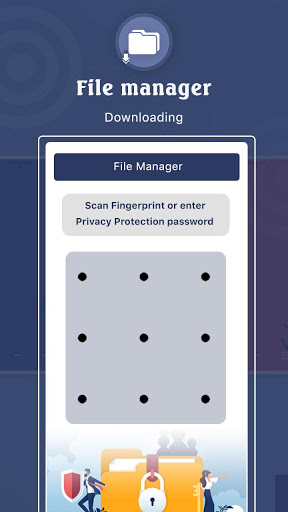
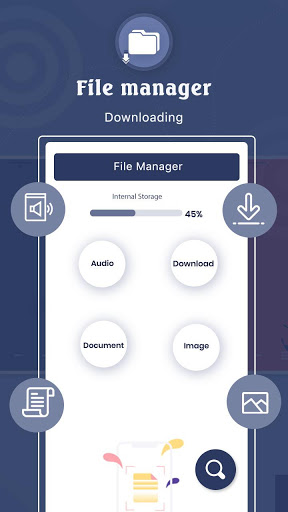
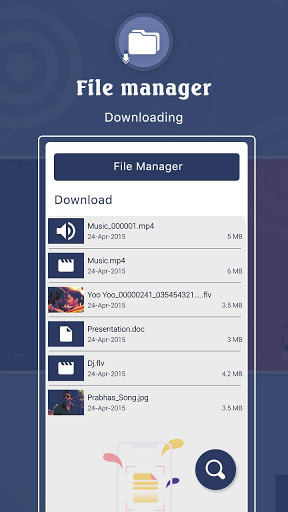
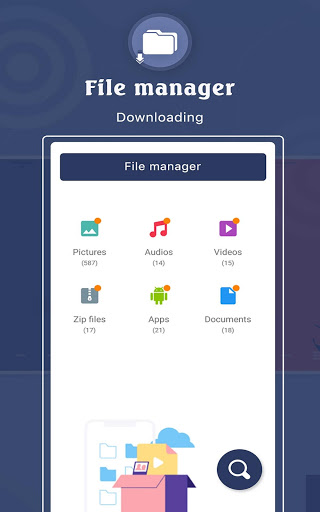
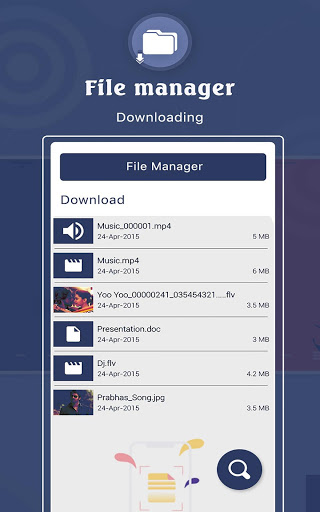
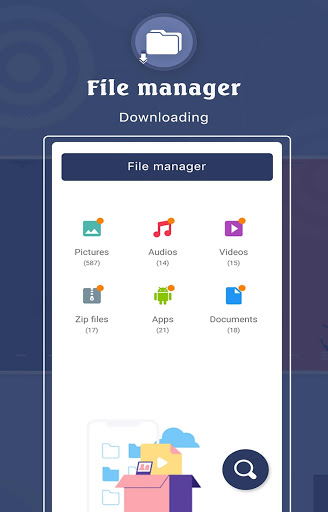

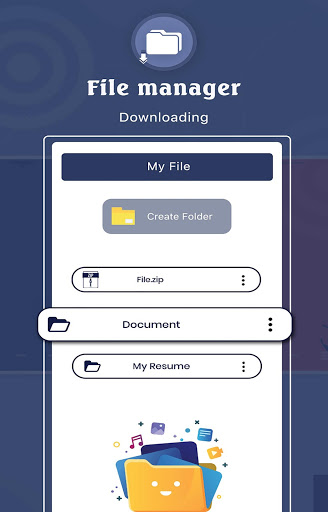
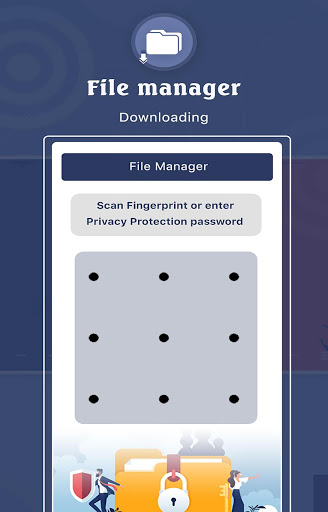
It's a simple option that doesn't have a whole lot of flair. That is extremely preferable if you really just want something simple.
The installation file is very small. File manager is a small and fully functional file manager and file explorer application.
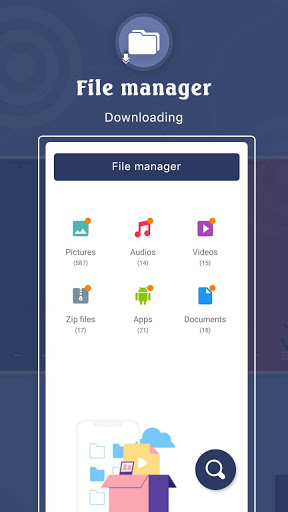
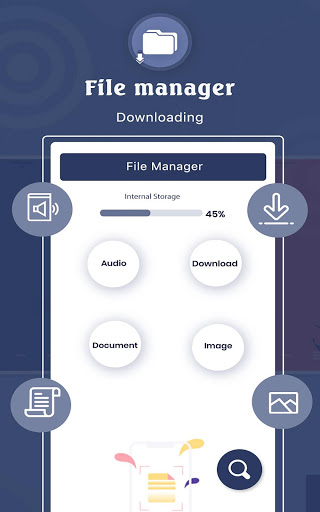
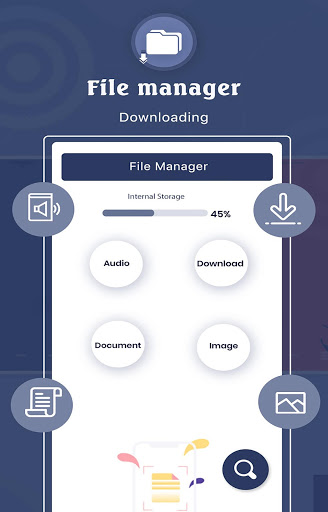
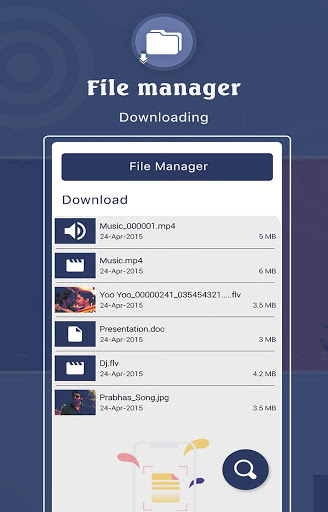
Using this file manager, you can browse files by category, or by directory structure, and you can also search files.
There are six categories in the category browsing, which are pictures, music, videos, documents, APIs and compression package.
At the same time, file manager also has large files and the new files functions, showing large files and the new multimedia files in the phone.
√ Easy access to local files:
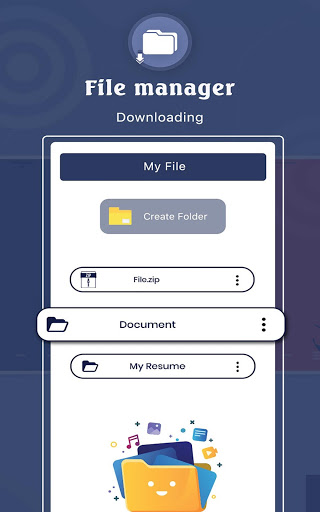
All files are no longer hidden in the mobile system. File manager will help you find file, categorize file easily. It also supports tons of cool features: global search, moving, deleting, opening, and sharing files, as well as renaming, unzipping, and copy-paste.
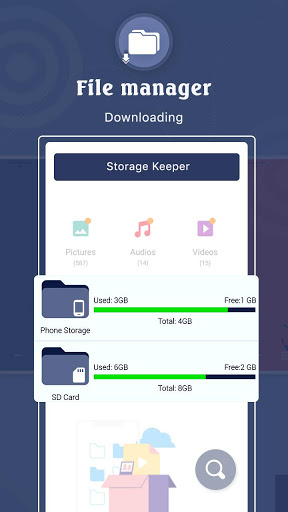
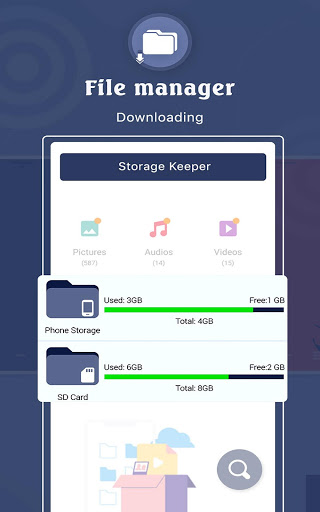
√ Storage Keeper:
You can always know the storage of your phone, how much used and how much unused. Also, you can browse and edit all folders files by breadcrumb in the top.
√ Categories View:
Solve the problem that you can't find your favorite music, videos or pictures quickly. All media will be automatically classified, you can click on the entry of the home page to find them by category.
√ Personalize Your Phone:
We support fast setting your favorite music as ringtones and quickly set your favorite pictures to your phone’s wallpaper. No need to operate cumbersome, your phone will be different from others and will become unique in the world.
√ Apk Manage:
The saved apk files could not be found.
Has downloaded a lot of apk files, but do not know how to delete, so that mobile phone storage is heavily occupied.
These problems will no longer happen to you. We provide the apk management page, all apk files will be automatically categorized and displayed there. You can install them and delete them. Things get simple.
Key features
Recent: View the files you worked with recently without looking for them.
Categories: Files are organized into categories by their formats. From there, you can access to frequently used apps quickly.
Storage: View your storage stats and manage all folders on your device.
Cleaner: Free up storage space on your device by deleting cache and junk files.
Mi Drop: Share files with friends who are nearby without connecting to the Internet.
Global search: Enter keywords to find files.
Multiple file formats support: Open videos, music, documents, APKs, and compressed files with one tap.
File compression: Compress and decompress ZIP/EAR archives.
Manage multiple files: Select multiple files for the same operation.
Multiple languages supported: Bahasa Indonesia, Bengali, Chinese, English, Espalier, Portuguese, ру́сский язы́к, українська мова, Tiếng Việt

9Apps 4.9

![How to Change Download Location in Microsoft Edge [Tutorial] screenshot 2](https://i.ytimg.com/vi/JXeYT-jLQfw/mqdefault.jpg)