
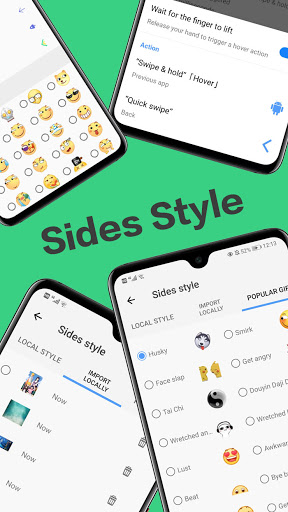
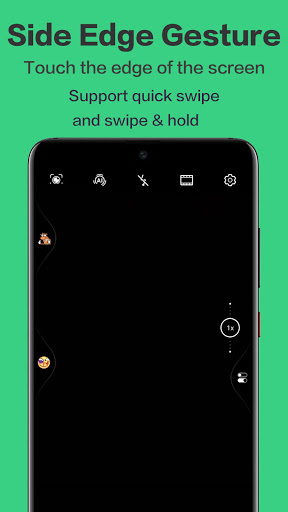
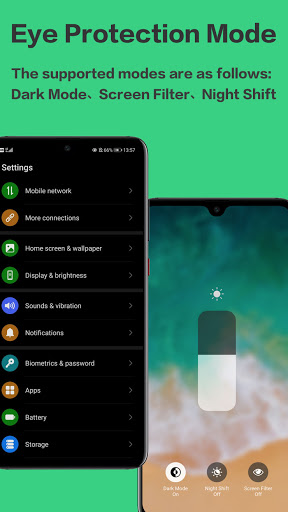
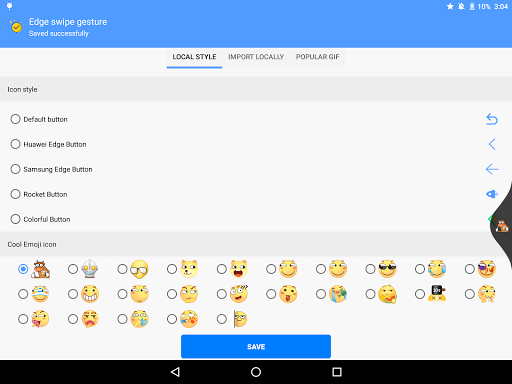
1. ထိပ်တန်း, ဘယ်ဘက်နှင့်အောက်ဘက်အမူအရာအပါအ 0 င်အမျိုးမျိုးသောအမူအယာများ။
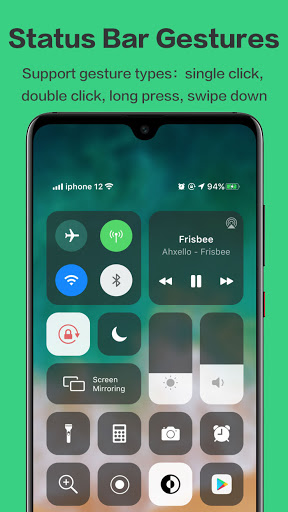
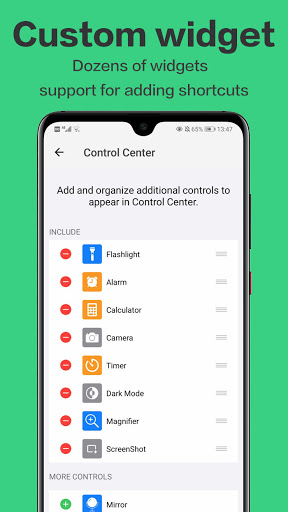
2 ။ထိပ်တန်း status bar ရှိအမူအယာများ, ပံ့ပိုးမှု - Single Click, နှစ်ချက်နှိပ်ပါ, နှစ်ချက်နှိပ်ပါ။အမူအရာဆယ်မျိုးကျော်, ဝစ်ဂျက်အမျိုးမျိုးကိုစိတ်ကြိုက်ပြုပြင်နိုင်သည်။
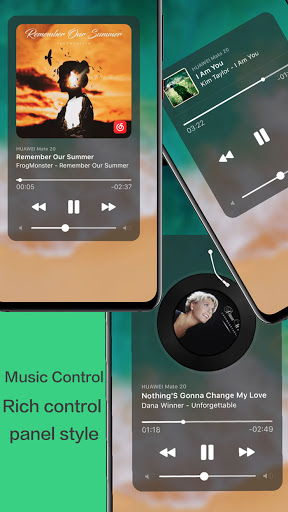
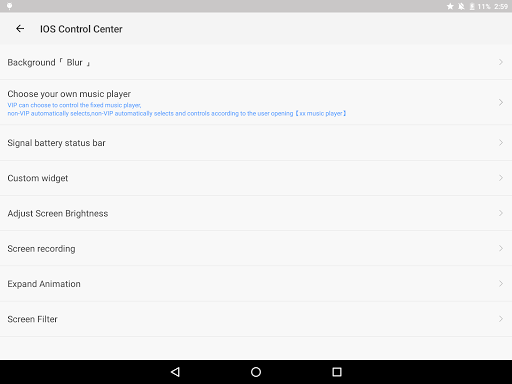
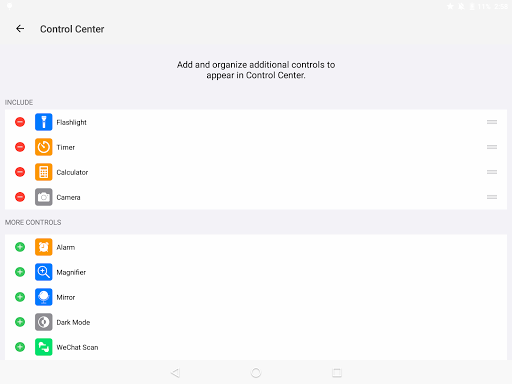
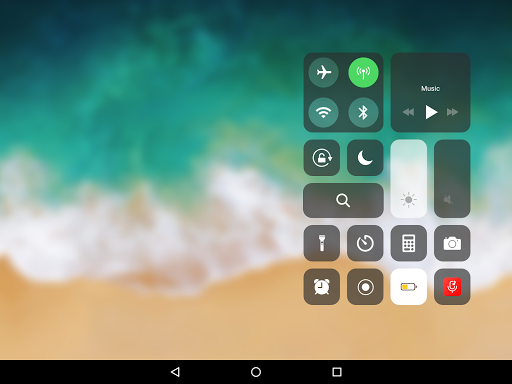
4 ။အမူအယာများသည် Control Center ကိုခေါ်ဆိုနိုင်ပြီး Apple Control Center နှင့်နှိုင်းယှဉ်နိုင်သည့်ပစ္စည်းဒီဇိုင်းကာတွန်းကာတွန်းနှင့်ကိုက်ညီနိုင်သည်။ 5 ။အထောက်အကူ touch-flow-flowating ball, 「 Top level menu 」, နှင့်「ဘုံ panel 」။
6 ။အနာဂတ်တွင်ကျွန်ုပ်တို့သည်ဘေးထွက်လျှောပြားများကိုထောက်ပံ့ပေးမည်။
7 ။ထို့နောက်ကျွန်ုပ်တို့သည် Global အနုတ်လက္ခဏာ One-screen-screen-widget များနှင့်ပန်ကာအမူအယာများကိုထည့်သွင်းပါမည်။
မင်းဘာစောင့်နေတာလဲ?ဒေါင်းလုပ်လုပ်ပြီးအသုံးပြုပါ။
1. Newly added【Sidebar Panel】, which supports long-press and drag to open the application "small window" or "click" to open the application "small window".
2. Some icons in the control center, such as: flight mode icon, battery icon optimization update.
3. Increase the desktop to disable the small white bar switch.
4. Fix some known problems.



![Use Custom Gestures to Swipe Back in Any Application on the Galaxy Note 2 & 3 [How-To] screenshot 5](https://i.ytimg.com/vi/kZpQ_s2GOjM/mqdefault.jpg)

9Apps 4.9