

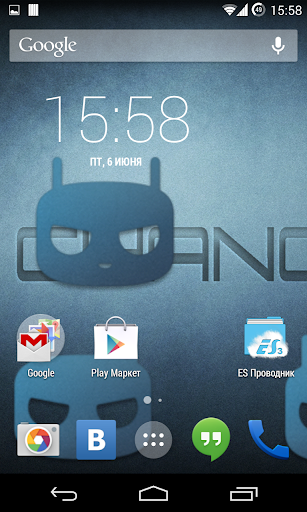
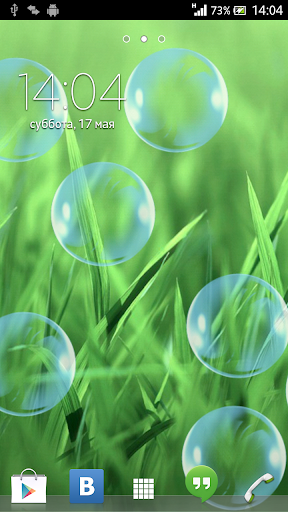
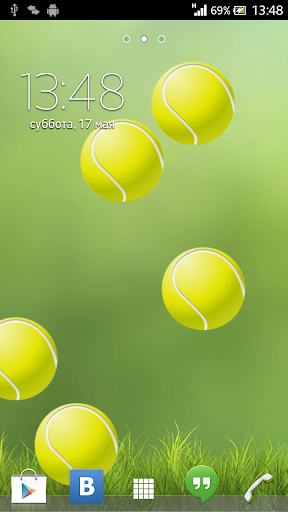
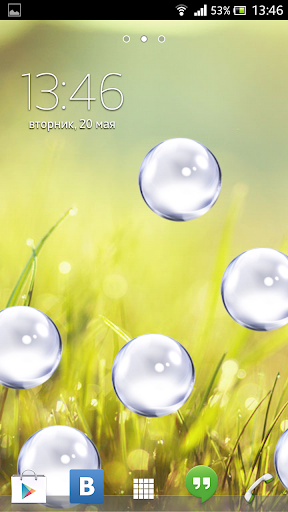
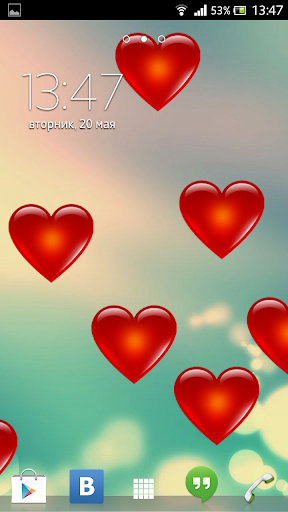
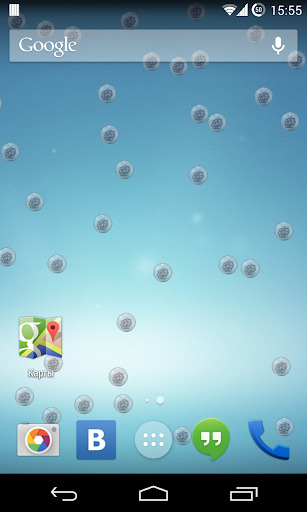
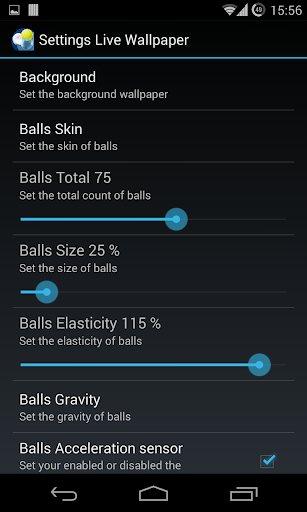
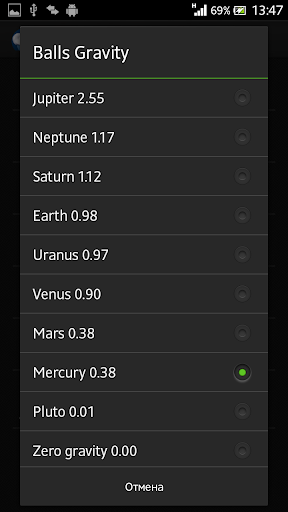
How to set the live wallpaper:
1. In the phone settings: Menu - Settings - Display (LCD) - Wallpaper - Live Wallpaper (Interactive wallpaper) - select needed, we press Install (Apply/Set)
2. or on the home screen: Long press - Wallpaper - Live Wallpaper - select needed (swipe left), we press Install (Apply/Set)
If incorrectly displays the contents of the Wallpaper:
1. Remove the Live Wallpaper
2. Reinstall the Live Wallpaper
Brief Introduction:
Notice:
> Live Wallpaper available for phones with android version 4.0.3 and later.
Thank you for your continued support! Feel free to contact us if you have any problems or suggestions
E-mail: dmitriy4leex@gmail.com





9Apps 4.9












