

File Transfer Xender want to share apps and files easily? It’s time to learn how to use the File Transfer & Sharing 2020 app since it is the best and most common for sharing files.
After installing xender on phone, then start to read this points
Xender file transfer is step by step, transferring files with flash speed File Transfer. This will teach you the important things that you need to know about how to use xender & Sharing 2020.
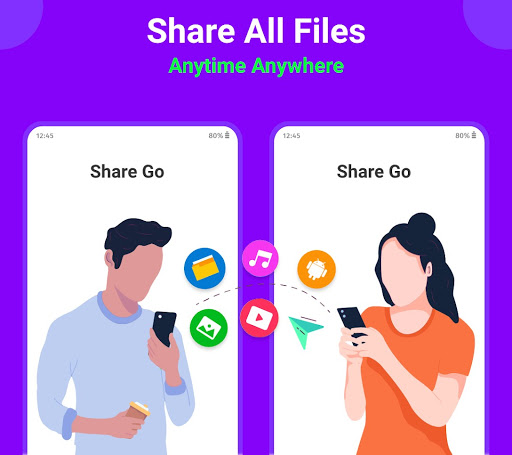
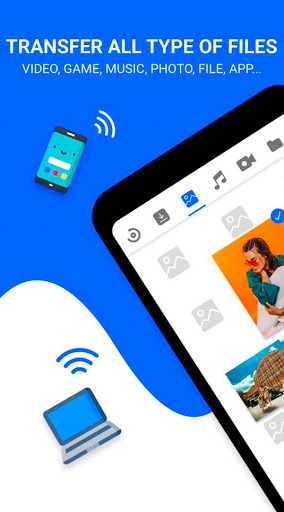
Share All Apps & File Transfer satisfies all your transfer needs perfectly. Just select videos, party photos, music, apps & e-book, pdf files or anything, it will stably transfer them to your friends at a lightning speed, even without the network.
Download inShare - Share All Apps & File Transfer to share unlimited joy now!
⚡️Send files with flash speed
- 200 times faster than Normal
- Up to 40Mb/s, share videos (1G) less than 30 seconds
- Reconnect if the transmission interrupt
📂Share All types of files supported
- Photos, videos, music, APK or any other files
- Infinite large files transfer supported
- Send multiple files or folders at ONE TIME
💥Share Files Offline
- Share all games, videos & Transfer files anytime and anywhere
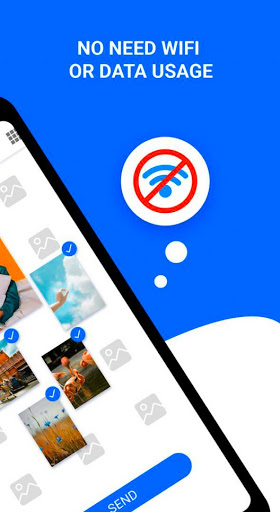
- No mobile data, no network connection needed
🔥KEY FEATURES
Support all Android devices
Smart replication: transfer data from old phone to a new one
One tap to send files or receive up to 40Mb/s
User-friendly design with opening, installing, viewing options
Powerful file manager with file sorting/searching
Share music, share videos, share apps and all types of file
Free of network connection
Over 30 languages supported
Cross-platform file transfer: Share to Android, iOS, Jio Phone, Mac, Windows...



9Apps 4.9













