

Super Simple Pixel Art Editor
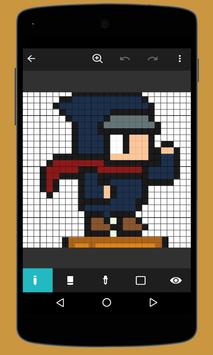
Let's make a simple to draw Pixel Arts!
A powerful and lightweight pixel art editor.
Become a pixel style painter.
Resizing the canvas:Expand or reduce the canvas with pinch gesture.
Quickly zoom out:Tap with two fingers and quickly return the enlarged the canvas to original size.
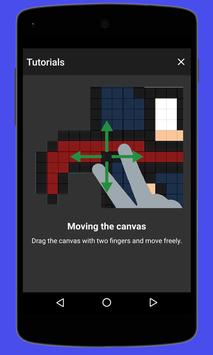
Moving the canvas:Drag the canvas with two fingers and move freely.
Clearing the canvas:Select the "Eraser" and touch and hold it,you can clear the canvas.
Filling the canvas:Tap the "Pen" and switch to the "Fill".then tap the canvas to fill it with selected color.
Getting a color:Select the "Dropper" and tap on the canvas to get a color of tapped place.
Creating a color:Tap the ( ) button to save the created color.To delete unnecessary colors,touch and hold a palette.
Preview the work:Work while checking the status with "Preview".
Editing the title:You can add titles of up to 50 letters.
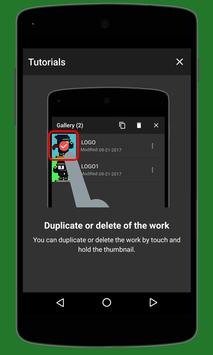
Duplicate or delete of the work:You can duplicate or delete the work by touch and hold the thumbnail.
Let's introduce the Pixel Art to everyone by email or Twitter!



9Apps 4.9













