
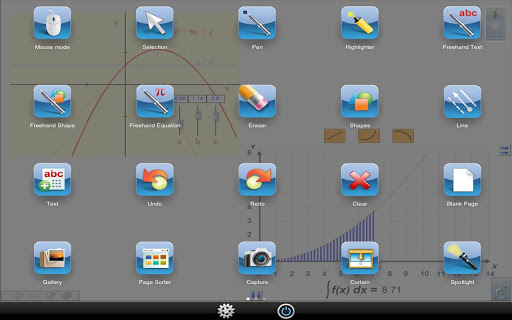
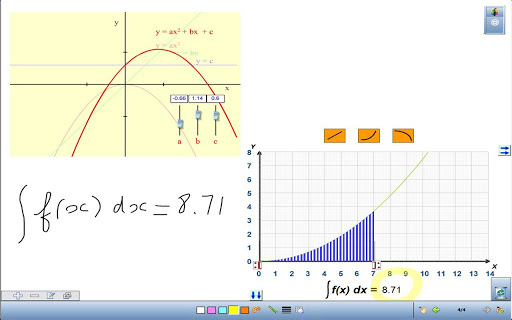
Turn your tablet into a mobile interactive whiteboard with the WorkSpace Connect app. Use your tablet to control your desktop computer, facilitate lessons, annotate over content, and project materials onto any surface, from anywhere in the room.
The WorkSpace Connect app on your tablet works in conjunction with WorkSpace software installed on your computer, giving you a remote desktop with access to your lessons, content, and tools. (The WorkSpace Connect app requires the complete version of WorkSpace software installed on your desktop computer, or connection with eInstruction by Turning Technologies equipment.)
•
Create, assemble, and present interactive multimedia lessons
•
Incorporate and work with teaching and learning materials in multiple formats from many sources
•
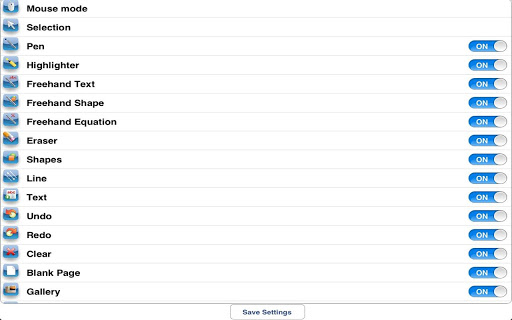
Manage more than 40 annotation, teaching, and learning tools
•
Use WorkSpace Connect and any eInstruction by Turning Technologies
student device in the room engages students with multi-user functionality
And the WorkSpace Connect app makes it easy to use your tablet to control WorkSpace recognition tools that are on your desktop. Now, you can convert handwritten text, numbers, shapes, and equations into more legible digital content, making them more readable for students.
WorkSpace Connect v2.0 requires the installation of:
•
WorkSpace for Windows® v9.3 or above
•
WorkSpace for Mac® v6.2 or above
•
WorkSpace for Linux® v6.2 or above

![[2024] Google Workspace Beginners Guide | Tips on Getting Started (from an Expert)! screenshot 1](https://i.ytimg.com/vi/FwT6_JFAk5Y/mqdefault.jpg)
![How to Connect Google Workspace to Squarespace [QUICK GUIDE] screenshot 3](https://i.ytimg.com/vi/d8Ua7e5FuGs/mqdefault.jpg)



9Apps 4.9













