
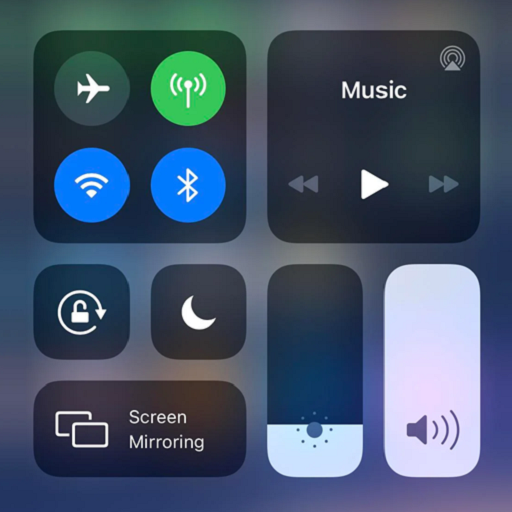
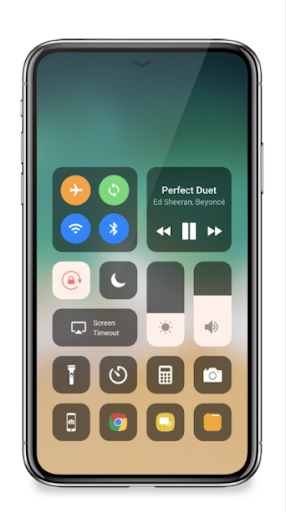
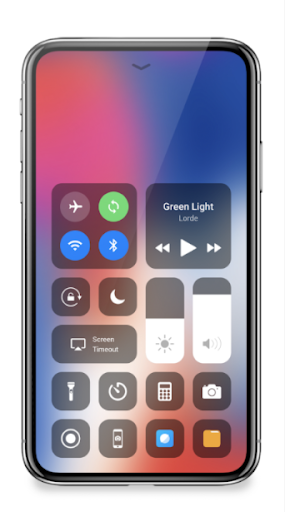
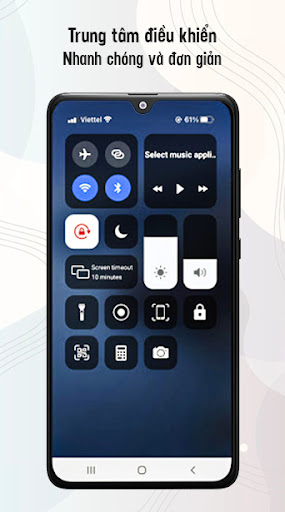
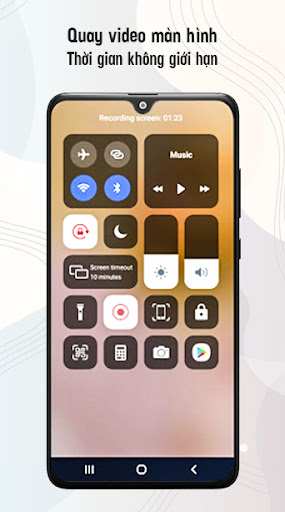
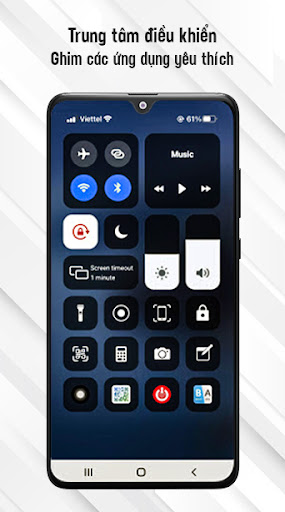
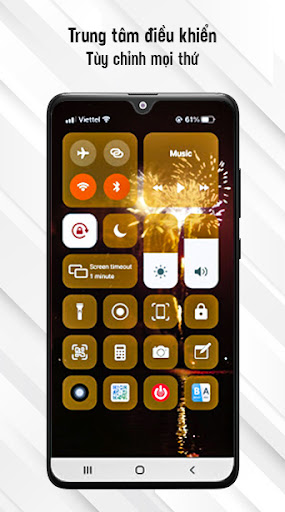
Control Center iOS 14 - မျက်နှာပြင် Recorder သည်သင့်အားချိန်ညှိချက်များ, မျက်နှာပြင်အသံဖမ်းစက်, Screenshot, Night Mode ကိုပြောင်းလဲရန်အလျင်အမြန်ကူညီသည်။ screen (screen off), volume controllory နှင့်အစာရှောင်ခြင်းလျှောက်လွှာကိုမြန်မြန်ဝင်ရောက်ကြည့်ရှုရန်။
Control Center - Settings:
မျက်နှာပြင်မှတ်တမ်း:
မျက်နှာပြင်မှတ်တမ်းသည် iPhone နှင့်တူသည်
SCRESSHOT, screen Capture
Bluetooth
မျက်နှာပြင်လှည့ ်. Bluetooth
မျက်နှာပြင်လှည့ ်. Hotspot: ကိုယ်ပိုင် hotspot လုပ်ပြီးသင်၏အင်တာနက်ကိုမျှဝေရန်လွယ်ကူသည်။
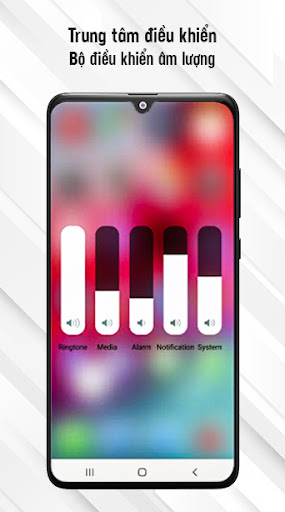
Volume Controlloller: Volume Controllory: Volume Controllory: Volume Controllone, Music Controller
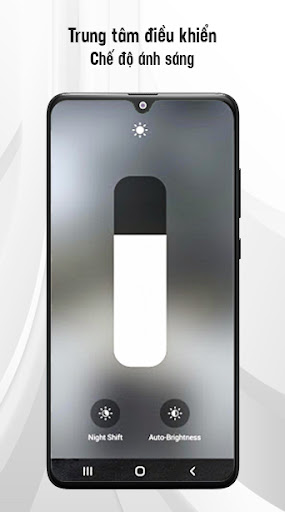
screen brighbr> မျက်နှာပြင်တောက်ပ
မျက်နှာပြင်တောက်ပ
အသံတိတ်ခြင်း, တုန်ခါမှုနှင့်အသံ
Light Mode (Night Light)
သင်၏မျက်လုံးများကိုဂရုစိုက်ပါ။
"ထိပ်တန်းအစွန်း" ကိုဖွင့်ထားရင်, ညာဘက်အစွန်းကနေပိတ်ထားပါ။ "enable လုပ်ထားတာမဟုတ်ပါဘူး မျက်နှာပြင်၏အောက်ခြေမှထိန်းချုပ်မှုစင်တာကိုဖွင့်ရန်။
ကိုနှိပ်ပါ။
ကိုပွတ်ဆွဲပါ။ ပိတ်ပါ။ Control Control Center မှာ Custom Conse Condition Conse Custom ကန့်သတ်ချက်မရှိဘူး။ , ဗီဒီယိုအသံဖမ်းစက် 3, 2, 1 ။
သင်၏မျက်နှာပြင်အသံဖမ်းစက်ကိုဖွင့်ရန်ရွေးချယ်ပါ။
Tserg screen recorder settings: Bitrate နှင့် Frame Rate "Control Center" ဖိုင်တွဲတွင်။
Control Center iOS 14 - မျက်နှာပြင်အသံဖမ်းစက်, ဒူးယေဂျာ, Mobizen ။
ကျွန်ုပ်၏အက်ပ်ကို သုံး. ကျေးဇူးတင်ပါသည်။





9Apps 4.9













