

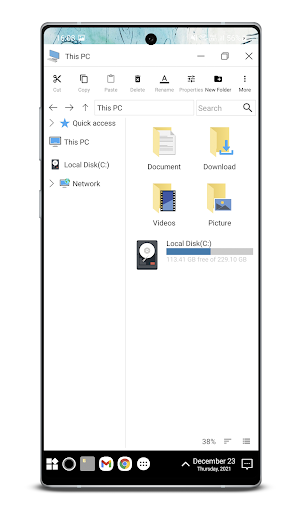
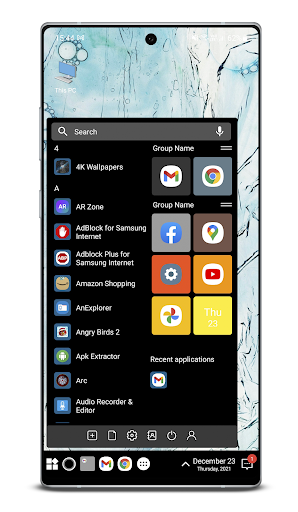
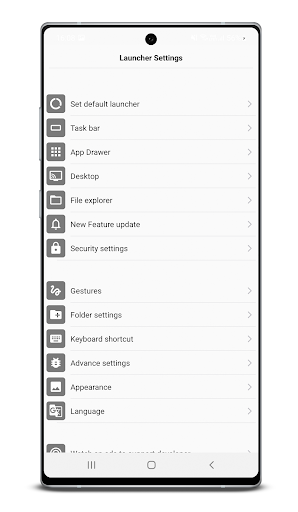
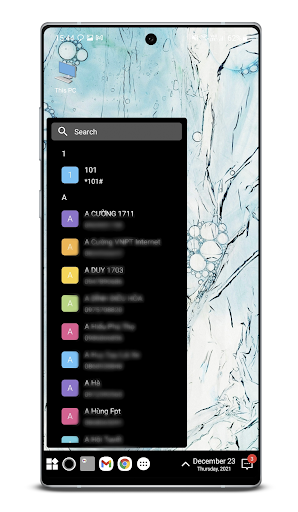
၎င်းသည်ကွန်ပျူတာ launcher ၏ဤအမျိုးအစားတွင်အကောင်းဆုံးဖြစ်သည်။
download, သုံးပါ, သုံးပါ။ ✫✫✫✫✫
✫ feature: ✫ feature:
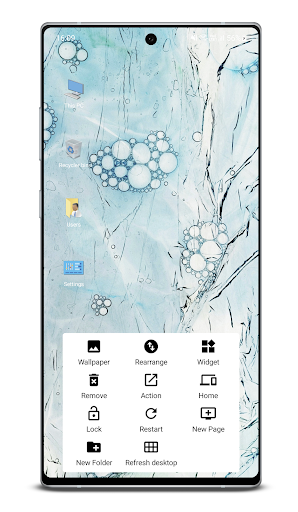
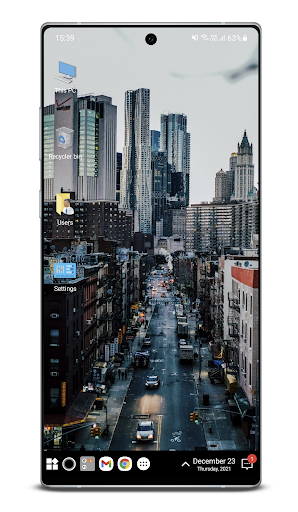
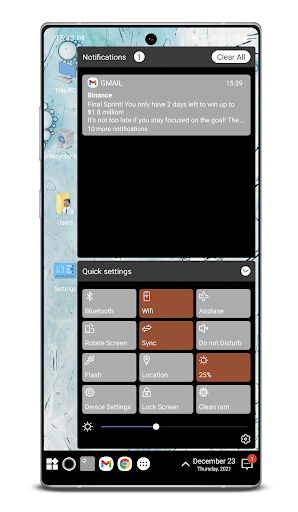
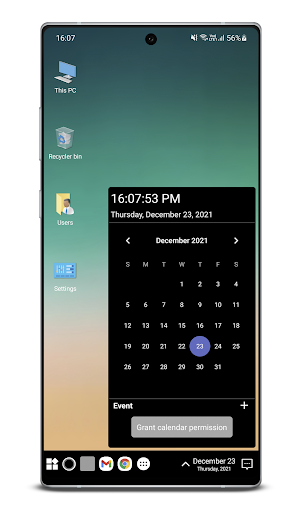
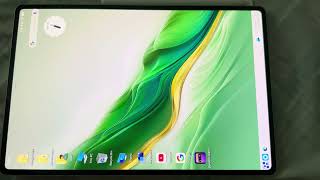
✫ feature in Desktop Pager Pager in icon နှင့် Notification စင်တာ Panel
သင် icon ကိုလျှောက်ထားနိုင်သည်သင်၏ desktop အတွက် app နှင့် custom icon အတွက် Pack ကိုကြည့်ပါ။ အရောင်နှင့်စာသားအရောင်များကိုကြည့်ပါ။ အရောင်နှင့်စာသားဘား, desktop, app ကို app ကို deskbar, folder ကိုဆွဲယူနိုင်သည်Folder Br> Window Explore
Window Quick Settings View
Time Burm View Burme Desktop ကြည့်ရှုရန်> အရန်ကူးယူခြင်းနှင့် restore settings data
task bar and menu အတွက် Multi Multure Option
Wide applications
Desktop icons ဖြုတ်တပ်ပြီး application ကိုဖြုတ်တပ်ဆင်နိုင်BR> Built-in Gallery Feat
အက်ပလီကေးရှင်းများ၌ထည့်သွင်း
ငါ့ကို သုံး. သင်၏ကိုယ်ပိုင် launcher ကိုပြောင်းလဲစေနိုင်သည်ပြ problems နာများအကြောင်းပြ problems နာများအကြောင်းတုံ့ပြန်ချက်များနှင့် ပတ်သက်. ကျွန်ုပ်အားအကောင်းဆုံးနည်းလမ်းဖြင့်ပြီးပြည့်စုံအောင်ပြုလုပ်နိုင်သည်။အင်္ဂါရပ်မျက်နှာပြင်ကိုပိတ်ပါ။သင်ကဒီအင်္ဂါရပ်ကိုမသုံးမီအုပ်ချုပ်ရေးကို enable လုပ်ဖို့လိုတယ်။app ကို uninstall လုပ်ရန်ကျွန်ုပ်၏ app ကိုဖွင့်ပြီး & quote ကိုနှိပ်ပါ။ uninstall & quote;BRODK ။
* ဒီအက်ပလီကေးရှင်းကိုလက်လှမ်းမီနိုင်ရေး 0 န်ဆောင်မှုတွေကိုသုံးတယ်။နှင့်အပြန်အလှန်ဆက်သွယ်နေကြသည်။နောက်ကျောကဲ့သို့သောအင်္ဂါရပ်အချို့ကိုဖွင့်ရန်, မကြာသေးမီကစာနယ်ဇင်းများကိုဖွင့်ရန်။
Minhtuan: Buiminhtuan2605 @ ပြ problem နာရှိပါကအခမဲ့အစီရင်ခံပါ။com
Hello everyone, I'm on vacation but there are a few reports about the app crashing. I turned it on to fix it and update as soon as possible. Wishing you all a very happy and warm Christmas. Love you all.
See you in next update




9Apps 4.9













