

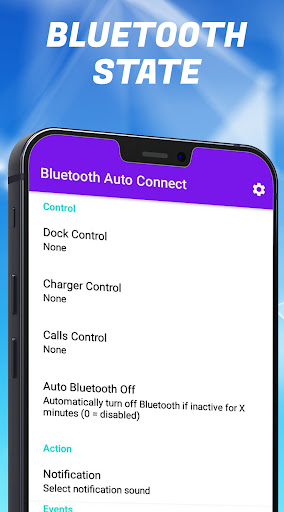
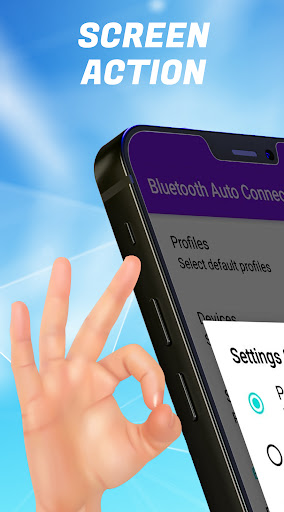
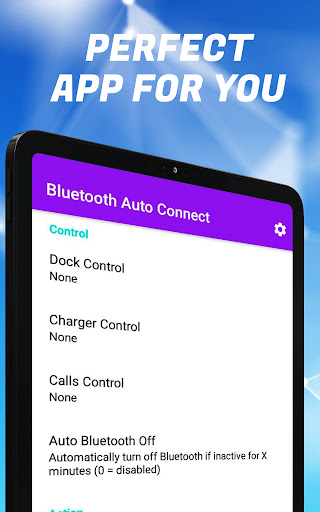
Bluetooth Auto Connect - မည်သည့် bt devices application ကိုမဆိုသင်တစ်စက္ကန့်တွင်မည်သည့် Bluetooth စက်ပစ္စည်းကိုမဆိုအလိုအလျောက်ချိတ်ဆက်ခွင့်ပြုလိမ့်မည်။
ဤလျှောက်လွှာတွင်မည်သည့်အသုံးပြုသူကိုမဆိုနှစ်သက်သောအင်္ဂါရပ်များစွာရှိသည်။
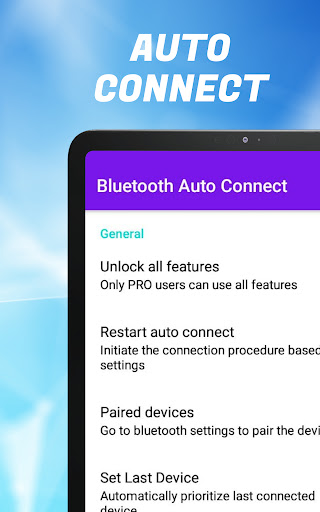
application ၏အင်္ဂါရပ်များ ငါတို့ပြောနေတာလား
ввввt AutoConnect
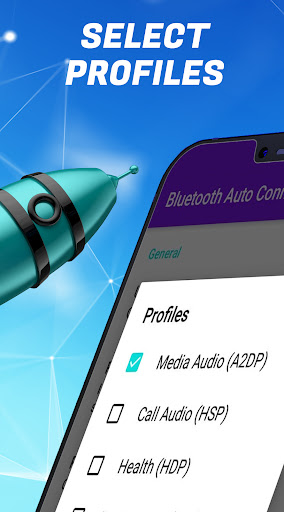
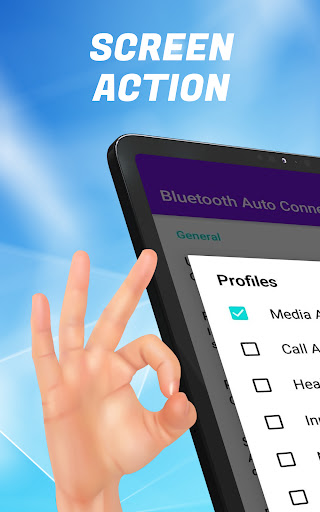
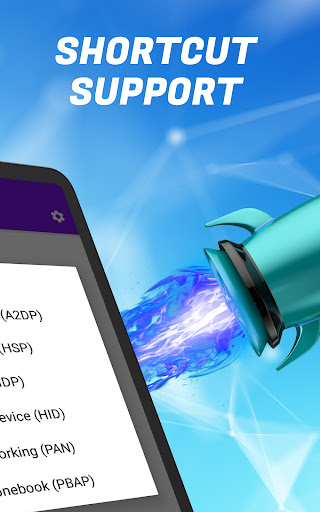
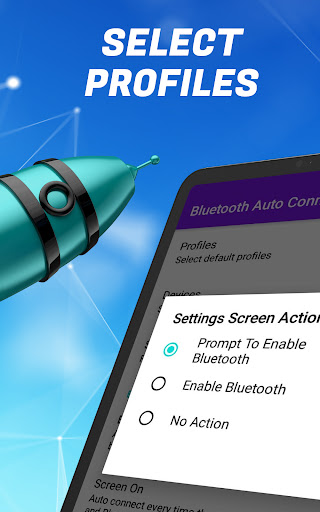
🌐 profile များ
devices ဦး စားပေးအင်္ဂါရပ်
bluetooth ဆက်သွယ်မှုနှင့်အတူပြ problems နာများရှိ ? အချိန်ကြာမြင့်စွာအချိန်ကြာမြင့်စွာ gadget သည်သူတို့အလွန်နီးကပ်နေလျှင်ပင် Bluetooth ကိရိယာများကိုရှာ။ မရပါ။ ချိတ်ဆက်နေစဉ်အမှားတစ်ခုရပြီလား။ သို့မဟုတ်ထိုကိရိယာသည်ယေဘုယျအားဖြင့်စမတ်ဖုန်းသို့မဟုတ်တက်ဘလက်တစ်ခုနှင့် Bluetooth ဆက်သွယ်မှုကိုယေဘုယျအားဖြင့်ပျောက်ကွယ်သွားသည်မဟုတ်လော။ ဤပြ problems နာများသည်မကြာသေးမီကဖြစ်လေ့ရှိပြီးနောက်ဆုံးပေါ် android နှင့် Bluetooth ကိရိယာများနှင့်ပင်ပေါ်ပေါက်လာနိုင်သည်။ Bluetooth ဆက်သွယ်မှုနှင့်မည်သည့်စက်ပစ္စည်းမှမဆိုအလွန်အစွမ်းထက်သောလက်ထောက်များနှင့်အပြင်ကိုအလွယ်တကူဆက်သွယ်နိုင်သည့်မယုံနိုင်လောက်အောင်အစွမ်းထက်ခြင်းနှင့် multitasking application ကိုဖန်တီးခဲ့သည်။
Bluetooth Devices များကဲ့သို့သော Bluetooth ကိရိယာများကဲ့သို့ Bluetooth ကိရိယာများကိုကိုယ်တိုင်ရှာဖွေရန်နှင့်ချိတ်ဆက်ရန်လိုသည်ဆိုပါက BT devices များအားလုံးကိုသင် bluetooth auto connect များကိုပြုလုပ်နိုင်သည် အနီးအနားမှာဖြစ်ပြီးဖွင့်ထားတယ်။ ဒီလိုလုပ်ဖို့ device ကို 1 အချိန်ပဲရှာပြီးချိတ်ဆက်ပြီးချိတ်ဆက်ဖို့လိုတယ်, နောက်ဆက်တွဲအချိန်တွေမှာသင် Bluetooth ကိုဖွင့်လိုက်တာနဲ့သင်လိုအပ်တဲ့ကိရိယာများကိုချိတ်ဆက်ပေးလိမ့်မယ်။
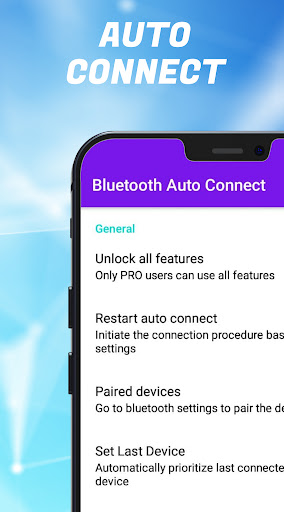
ကွဲပြားခြားနားသော profiles များကိုသင်ဖန်တီးနိုင်သည် Bluetooth ကိရိယာများအတွက်၎င်းတို့ကိုပြောင်းလဲပါသို့မဟုတ်အသစ်များဖန်တီးပါ။ ဦး စားပေးလုပ်ဆောင်ချက်နှင့်အတူသင်ယခင်ကချိတ်ဆက်ထားတဲ့ချိတ်ဆက်မှုတစ်ခုချင်းစီ၏အခြေအနေကိုတွေ့နိုင်ပြီး Bluetooth Gadgets ကိုသင်တွေ့နိုင်ပြီး Bluetooth autoconnection ကို Bluetooth device များနှင့်ချိတ်ဆက်ထားခြင်းရှိမရှိကိုကြည့်ပါ။ အကယ်. သင်သည် Bluetooth ကိရိယာများကိုမကြာခဏ ချိတ်ဆက်. မဆက်သွယ်ပါက၎င်းသည် opportune အခိုက်အတန့်တွင်ချိတ်ဆက်ခြင်းမပြုရန်အလိုအလျောက်ချိတ်ဆက်ခြင်း function ကိုပိတ်ထားနိုင်သည်။
Device ကို Bluetooth ကိုဘယ်လိုချိတ်ဆက်ရမလဲ လျှောက်လွှာနှင့်အတူအလုပ်လုပ်? လုပ်ရပ်များ၏ algorithm သည်ပုံမှန် Bluetooth ကိုဆက်သွယ်သည့်အခါနှင့်အတူတူပင်ဖြစ်သည်။ သင်သည်ပရိုဂရမ်သို့ သွား. Bluetooth ဆက်သွယ်မှုတစ်ခုကိုရွေးချယ်ပြီးအနီးအနားရှိ Bluetooth ကိရိယာများအားလုံးကိုသင်တွေ့လိမ့်မည်, သင်တစ်ချိန်ကသူတို့နှင့်သာချိတ်ဆက်ပြီးအလိုအလျောက်ဆက်သွယ်မှုကိုဖွင့်သည့်အခါတိုင်းဤကိရိယာများသည်အလိုအလျောက်ချိတ်ဆက်လိမ့်မည်။ သင့်ကလေး၏ကိရိယာများ, အိမ်နီးချင်းသို့မဟုတ်အလုပ်လုပ်ဖော်ကိုင်ဖက်များ၏ကိရိယာများနှင့်မတူပါကသင်၏ကိရိယာများကိုအမည်ပြောင်းခြင်းမပြုရန်သင်၏ကိရိယာများကိုအမည်ပြောင်းခြင်းမပြုရန်ကျွန်ုပ်တို့အကြံပြုလိုပါသည်။
အခမဲ့ Bluetooth အလိုအလျောက်ဆက်သွယ်မှုကိုဒေါင်းလုပ်လုပ်ပါ - BT devices application ကိုယခုအချိန်တွင်ချိတ်ဆက်ပါ။ Bluetooth headset, Bluetooth Keyboard, Bluetooth Speaker နှင့်အခြားသူများစသည့်ကိရိယာများနှင့်ဆက်သွယ်မှုပြ problems နာများကိုသင်မေ့နိုင်သည်။ BT Auto Connect အတွက်မကြာခဏအသုံးပြုသောကိရိယာများကိုသင်လည်းပြုပြင်နိုင်သည်။
fixed minor bugs





9Apps 4.9













