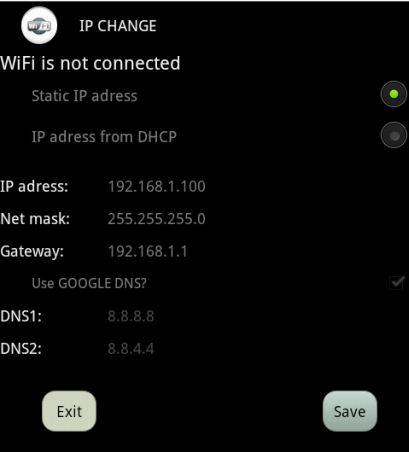
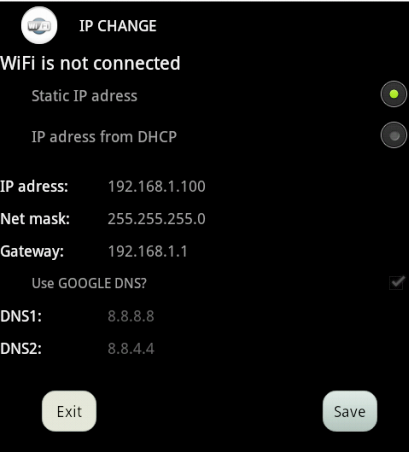
With IP CHANGE app you can setup the static IP-Address for your currently running WiFi connection or rollback the setting back to DHCP.
How to change IP-Address for static IP:
1. Connect to your existing Access point
2. Open IP CHANGE app and fill the text boxes (IP-Address, Net mask,Default gateway).
3. Press the SAVE button.
How to change the IP-Address from DHCP:
1. Connect to your existing Access point
2. Open IP CHANGE app and select an option IP-Adress from DHCP
3. Press the SAVE button.
Oprava chyby zlyhania pri štarte.


9Apps 4.9