
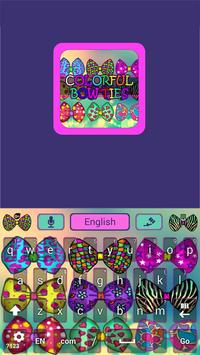
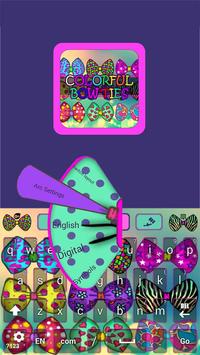
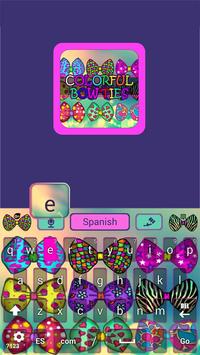
Like Bow ties and colors then were sure you will like this theme, we made this to make your phone in fashion hope you like it enjoy.
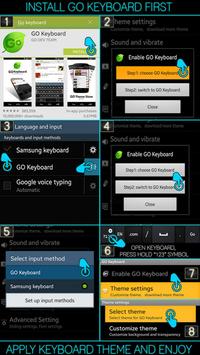
★INSTALL GO KEYBOARD FIRST, READ BELOW★
★ Activating Go Keyboard ★
1) Open Go Keyboard App: Click Step1 > Check Go Keyboard “press ok” > Next to the Checked Go Keyboard is a “Settings symbol” click that. > Click Step2 > Select input: Go Keyboard.
Applying the Theme★
1) Open Go Keyboard App: click theme settings > click select theme > click “on the name of this theme from the list” > Apply!
★How to load custom font★
Press “123” Key (Hold button down) > Fonts > Hit Scan Button > look for name of this theme > apply done!.
★Please rate our work★
If you enjoy this bow ties go keyboard theme please rate it thank you for downloading.

9Apps 4.9














![국세청 홈택스 [손택스] on 9Apps](https://go.getnew.app/sg/res/jpg/f7/df/69cc2f90120ec331db2630e0f5b6-6dh.jpg?x-oss-process=style/jmq200)


