

* Why need the Internet Speed Test?
Conducting an internet speed test is a quick, easy way to take stock of your internet service’s performance. If it seems like your internet is slower than it should be, running a speed test is the quickest way to find out if something is wrong on your end, or if the problem is with your internet service provider.
* What is a good speed test for Internet?
1-5 Mbps for checking email and browsing the web. 15-25 Mbps for streaming HD video. 40-100 Mbps for streaming 4K video and playing online games. 100 Mbps for streaming 4K video, playing online games, and downloading large files.
* What is the Internet Speed Test?
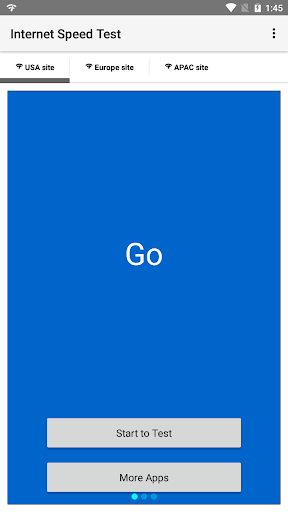
Internet Speed Test makes it easy to measure your internet speed. It’s easy, fast and accurate and the test results are presented in a user-friendly way with icons explaining what the internet speed can be used for.
* How to use Internet Speed Test?
1. Tap "USA site", "Europe site" or "APAC site" to select a region to test.
2. Tap "Start to Test".
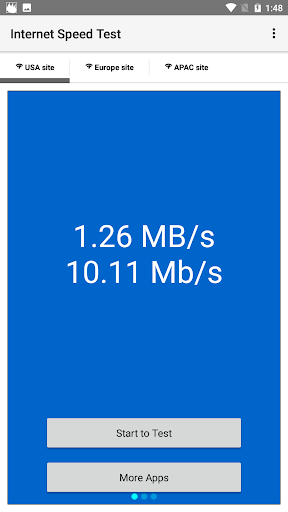
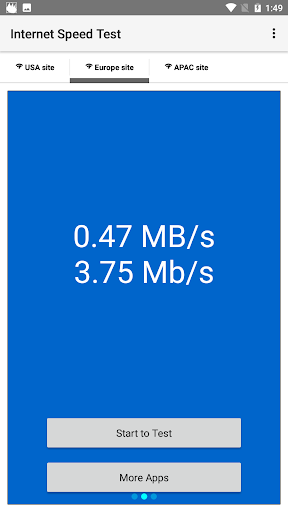
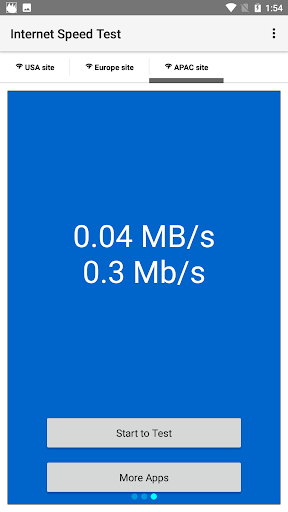
3. App will show the speed with "MB/s" and "Mb/s" after a moment of checking.
1.0.1 First release




9Apps 4.9













![국세청 홈택스 [손택스] on 9Apps](https://go.getnew.app/sg/res/jpg/f7/df/69cc2f90120ec331db2630e0f5b6-6dh.jpg?x-oss-process=style/jmq200)


