

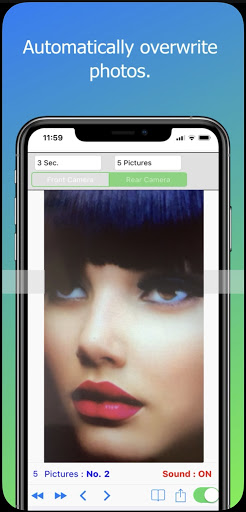
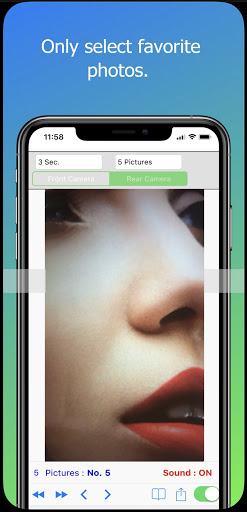
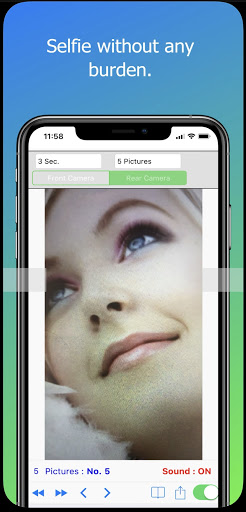
Do not like photos after the selfie to delete a lot?
Feeling trouble?
Now use Timer Selfie Camera without trouble!
Features:
- Take pictures for yourself (selfie), take quick photos to albums or upload them to social networks, emails and text messages.
- Easier! Select the best picture in burst mode.
- Click the image at any time to switch to full-screen mode.
Functions:
• Support for front and rear camera.
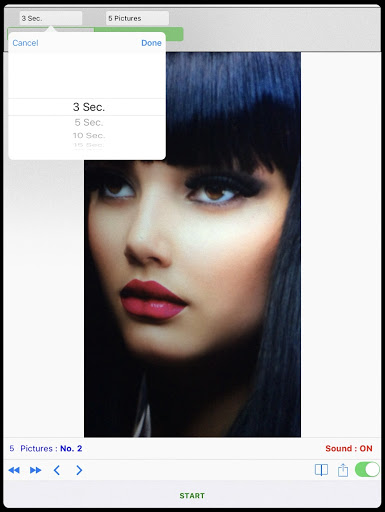
• Timer settings: 3,5,10,15,20 and 30 seconds.
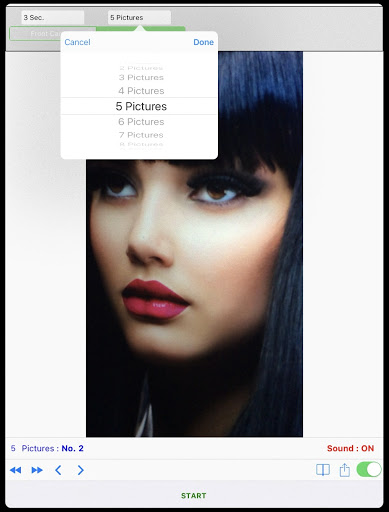
• Up to 30 pictures in succession.
• Automatically detects and sets the maximum pixel image mode of the camera lens.
• Photo Sharing button.
• Click the image to switch to full-screen view mode.
• Pose Shutter and shooting end tone.
• Set before and after the jump to view pictures.
• Save to album button.
• Supports portrait and landscape shooting modes.
Steps to start:
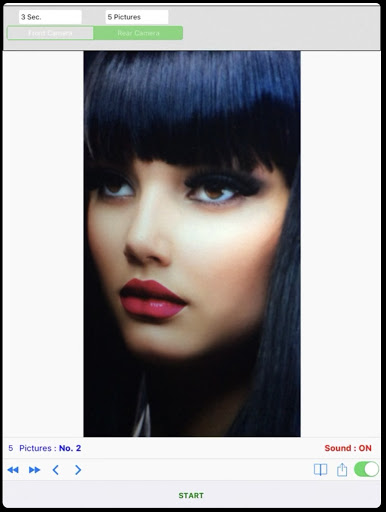
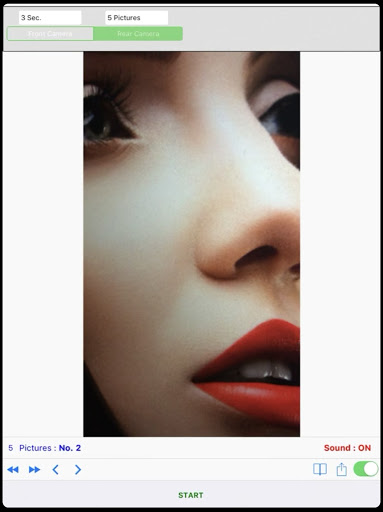
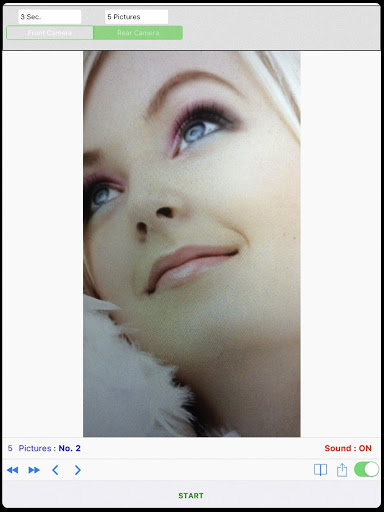
(1) Select the front or rear camera.
(2) Set the number of seconds for the countdown timer and the number of pictures taken.
(3) Click the Start shooting button.
(4) Click on the previous or next button to view the photos.
(5) Click the Save button to the album or press the Share button to send the photo.
For more details:-
Website- https://goo.gl/t6Tn9X
BUG fixed.


9Apps 4.9















![국세청 홈택스 [손택스] on 9Apps](https://go.getnew.app/sg/res/jpg/f7/df/69cc2f90120ec331db2630e0f5b6-6dh.jpg?x-oss-process=style/jmq200)


