

Tube Video Download is one of best apps on the internet.
Tube Video Download help you to share video with your friends very easy and aspecially, Tube Video Download also allow your to download your favorite videos.
No Youtube support in this app. you can't download video from Youtube.
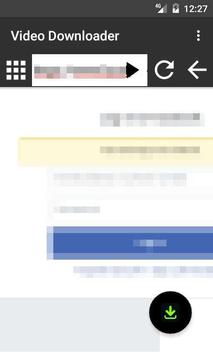
Use in-app browser in video download
Step 1:
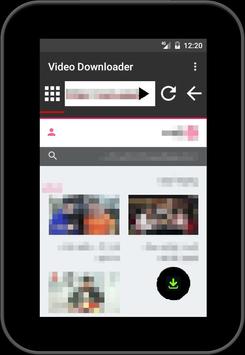
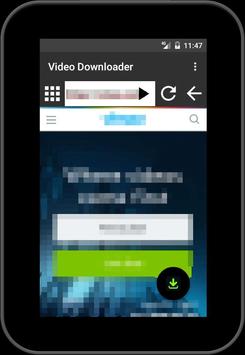
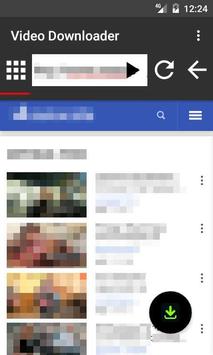
Browse to the video on the internet with the integrated web browser.
Step 2:
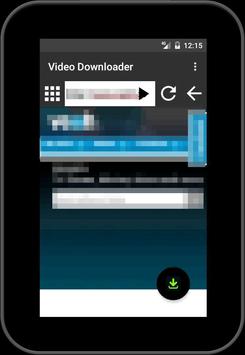
Press the play video button. If this did not find the video then play the video and press the fullscreen button.
When the video is found a popup will open, select download button and download.
Tube Video Download is Easy Video Download with function as Play, Resume, Pause, Playback the downloads at any time. Save videos which you want to watch late in the feature. Also, with Tube Video Download, you do not even have to download video, just add this video to watch list video. Search Video is a function in this app and use Hd quality as Hd Video Downloader.
How to use Tube Video Downloader
1. Select the video you want from list videos
2. Download video fast and free in your phone.
3. press the download button to download.
4. you can Delete the Downlaoded File of video and movie.
* Features
Tube Video Downloader can support multiple download at a time.
You can play and share video in application.
Best video downloader for all sites and browser.
Easy and simple interface
Add to Watch Late list
Tube Video Download
TVD:Tube Video Download - MP4, MP3
Best tube video download to download and save shared tube videos , tube mp3 and more
Tube Video Download is NOT YouTube Downloader, because of youtube term of servie
★★ Just 3 sec should be video download ★★
1. Select the video you want to watch from your Internet browser
2. Select [TVD - Tube Video Download].
3. save completed!
Tube Video Download, download videos from Internet up to 200% faster.
Tube Video Download is Videos and Songs/Music Downloader, You can download hd video/mp4 and song/mp3 files to local, is the best app to download your favorite videos! Let's enjoy downloading your favorite mp3 and videos on Internet.
Tube Video Download is NOT YouTube Downloader, because of youtube term of servie
Use in-app browser in video download
Step 1:
Browse to the video on the internet with the integrated web browser.
Step 2:
Press the play video button. If this did not find the video then play the video and press the fullscreen button.
When the video is found a popup will open, select download button and download.
### FAQ###
Can I download YouTube videos?
No! downloading YouTube content is not permitted by its terms of service
###Powerful Downloader for Android:
- Downloading only through the internet on Wi-Fi;
- Boost downloader for 2G, 3G and 4G networks;
- Download files in parallel parts to increase and accelerate the transfer speed.
- Accelerated downloading by using multithreading (4 parts)
- Interception of links from android browsers and clipboard;
- Download files in background and resume after failure;
- Downloader for images, documents, archives and programs;
- Super fast downloading
- Live download progress bar for each running download.
- Awesome download manager and smart video detection feature.
- Single tap downloads, play the video and press the download icon that pops up on the screen.
- Download all videos in background.
- Video downloader and music downloader;
- Support for large files download.
- Support all video formats such as MPK, AVI, MP4, MKV, FLV, WMV, MPG.





9Apps 4.9













![국세청 홈택스 [손택스] on 9Apps](https://go.getnew.app/sg/res/jpg/f7/df/69cc2f90120ec331db2630e0f5b6-6dh.jpg?x-oss-process=style/jmq200)


