

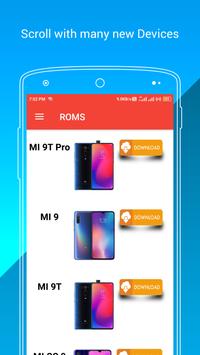
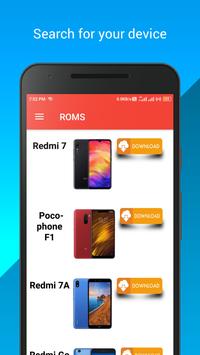
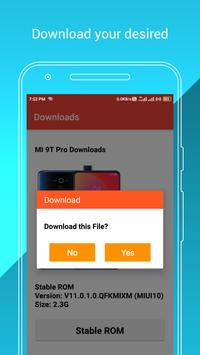
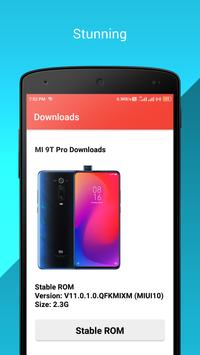
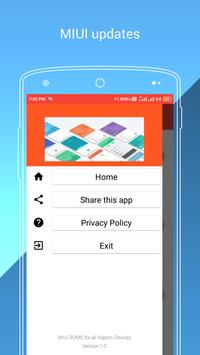
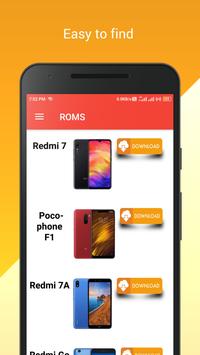

Stable software updates for all Xiaomi Devices. Now update MIUI very easily with only one App. Easily find your new MIUI update and download . This app shows MIUI information and photo as well so that you can download the correct update software for the correct device and also using this app you can download the newest MIUI updates directly to your phone.
Very Easy to update your phone just download the required update package and install it.
Installation method:
. Go to settings
. Choose the option "about device"
. Next select software update
. Now click on three dots which is located in top right corner of your screen
. Now click on Choose update package and select the downloaded version
Now wait till the flashing
completes then
Congrats enjoy:)
Your will be updated to the latest version Automatically and reboot successfully.
List of the devices :
POCO F1 / POCOPHONE F1
MI 9 SE
Mi 6
Mi 8
Mi 8 Lite
Mi 8 Pro
Mi 9
Mi 9 Lite
Mi Max 2
Mi Max 3
Mi MIX
Mi MIX 2
MI MIX 2S
MI MIX 3
Mi Note 2
Mi Note 3
Mi Play
Redmi 4X
Redmi 5
Redmi 5 Plus
Redmi 5A
Redmi 6
Redmi 6 Pro
Redmi 6A
Redmi 7
Redmi 7A
Redmi 8
Redmi 8A
Redmi K20 / Mi 9T
Redmi K20 Pro / Mi 9T Pro
Redmi Note 4x
Redmi Note 5
Redmi Note 5 Pro
Redmi Note 5A / Y1 Lite
Redmi Note 5A Prime / Y1
Redmi Note 6 Pro
Redmi Note 7
Redmi Note 7 Pro
Redmi Note 7S
Redmi Note 8 Pro
Redmi Note 8 Pro
Redmi S2/Y2
Redmi Y3
Every Update is available as soon as it got released and app is updated with the new devices easily.
Thanks:-)
New Device POCO X2 added
Bugs Fix




9Apps 4.9













![국세청 홈택스 [손택스] on 9Apps](https://go.getnew.app/sg/res/jpg/f7/df/69cc2f90120ec331db2630e0f5b6-6dh.jpg?x-oss-process=style/jmq200)


