
Believe it or not! 30,000+ users downloaded Auto Liker for Tinder latest version on 9Apps for free every week! The app has made a strong effect. This hot app was released on 2018-04-05. You’ll want to use it on your own phones after you know more.
Tired of Swiping or Liking profiles on dating apps. Or maybe suffering from some disability that prevent swiping/liking smoothly?
Auto Liker is the perfect solution to automatically swipe right or auto like profiles.
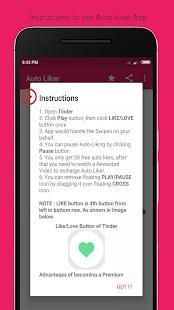
Instructions for using the app :
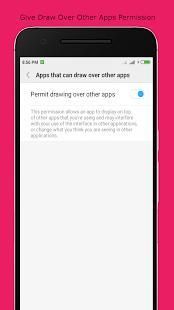
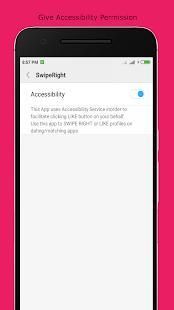
1. Give all the required permissions.
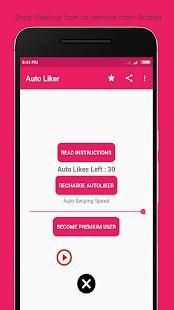
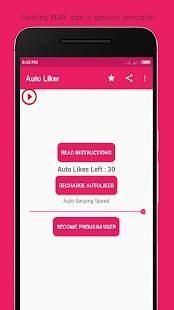
2. You would see floating "PLAY" icon on screen.
3. Open Tinder App.
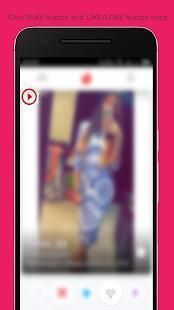
4. Click "PLAY" icon.
5. Then click "LIKE/LOVE" button to Auto Like or "DISLIKE" button to Auto-Dislike.
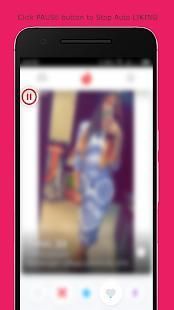
6. Click "PAUSE" button to stop Auto-Liking/Disliking.
Note : Play/Pause Icon is gesture controller, This App copies the first click you do after clicking "PLAY" button. So you can Like/Dislike profiles by clicking PLAY button first and then LIKE/DISLIKE button once.
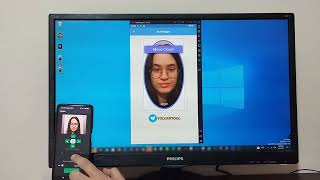
Watch Demo Video of this App : https://youtu.be/roEs6eApXkI
Features of this App :
* Small App Size
* Supports both Liking and Dis-Liking Profiles
* Extremely Simple User Interface
* Only two permissions are required - Accessibility permission and Draw over other Apps permission
Permissions that app asks :
* Accessibility Permission - This permission is required to swipe/like on your behalf.
* Draw over other apps - This permission is required to create a stop button over other apps, which you can click to stop the auto-liking/swiping.
In case of any question/query/suggestion, please write to us at vbplayapps@gmail.com
* Bug Fixes





9Apps 4.9












![국세청 홈택스 [손택스] on 9Apps](https://go.9appresource.com/sg/res/jpg/f7/df/69cc2f90120ec331db2630e0f5b6-6dh.jpg?x-oss-process=style/jmq200)