
Ring Style Widget is a home screen widget that allows you to change your phone's ringer mode with a tap.
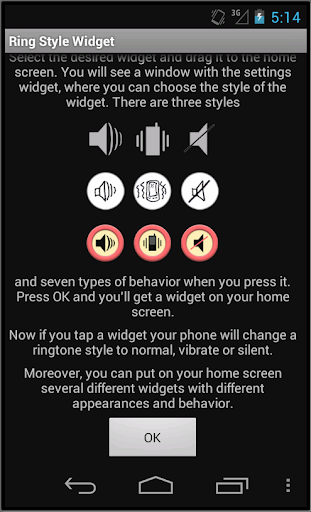
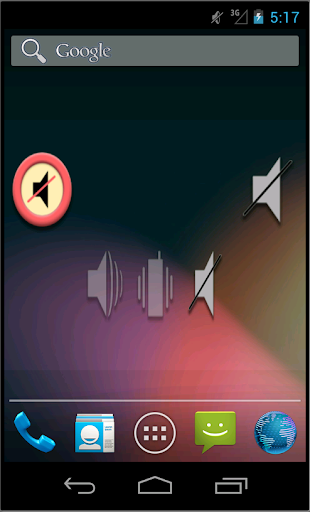
To add a widget, go to the applications and select the page with widgets. There look for two Ring Style Widgets, small and big. Select the desired widget and drag it to the home screen.
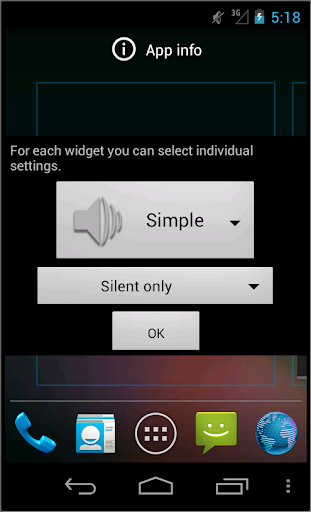
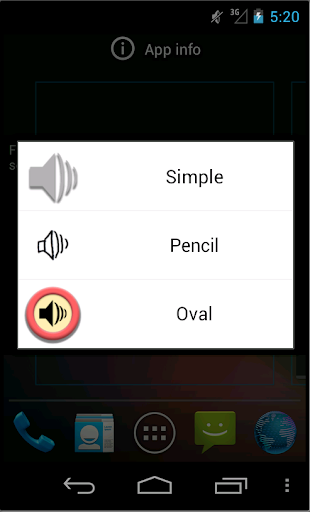
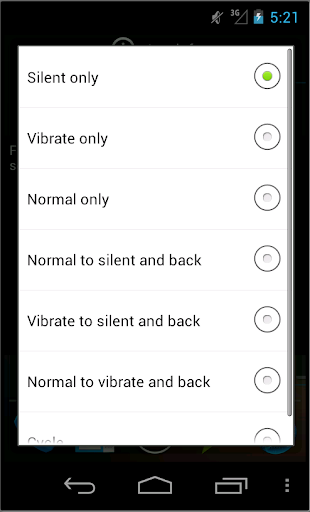
You will see a window with the settings widget, where you can choose the style of the widget. There are three styles and seven types of behavior when you press it. Press OK and you'll get a widget on your home screen.
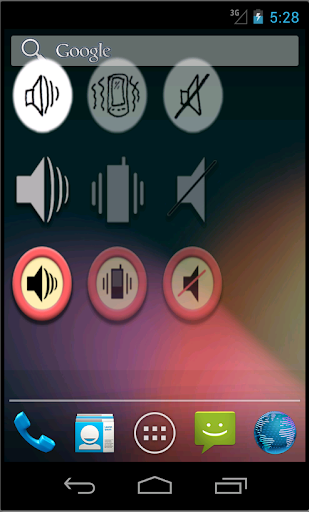
Now if you tap a widget your phone will change a ringtone style to normal, vibrate or silent.
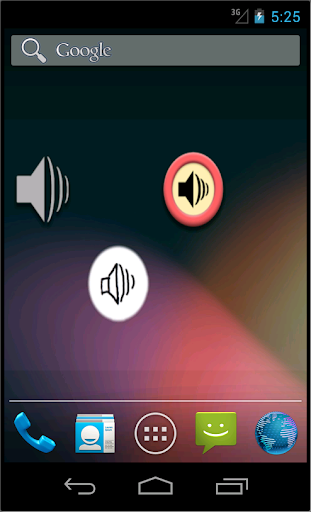
Moreover, you can put on your home screen several widgets with different appearances and behavior.
bugs fixed





9Apps 4.9











