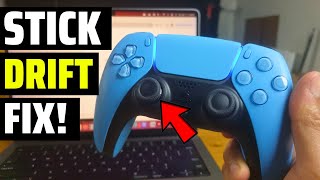
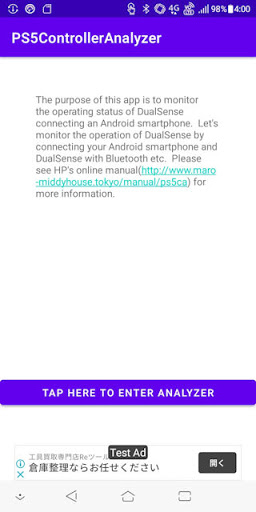
The purpose of this app is to monitor the operating status of DualSense (PlayStation5's Controller) connecting an Android smartphone.
Let's monitor the operation of DualSense by connecting your Android smartphone and DualSense with Bluetooth etc.
Please see HP's online manual(http://www.maro-middyhouse.tokyo/manual/ps5ca) for more information.
Preparation: Connect DualSense and Android smartphone.
1.From the dualSense power off state, hold down the Create button and press the PS button (long hold down) until the light bar flushes (repeated short flashes twice).
2.Turn on "Bluetooth" from "Settings"-"Wireless & networks" on your Android smartphone, and tap the displayed "Wireless Controller" to pair DualSense with your smartphone.
How to use the app:
Launch PS5 Controller Analyzer and tap "TAP HERE TO ENTER ANALYZER".
How to read the Analyzer:
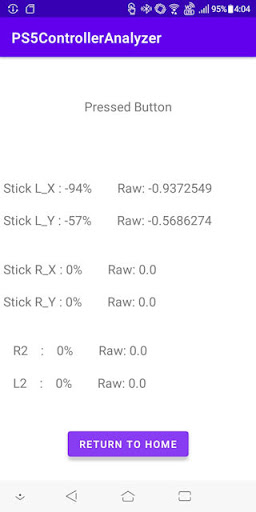
Operate the connected DualSense.
The button pressed at the top is displayed.
The input value of each stick is displayed below. The% display and the raw data entered on the smartphone are displayed.
Version1.0


9Apps 4.9