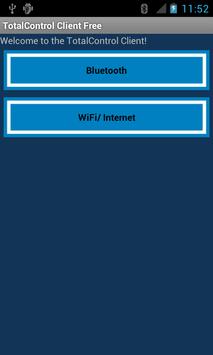
Control your PC/ Laptop remotely from your Android Device!
Supports:
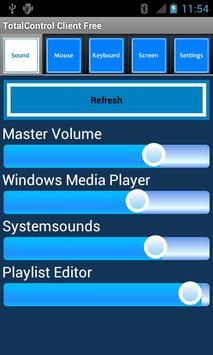
- Windows 7 Sound Session Control
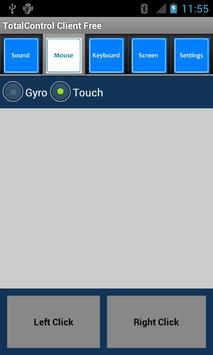
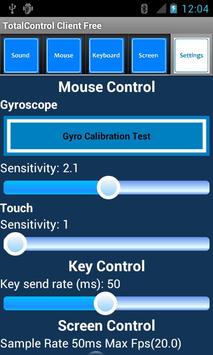
- Mouse Motion Control via Gyroscope and Touch
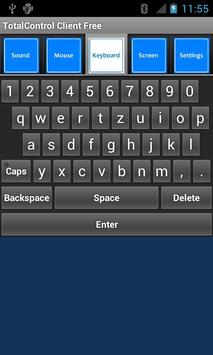
- Keyboard Control
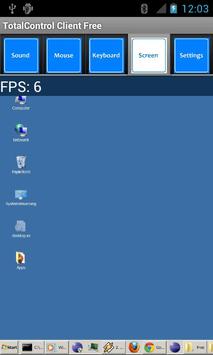
- Screen Control/ Live Streaming
- Security Code Input for authorization (hashed with blowfish before send over network)
- gyroscope calibration
Pro(Donate) Version: http://market.android.com/details?id=de.boehme.app.totalcontrolclient
- able to use bluetooth server file transfer (no need to download server manually)
Follow these steps to connect your Android Device with your Computer:
1. Download the Server Application from
http://boehme.me/projects/totalcontrol
2. Start Server (WiFi: check if port 1234 is routed through firewall)
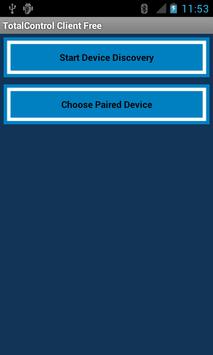
3. Start Android App
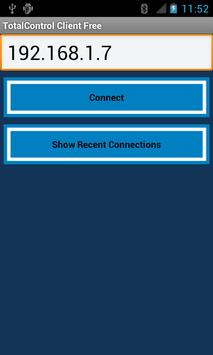
4. Connect!
Further instructions/ problem solving available at
http://boehme.me/projects/totalcontrol
Video Tutorials:
Feature Overview
http://www.youtube.com/watch?v=O0yh6jdkluY
Bluetooth Server file transfer
http://www.youtube.com/watch?v=uetYfmhqM4o
* 1.0.1 Fast Connect now possible
- connect automatically to last successful connection with one click
* 1.0.2 All Features from Pro Version now integrated in free version! (gyro calibration test, settings menu)

9Apps 4.9