

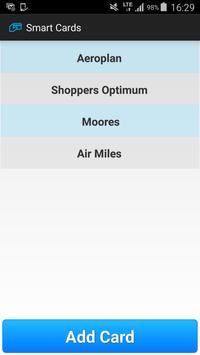

Smart Cards allows you to lighten your wallet by storing all your loyalty cards on your phone. To add a card:
1) Click on "Add Card"
2) Scan the card by placing the red line in the center of the card's barcode.
3) Enter in the Name of the loyalty card
4) Save!
Your card is now saved on the phone. To use in a store, open the Smart Cards App, select your card and display to the cashier to scan.
Stores with outdated scanner may not be able to scan off a phone. In that case, they can manually enter in the card number.

9Apps 4.9













