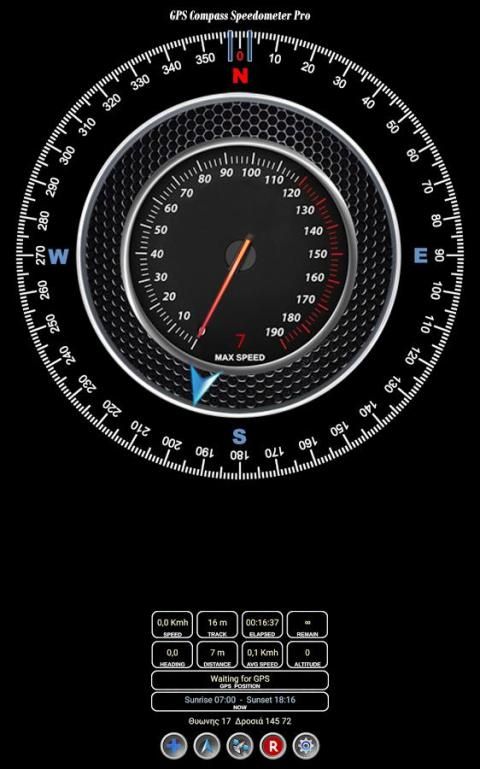
Following is the introduction of a wonderful App. 20,000+ users downloaded GPS Speed Compass latest version on 9Apps for free every week! It truly does not offer any money. This hot app was released on 2017-03-06. Even if you’re not a fan of this app, you’ll love it after reading this page.
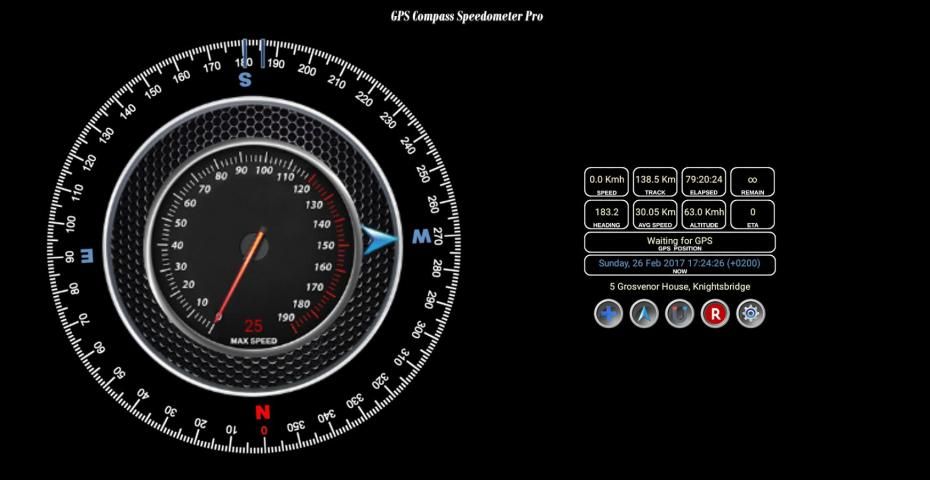
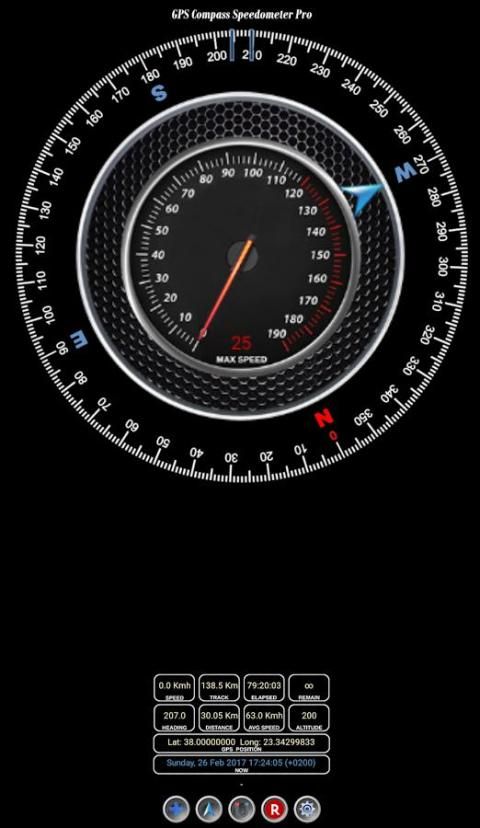
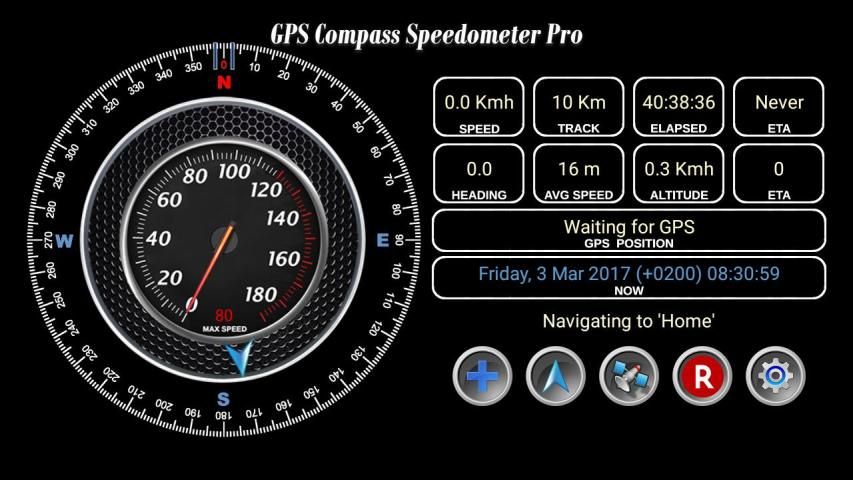
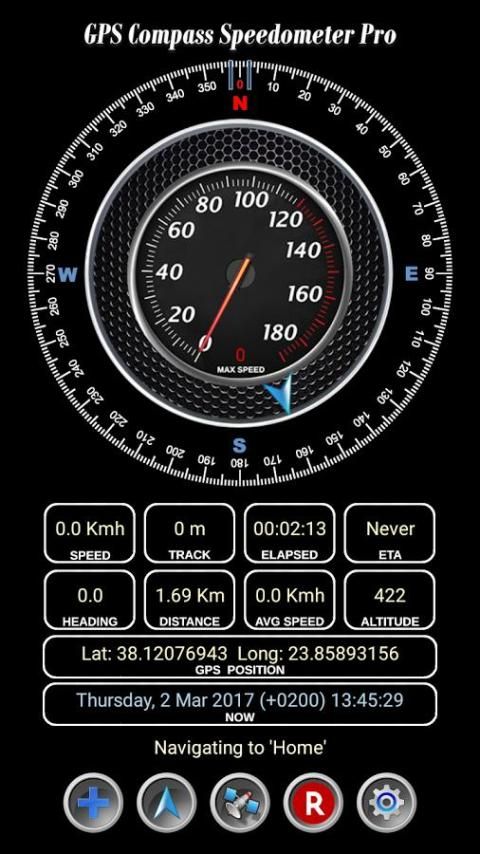
GPS Compass Speedometer Pro knows your heading, location, track distance, ETA etc. and can navigate you to saved waypoints easily.
The power of this app is that you get almost all the functionality and information in one screen.
This makes it easy to use while driving for example.
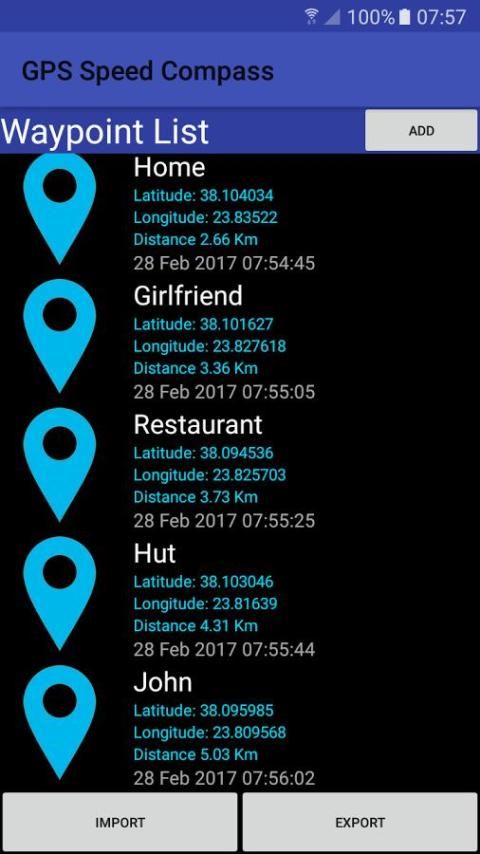
Save a waypoint just by using one tap and rename it later in your convenience.
Short manual
------------------
'+' Button
Press: Add Waypoint to list
Long press: Mark current location as home
Arrow Button
Press: Open Waypoints to select destination etc.
Long press: Navigate to home
Middle Button
Press: Swap between magnetic and GPS heading
Long press: Listen to 'Thank you'
'R' Button
Press: Reset Max Speed
Long press: Reset Track and Time
Wheel Button
Press: Swap between Metric/Imperial units
Long press: Turn 'Moving Away' announcement ON/OFF
Remember to long press on a waypoint in the list to rename or delete it.
If your clipboard supports the 'Share' function as in newer phones you can navigate to any location from Google Maps:
-Open Google Maps
-Drop a pin and Latitude,Longitude appears
-Select the Lat,Long text
-Tap 'Share' and choose the GPS Compass Speed Pro icon
- Open waypoints in Google Maps
- Delete all waypoints at once

9Apps 4.9