
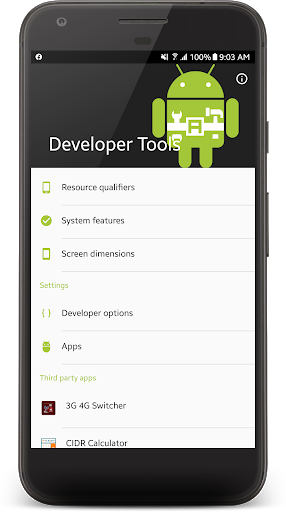
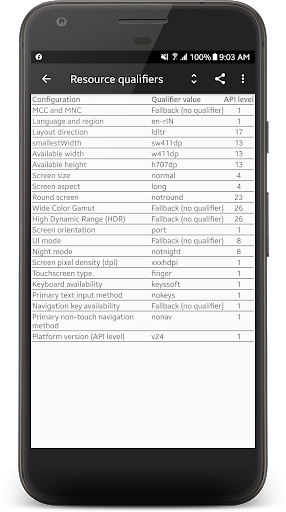
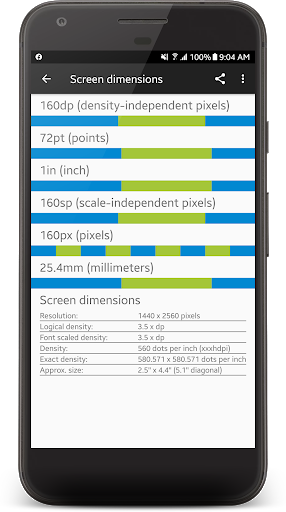
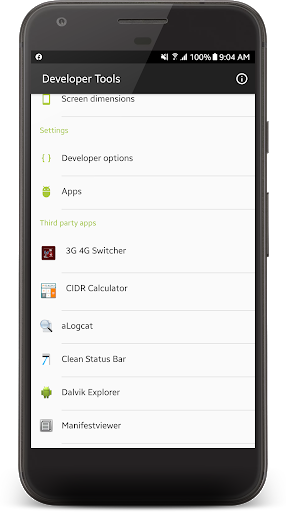
Using this app you can see which resource qualifiers that are being used, which system features that are available, and see details about the display and its sizes.
Also I wanted to create an app where everything I needed was just one click away. The full list of features:
- See resource qualifiers in use
- See available system features
- See screen dimensions in dp, pt, in, sp, px, mm
- Start Dalvik Explorer (third party app)
- Start aLogcat (third party app for viewing logcat)
- Start ManifestViewer (third party app for viewing AndroidManifest.xml )
- Start Clean Status Bar (third party app for taking tidying up status bar for screenshots]
- Go directly to the Android 4.3's permission manager (App Ops)
- Go directly to the device's developer settings
- Go directly to the list of installed applications
Works for Android 3.5.2 and up. Doesn't need any permissions to run. Please give me a word if there's something you'd like to see included in this app. :)
Thanks For Download & Give Valuable Feedback




9Apps 4.9












