
Allahu Akbar!
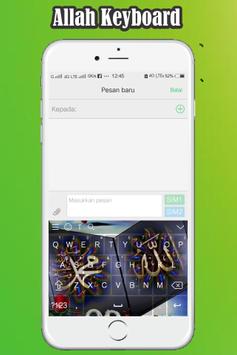
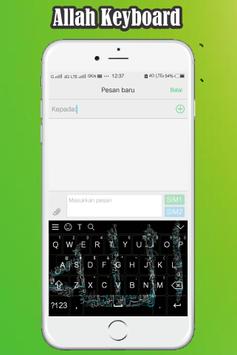
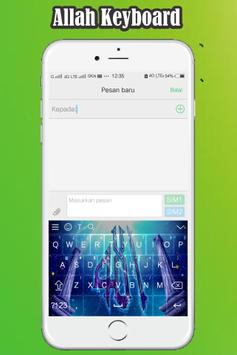
Download Keyboard Allah now so that you are always in a protected!
How to use the Keyboard Allah:
1. Launch the application of
Keyboard Allah
- Select Enable Keyboard,
- Check only
Keyboard Allah, select 'ok'
2. Select Set Input Method
- Check only
Keyboard Allah
3. Select Set Themes, select a theme you want.
4. Congratulation on using
Keyboard Allah
Thank You!
![[3 Hours] Best Top 10 Worship Piano Instrumental Play ListㅣPrayer Music screenshot 1](https://i.ytimg.com/vi/Pt-ng_103CU/mqdefault.jpg)





9Apps 4.9











