

1.あなたのAndroid携帯電話は最低限のAndroid Lollipopバージョンを持っている必要があります。
2。録音されたビデオがギャラリーに見つからない場合は、ファイルマネージャアプリの/ sdcard / schedding_videosフォルダを開きます。
3。「録音を開始」ボタンをクリックすると、「ホーム」ボタンを押します。
4。上記のフォルダのビデオを見ることができない場合は、電話を再起動してください。」
Screen Recorder lite is the application used to record the activities in your phone. This app consumes very less memory in your device.
1.Your android phone should have minimum of Android Lollipop version.
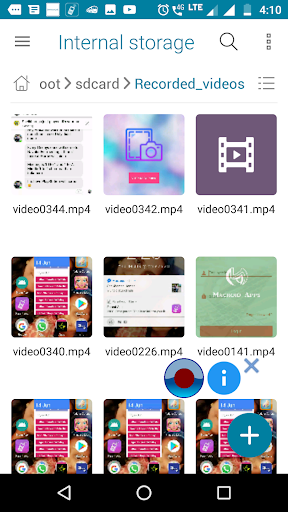
2.If you can't find your recorded video in the gallery, open the /sdcard/Recorded_videos folder in File manager app.
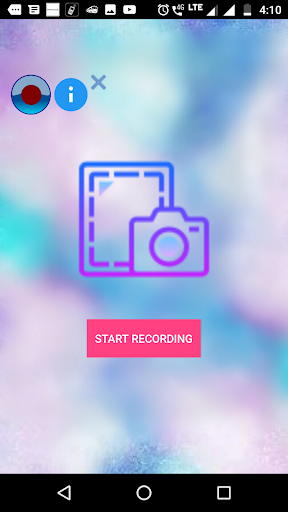
3.Press "Home" button after clicking "START RECORDING" button.
4. If you are unable to see the video in the mentioned folder please restart the phone.




9Apps 4.9











