
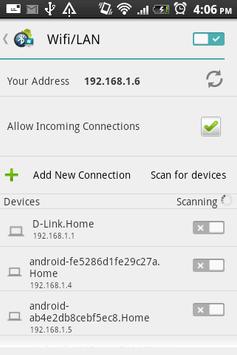
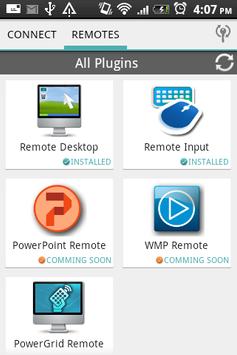
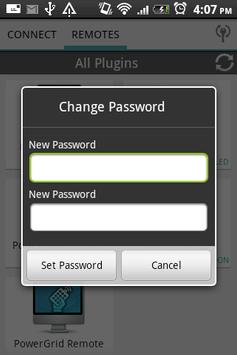
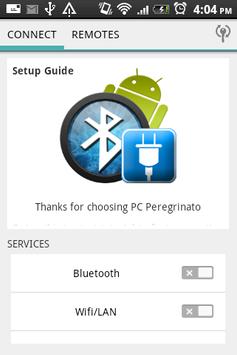
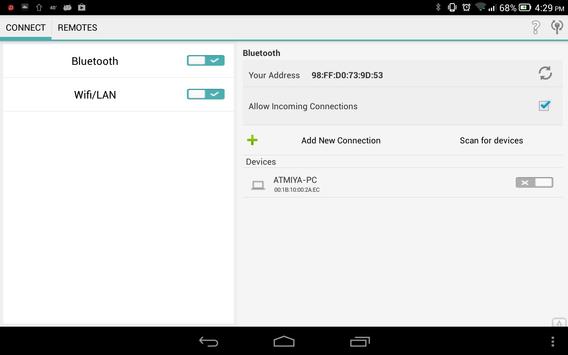
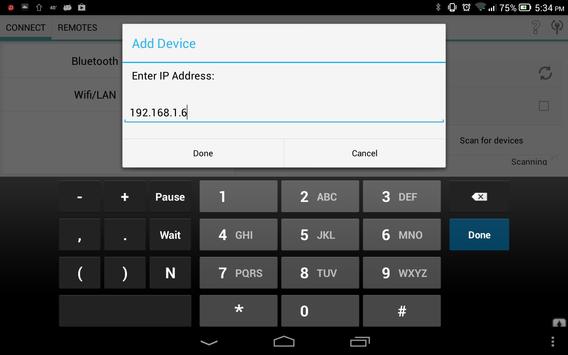
PC Peregrinato is a remote control solution for controlling PC remotely using Bluetooth and WiFi Connection. To use connection provided by PC Peregrinato you need to install Plugins Applications.
You access to the computer and use your favorite programs from distance. You can control mouse, keyboard, multimedia, presentation , Windows® Media Player, Power system commands, custom remote, gesture remote and may more.
DOWNLOAD ON PC:
http://www.pcperegrinato.com/
Tutorial, support, general information find here:
http://www.pcperegrinato.com/
How to connect:
1. Download the PC Peregrinato(PC companion) to your computer
2. Turn on Bluetooth or Ethernet on the PC
3. Extract downloaded file and launch 'PCPereginato_setup.msi'.
4. Run the application in your mobile.
Support:
http://www.pcperegrinato.com/contact
vinitsiriya@gmail.com
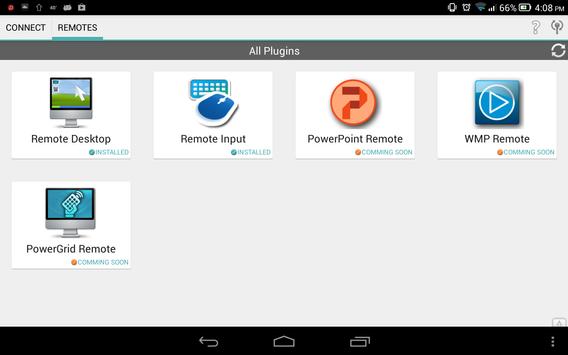
Plugins which we have or soon will be available :
• Mouse & Keyboard*
• Remote Desktop Connection*
• Multimedia control ( Windows® Media Player)
• Presentation control
• Gesture Remote
• Custom Remote
• SMS-Based Control
• System power control
Support the following operating systems:
• Windows 8 (x86, x64)
• Windows 7 (x86, x64)
• Windows Vista (x86, x64)
• Windows XP

9Apps 4.9












