




Nippon Paint i-Colour Visualizer app is unique app that helps you visualize the colours of your walls before you buy the paint. With of the Nippon i-Colour Visualizer app you can get an idea of the type of Nippon Paint colours that will suit your surface the most. With the app you will feel like having a Nippon Paint colour card at home at the touch of your fingertips.
If you are an interior designer or an architect, the Nippon Paint i-Colour Visualizer will save you time and money because you can demo the client instantly how the colour selected will look against the furniture placed in the room.
The 5 easy steps of how to use the Nippon Paint i-Colour Visualizer app.
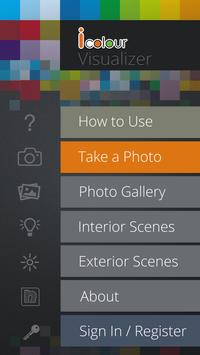
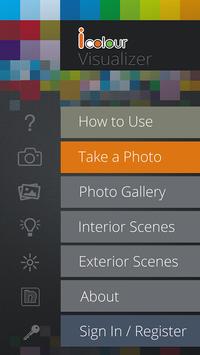
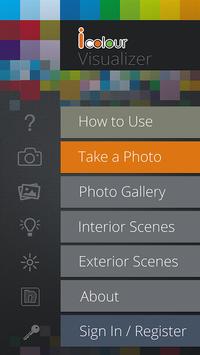
Step 1 – Take a photo from your camera or select a photo from the gallery.
Step 2 -
Choose either "Interior" or "Exterior" to specify the scene in your picture.
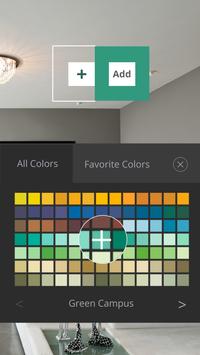
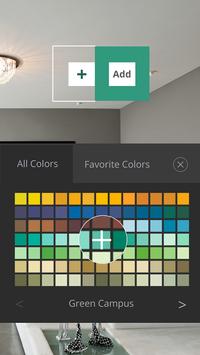
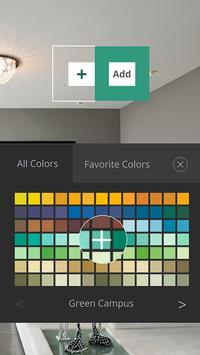
Step 3 – Select the colour you want to apply from the colour select tool.
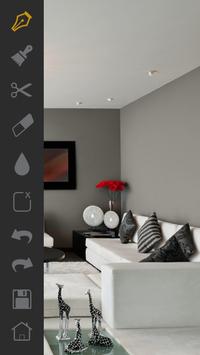
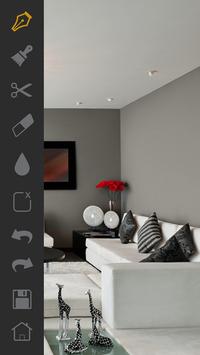
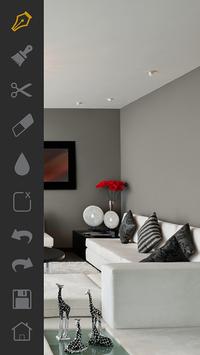
Step 4 – Mark the area of the wall you wish to paint in the photo using the given "Pen" or the "Brush" tools.
Step 5 – Save the customize image to compare with other images later.






9Apps 4.9











