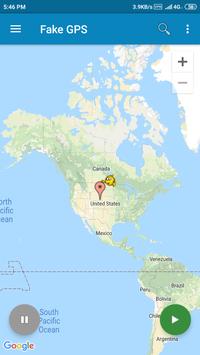
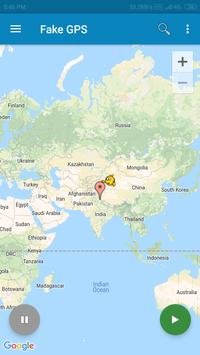
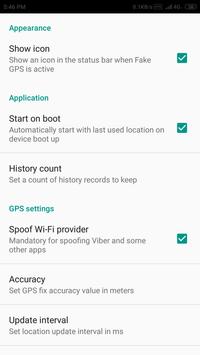
The following is needed to make sure the app runs smoothly:
1 - It is needed that you turn on "Allow Mock Locations" on Development Settings
2 - It is recommend that you switch location mode to "GPS Only" or disable Location Services altogether to avoid receiving cached mock locations after stopping Fake GPS, if this happens check our help section inside the app.
3. Make sure you run Fake GPS first before running your app.
Be aware that after using FakeGPS you may find your location LOCKED TO THE LAST MOCKED LOCATION EVENT AFTER UNINSTALL FakeGPS!
It's not a bug and your GPS sensor isn't broken. There are two ways to fix this issue:
1. Install "GPS Status" from the Play, launch and get a fresh GPS fix. You may need to repeat it several times with 30 min interval.
2. Start FakeGPS, set your real location and leave it so for several hours.
You may combine these steps. The issue will disappear in one or two days - be patient.



9Apps 4.9