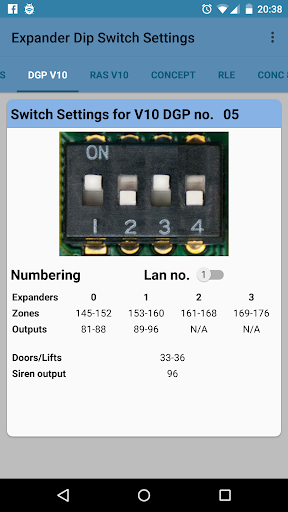

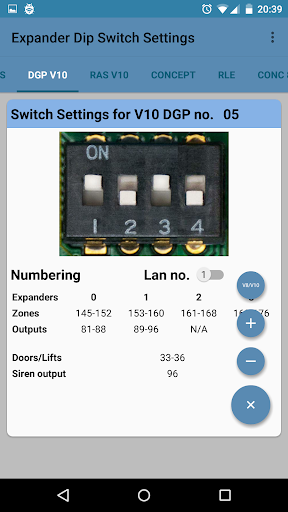
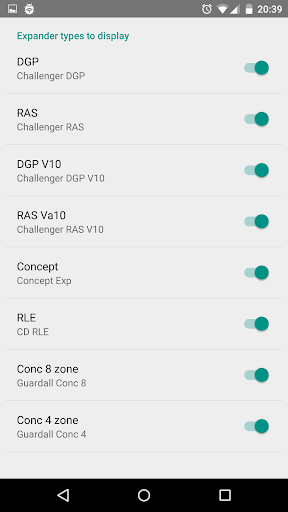
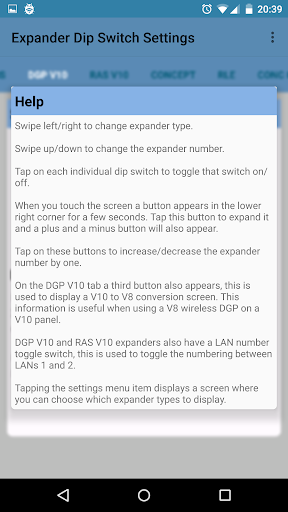


真新しいUI。エキスパンダーを変更するには左/右をスワイプします。エキスパンダー番号を変更するには、電子セキュリティ業界での具体的な使用については、特に次の侵入者警報管理パネルを使用する人による具体的な用途: -
Aritech:CD72、CD95、CD150。
Interlogix:ATS、ATSアドバイザー、ATSの高度化、アライアンス。
Innergent:Concept。
innernalge:RX16i、Qx32i、PX48i、PX80i、PX500、PX250HS。
Bosch:Popit Modules。
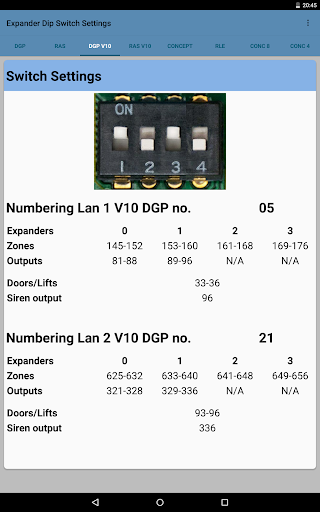
上記のパネルで利用可能なゾーン/出力エクスファーダーのディップスイッチ設定を、関連するゾーン/出力番号とともに表示します。
特定のDIPスイッチ設定の数値(非ラベル付きエキスパンダを識別しようとするときに便利)。
2.1
Support for App Invites. Send invitations to try app from the menu.
New 'About' screen.
Support added for Bosch POPIT modules. (Thanks to Mike Kimball for the suggestion).
2.0.1
Improved layouts for small screens and tablets.
2.0
Complete re-write of app with brand new user interface.
Swipe up/down to change expander number.
Swipe left/right to change expander type.
Added some extra expander types.
New expander types now easier to add, so suggestions are welcomed.
1.3.1
Minor tweaks.


9Apps 4.9