Now
add your book store,
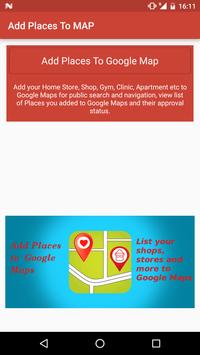
gym, store or any other gps location to Google Maps easily with 'Add GPS Places to Google Maps'.
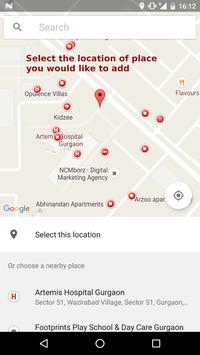
Select the
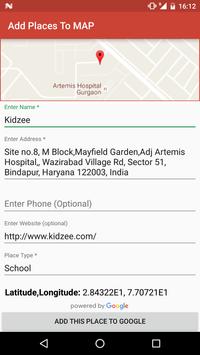
location on Google Maps and provide the details like name, address, phone and website for the
respective place and add it to Google Maps for public search so other people can search them on Google
Maps.
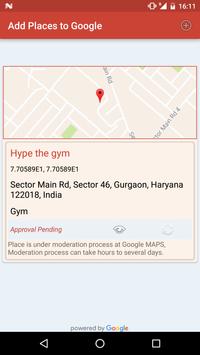
Once you submit a request to Google Maps
to add a place, the request
will go through moderation process and you can track the approval status within application.
Once the place is approved as Google Maps
place/location, people will be able to search
it in Google Maps in Google.
You can reach to more people by placing your store or shop to Google Maps.
People can easily find place of your store
or shop using Google Maps.
What you can do with "Add GPS Location to Google Maps"
1. Add Your Shop, Store, Gym to Google Maps for public search.
2. Couldn't search a public place like Bus Stop, Fuel station etc, just add it to Google Maps so next time you and other public can search it.
3. Add Hospital, Diary, Company location to Google Maps for easy search.
4. Add Temple, Mosque to Maps for public.
5. Set categories for place so people can search the place for respective category in your locality.
Minor Improvements and bug fixing

9Apps 4.9