This article is about hot apps for android. 20,000+ users downloaded DocteurDreads Shaders Mod latest version on 9Apps for free every week! Players who wants to play both because this app is good and because the app are response quickly at any time. This hot app was released on 2018-05-25. You can also find some other similar apps here.
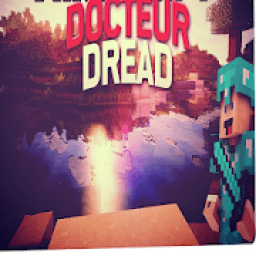
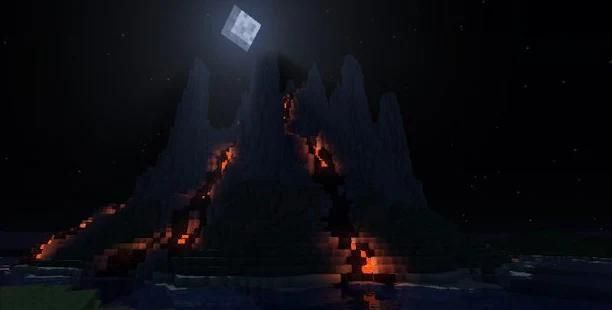
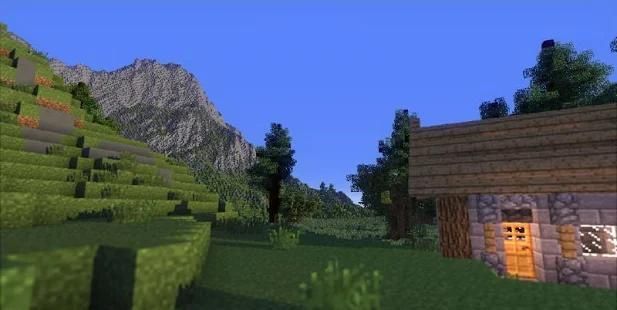
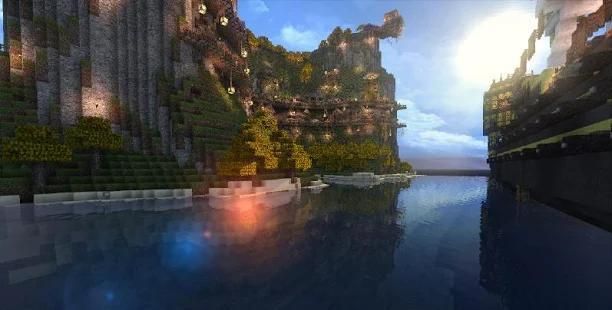
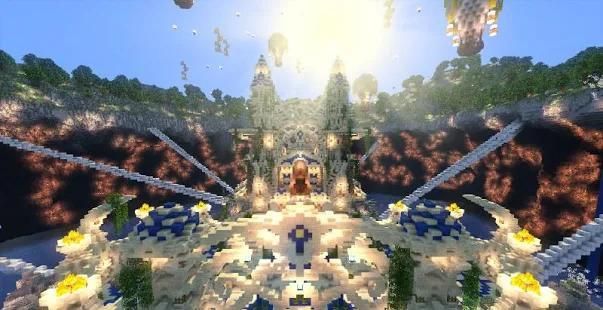
DocteurDread’s Shaders Mod 1.12.2/1.11.2 is based on the Chocapic13 and SEUS Rc6 Shaders. A Shader brings special effects to your Minecraft. For example, better water, sunshine… It adds beautiful graphic effects to Minecraft like godrays, waving grass or leaves, limpid water,… A lot of people cannot use them because they need a very good computer. But DocteurDread’s Shaders need only a 50$ graphic card to run the medium version.
How to install:
Make sure you have already installed Minecraft Forge, Optifine HD and GLSL Shaders Mod.
Locate the minecraft application folder.
On windows open Run from the start menu, type %appdata% and click Run.
On mac open finder, hold down ALT and click Go then Library in the top menu bar. Open the folder Application Support and look for Minecraft.
Place the mod you have just downloaded (.zip file) into the .minecraft/shaderpacks/ folder.
When you launch Minecraft and click the mods button you should now see the mod is installed.
This application is not affiliated in any way with Mojang AB. The Minecraft Name, the Minecraft Brand and the Minecraft Assets are all property of Mojang AB or their respectful owner. All rights reserved. In accordance with http://account.mojang.com/documents/brand_guidelines
DocteurDread ini Shaders Mod 1.12.2 / 1.11.2 didasarkan pada Chocapic13 dan SEUS RC6 Shaders. Sebuah Shader membawa efek khusus untuk Minecraft Anda. Misalnya, air yang lebih baik, sinar matahari ... Ia menambahkan efek indah grafis untuk Minecraft seperti godrays, melambaikan rumput atau daun, air jernih, ... Banyak orang tidak dapat menggunakan mereka karena mereka membutuhkan komputer yang sangat baik. Tapi Shaders DocteurDread ini hanya perlu 50 $ kartu grafis untuk menjalankan versi menengah.
Bagaimana cara menginstall:
Pastikan Anda telah menginstal Minecraft Forge, Optifine HD dan GLSL Shaders Mod.
Cari folder aplikasi minecraft.
Pada jendela terbuka Jalankan dari start menu, ketik% AppData% dan klik Run.
Di mac finder terbuka, tahan ALT dan klik Go kemudian Perpustakaan di menu bar bagian atas. Buka folder Application Support dan mencari Minecraft.
Tempatkan mod baru saja Anda download (file .zip) ke dalam .minecraft / shaderpacks / folder.
Ketika Anda memulai Minecraft dan klik tombol mods Anda sekarang harus melihat mod diinstal.
Aplikasi ini tidak berafiliasi dengan cara apapun dengan Mojang AB. The Minecraft Nama, Minecraft Merek dan Aset Minecraft semua milik Mojang AB atau pemilik hormat mereka. Seluruh hak cipta. Sesuai dengan http://account.mojang.com/documents/brand_guidelines



9Apps 4.9