9Apps supports free android apps apk download. 20,000+ users downloaded Logic Co. Map for MCPE latest version on 9Apps for free every week! A lot of functions and features are contained in this app. This hot app was released on 2018-08-13. 9Apps allows you to download more apps and updated daily!
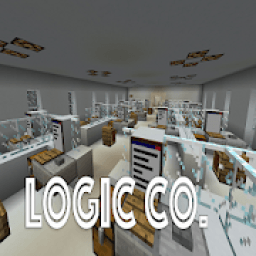
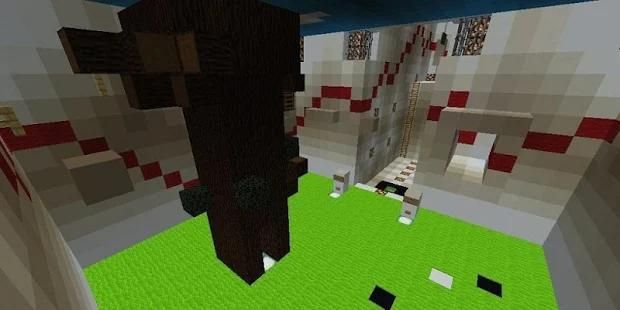
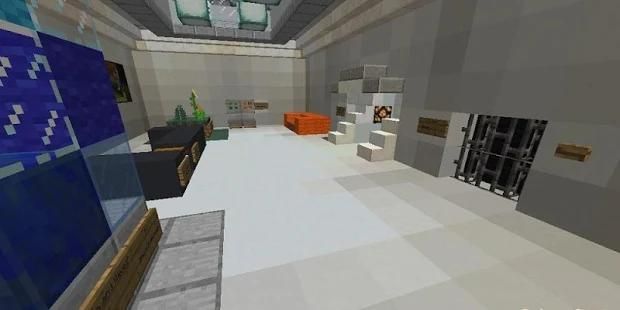
Logic Co. Map for Minecraft is a puzzle map . This is your first day of work, but you fall asleep by how boring it is. You wake up, but the door has already shut. You must find a way to get out the company, or you will be fired tomorrow. The map is pretty long, and the estimated playtime is about 1 hour. Download the map from the link below and try to challenge yourself.
Notes:
Please do not play on any other version or it may not work!
Do not cheat.
You should set Render Distance to 12 or upper.
How to install:
Download the map from the link below.
Extract the file you have just downloaded.
Hold down Windows key, then press R key on the keyboard (or you can click Start, then type Run into search, after that click Run)
Type appdata into the Run program, then press Enter.
Open .minecraft folder, then open saves folder.
Drag extracted map folder which you have done in step 2 into saves folder.
Start Minecraft, the map is in Singleplay mode.
Enjoy and play!
Disclaimer:
NOT AN OFFICIAL MINECRAFT PRODUCT. NOT APPROVED BY OR ASSOCIATED WITH MOJANG.
In accordance with http://account.mojang.com/documents/brand_guidelines
Logic Co. Map untuk Minecraft adalah peta teka-teki. Ini hari pertama kerja Anda, tetapi Anda tertidur oleh betapa membosankannya itu. Anda bangun, tetapi pintu sudah tertutup. Anda harus menemukan cara untuk keluar dari perusahaan, atau Anda akan dipecat besok. Peta cukup panjang, dan waktu bermain yang diperkirakan sekitar 1 jam. Unduh peta dari tautan di bawah dan coba tantang diri Anda.
Catatan:
Tolong jangan bermain di versi lain atau mungkin tidak berfungsi!
Jangan curang.
Anda harus mengatur Render Distance ke 12 atau lebih tinggi.
Bagaimana cara menginstall:
Unduh peta dari tautan di bawah ini.
Ekstrak file yang baru saja Anda unduh.
Tahan tombol Windows, lalu tekan tombol R pada keyboard (atau Anda dapat mengklik Mulai, lalu ketik Run in search, setelah itu klik Run)
Ketik appdata ke dalam program Run, lalu tekan Enter.
Buka folder .minecraft, lalu buka simpan folder.
Seret map peta yang diekstraksi yang telah Anda lakukan pada langkah 2 ke dalam folder simpan.
Mulai Minecraft, peta dalam mode Singleplay.
Nikmati dan mainkan!
Penolakan:
BUKAN PRODUK MINECRAFT RESMI. TIDAK DISETUJUI OLEH ATAU TERKAIT DENGAN MOJANG.
Sesuai dengan http://account.mojang.com/documents/brand_guidelines

![8 Most Useful Survival Addon for Minecraft Bedrock/MCPE 1.21+ [2025 Update] screenshot 2](https://i.ytimg.com/vi/lznRcZK_9LU/mqdefault.jpg)



9Apps 4.9