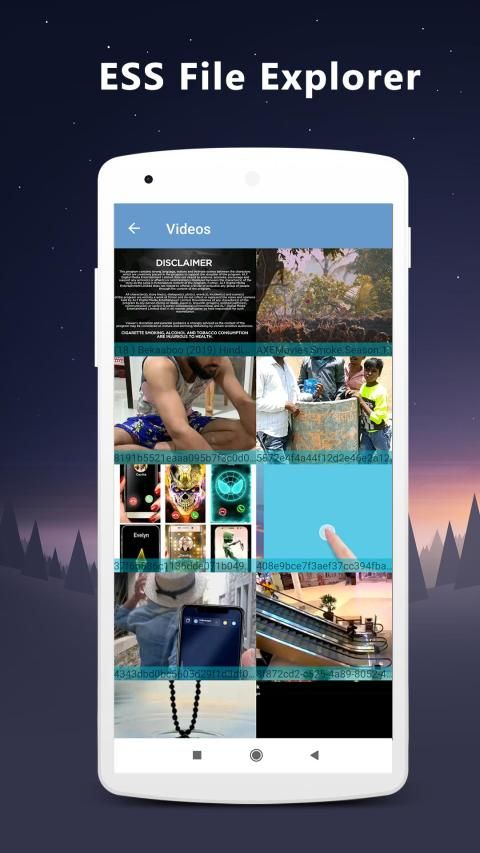

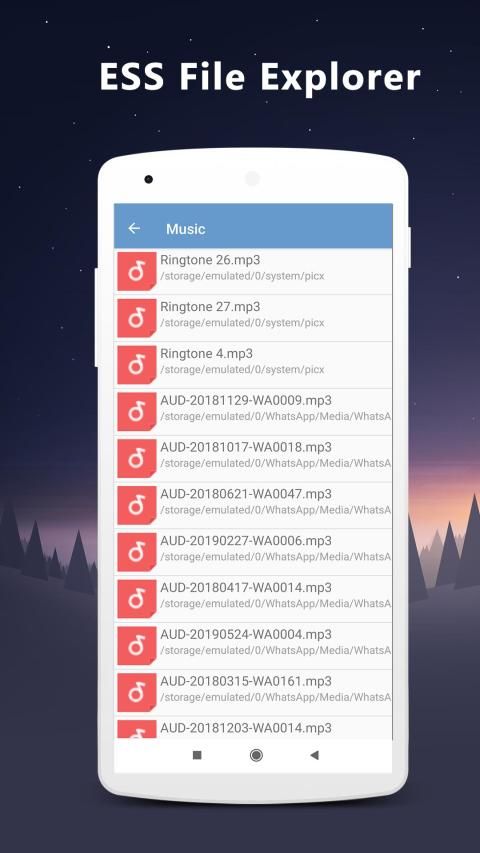
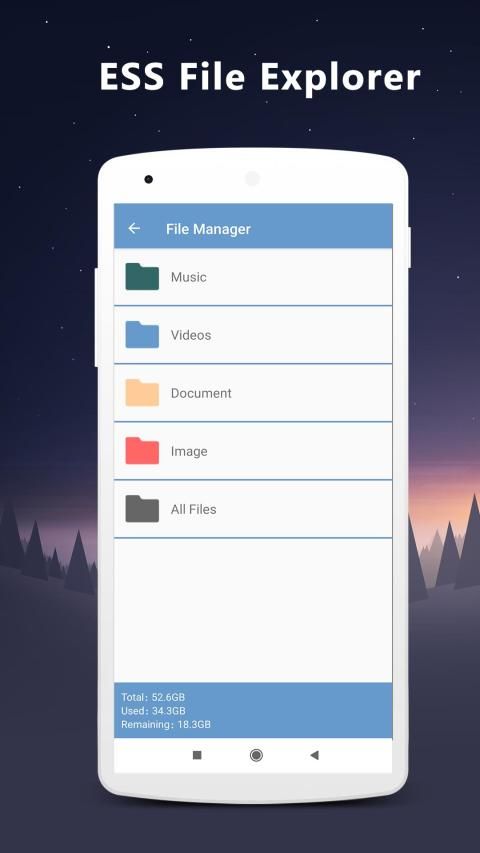

Download the latest application of india here. 30,000+ users downloaded ESS File Explorer latest version on 9Apps for free every week! Many latest version apps provided on 9Apps too. This hot app was released on 2019-06-06. More similar hot applications can be found here too.
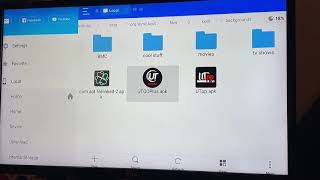
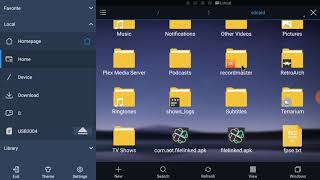
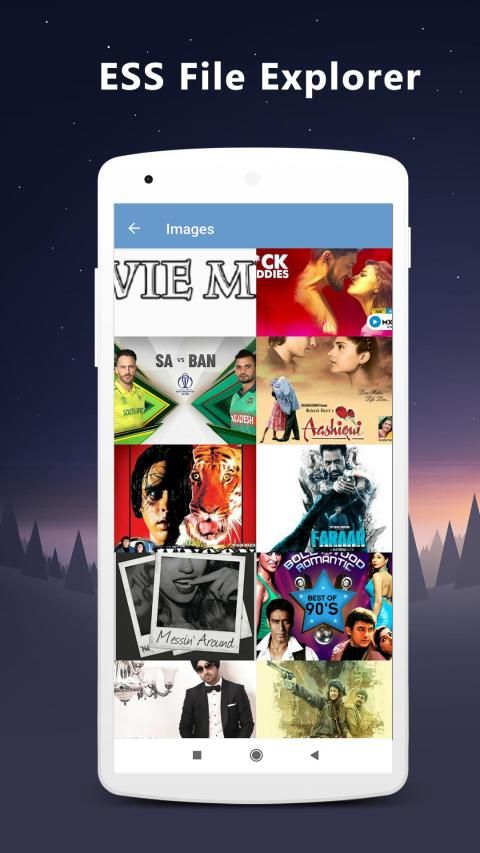
ESS File Explorer is a powerful file manager app with a clean and attractive interface.
With ESS File Explorer app, you can quickly browse and manage the files on your mobile device.
Also it provides a rich set of features that advanced users are looking for without feeling bloated.
You can even manage the space used on your mobile device with a visualized storage analysis.
ESS File Explorer is an all-in-one file (Photos, Images, Music, Movies, Documents, Apps, Files, Folders, Videos) management tool for both local and remote file systems
Remote File Connection – Link your files from anywhere
• Functions as an FTP client: Manage files on FTP servers just like you manage files on your SD card
• Transfer to PC: Through your smartphone via WiFi with SMB
File Deliver and File Explorer
• Root Explorer: For advanced users to explore, edit, copy, paste and delete files in the root partition of phone storage for development purposes. Explore root folders of the system like data, cache.
• Wi-Fi File transfer: Use your PC to wirelessly edit your mobile files using FTP
Features:
Root access to files
Add to Favorite
Show Hide files
App theme change option
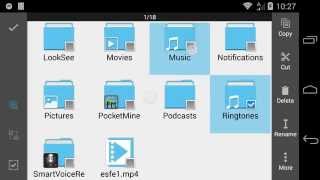
Search and share files
add new file and folder
different themes available for the whole app
holder for my files
ESS File Explorer also be used for browsing root files and SD card content. You can easily rename, copy, move, delete and share anything you wish manages the file. Download file es to hold my files for momery of friends and mates. The es file manager has a fine holder to show hidden files. Personal momery can be hidden very easy with password protected support
ESS File Explorer adalah aplikasi pengelola file yang kuat dengan antarmuka yang bersih dan menarik.
Dengan aplikasi ESS File Explorer, Anda dapat dengan cepat menelusuri dan mengelola file di perangkat seluler Anda.
Juga menyediakan serangkaian fitur kaya yang dicari pengguna tingkat lanjut tanpa merasa kembung.
Anda bahkan dapat mengelola ruang yang digunakan pada perangkat seluler Anda dengan analisis penyimpanan yang divisualisasikan.
ESS File Explorer adalah alat manajemen semua-dalam-satu (Foto, Gambar, Musik, Film, Dokumen, Aplikasi, File, Folder, Video) alat manajemen untuk sistem file lokal dan jarak jauh
Koneksi File Jarak Jauh - Menautkan file Anda dari mana saja
• Berfungsi sebagai klien FTP: Mengelola file di server FTP sama seperti Anda mengelola file pada kartu SD Anda
• Transfer ke PC: Melalui ponsel cerdas Anda melalui WiFi dengan SMB
File Deliver dan File Explorer
• Root Explorer: Untuk pengguna mahir mengeksplorasi, mengedit, menyalin, menempel dan menghapus file di partisi root penyimpanan ponsel untuk tujuan pengembangan. Jelajahi folder root sistem seperti data, cache.
• Transfer File Wi-Fi: Gunakan PC Anda untuk mengedit file seluler Anda secara nirkabel menggunakan FTP
Fitur:
Akses root ke file
Tambahkan ke Favorit
Tampilkan Sembunyikan file
Opsi perubahan tema aplikasi
Cari dan bagikan file
tambahkan file dan folder baru
tema berbeda tersedia untuk seluruh aplikasi
pemegang untuk file saya
ESS File Explorer juga dapat digunakan untuk menelusuri file root dan konten kartu SD. Anda dapat dengan mudah mengganti nama, menyalin, memindahkan, menghapus, dan membagikan apa pun yang Anda inginkan mengelola file. Unduh file untuk menyimpan file saya untuk momery teman dan teman. Manajer file es memiliki dudukan yang bagus untuk menampilkan file yang tersembunyi. Momery pribadi dapat disembunyikan dengan sangat mudah dengan dukungan yang dilindungi kata sandi
Ess file explorer
Ess file manager
Es file Explorer
Es file manager

9Apps 4.9